10
Wearsafe User Manual
Activating Your Account
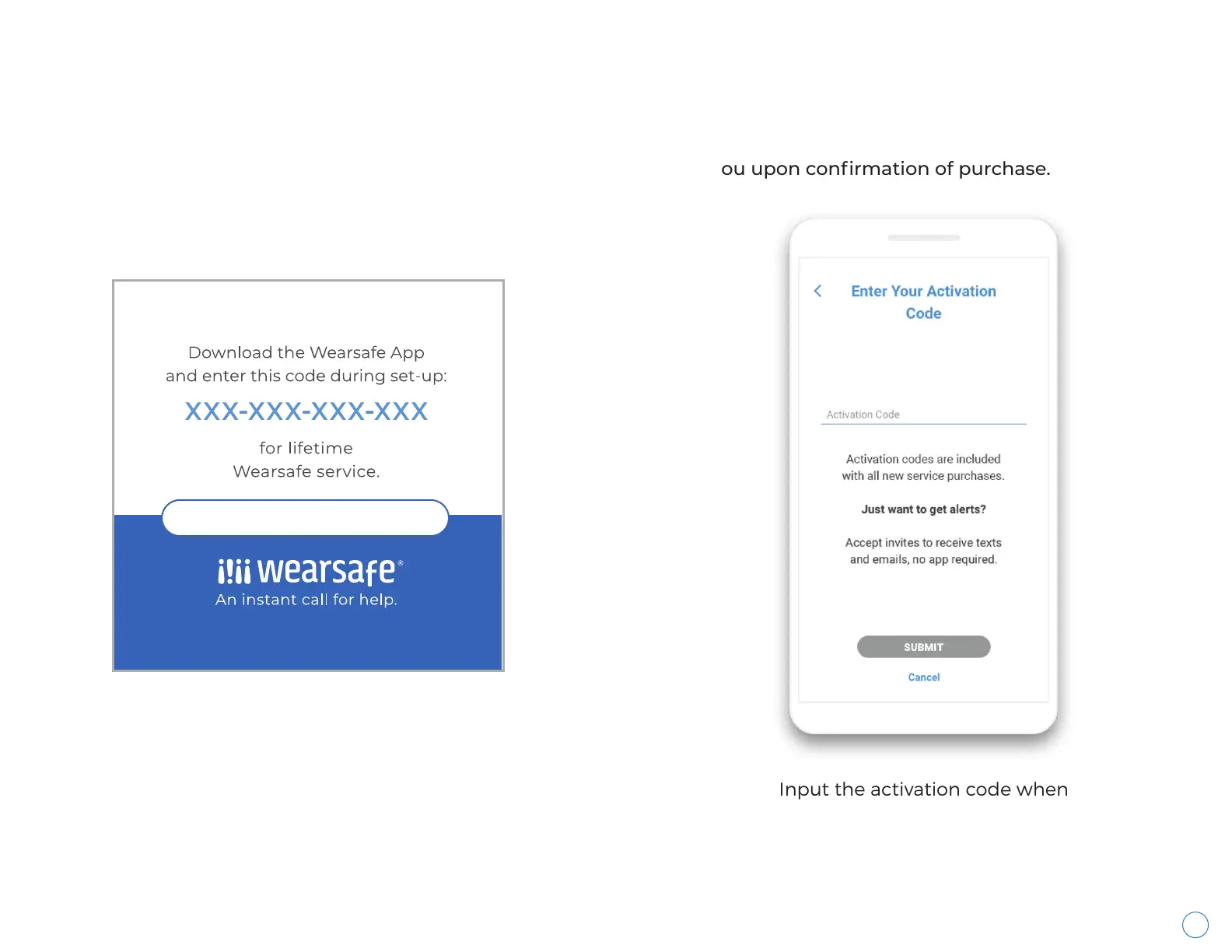
You must activate your account in order to receive Wearsafe services needed to send alerts. To activate your account,
you must input an activation code into the Wearsafe app. The activation code can either be found on an activation
code card located inside the box you received, or it will be emailed to you upon confirmation of purchase.
Input the activation code when
prompted. The code should be
12 digits long and a mixture of
numbers and letters.
Activation Code Card
Accident Medical Expense Insurance Included
visit www.wearsafe.com/ameinsurance for more information



 To Next Page