30
Wearsafe User Manual
Sending Alerts with Voice-Activated Devices
Using Amazon Alexa Using Google Nest and Home
If you haven’t yet added the Wearsafe skill to your Amazon Alexa account, go to page 22 of this manual. If you haven’t
linked your Google Account to your Wearsafe account, go to page 23. You can skip these instructions for any device or
account type you do not have.
To send alerts, say:
“Alexa, tell Wearsafe to send
a Check-in.”
“Alexa, tell Wearsafe to send
a Red Alert.”
Alexa will tell you when an
alert has been sent.
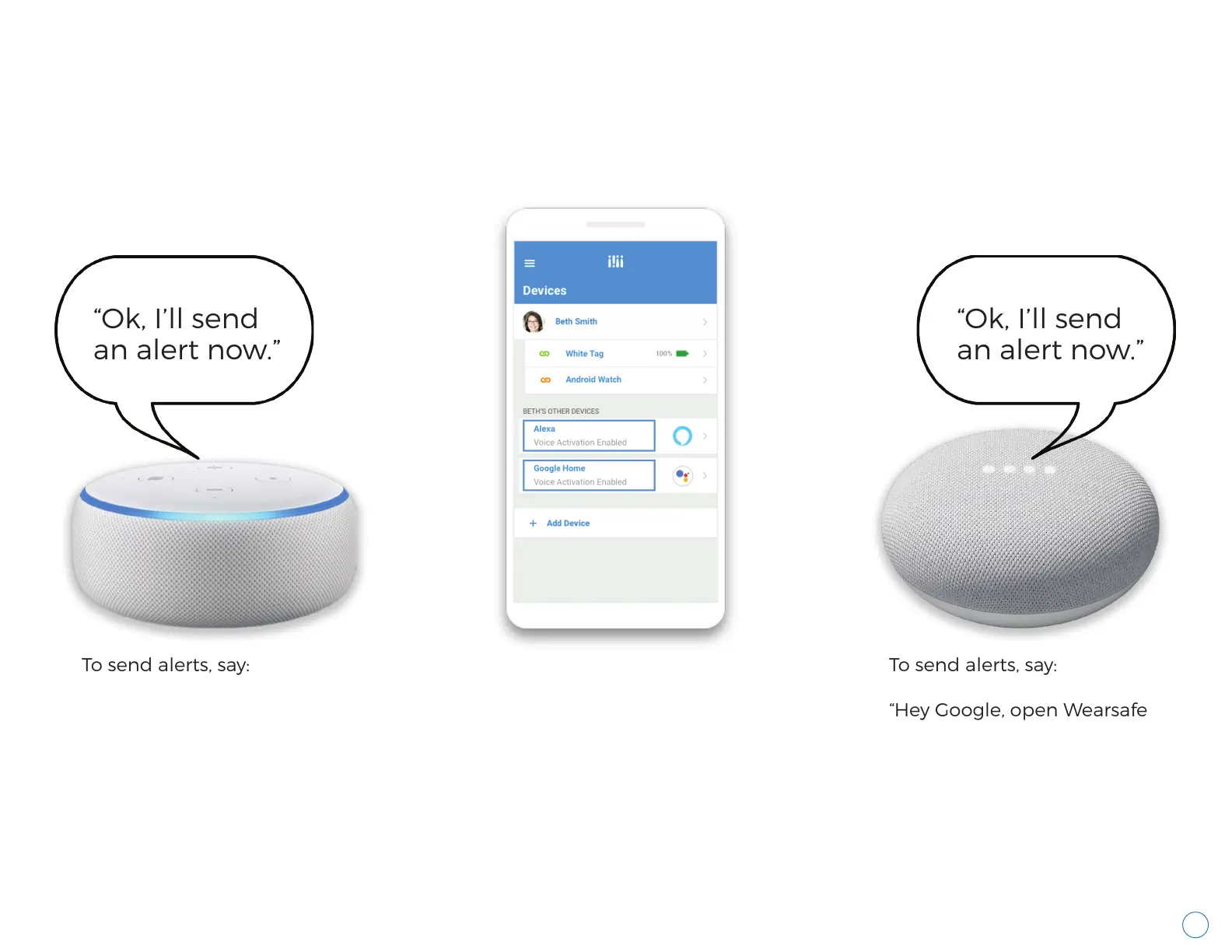
Visit the “Devices” screen
from the main menu of
the Wearsafe App to
confirm your Amazon
and/or Google accounts
are linked. If not, follow the
instructions on page 22 of
this manual for Amazon
and page 23 for Google.
To send alerts, say:
“Hey Google, open Wearsafe
to send a Check-in.”
“Hey Google, open Wearsafe
to send a Red Alert.”
Google will tell you when
an alert has been sent.
“Ok, I’ll send
an alert now.”
“Ok, I’ll send
an alert now.”



 To Next Page