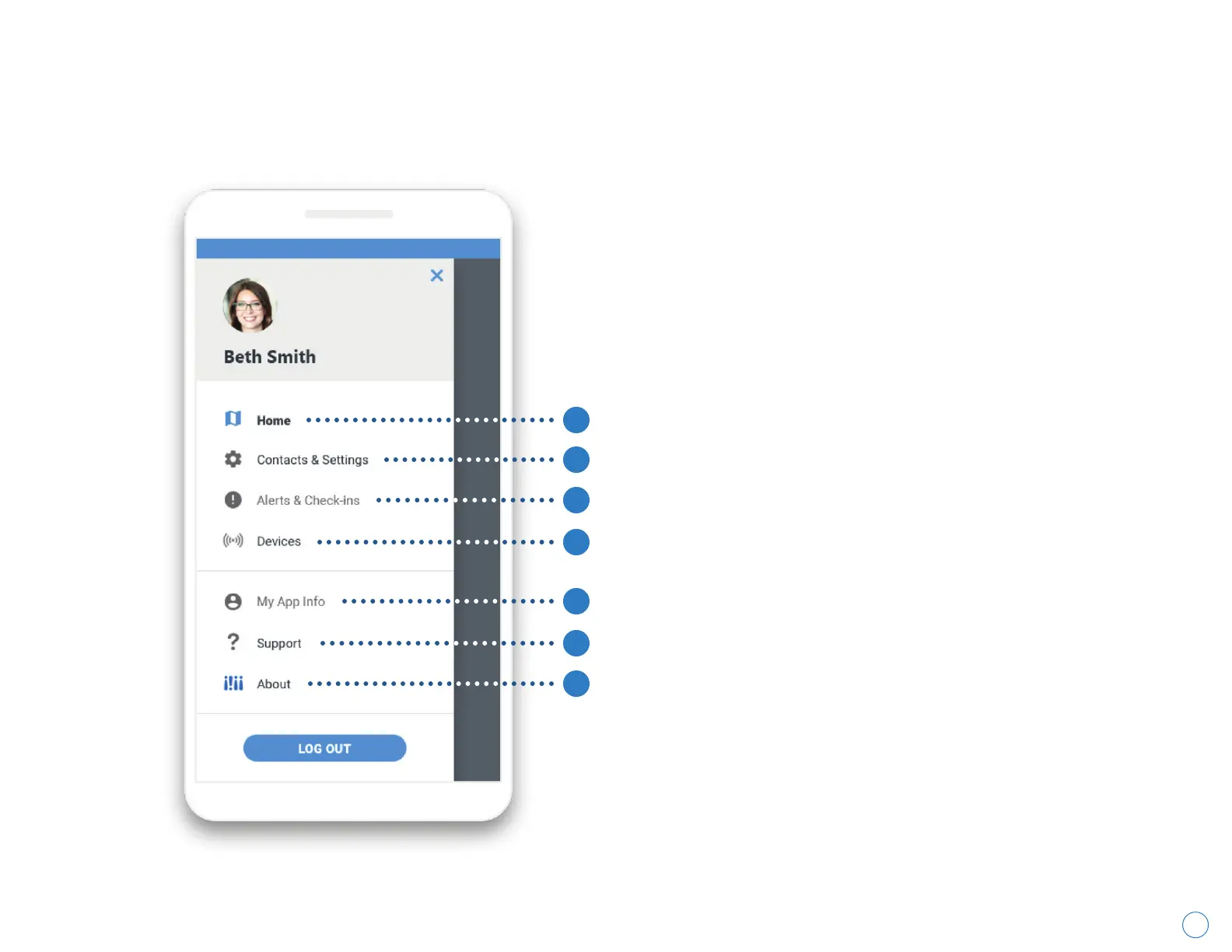
Getting to Know Your Menu
Wearsafe User Manual
1. Home
Displays the home screen.
2. Contacts & Settings
Add and remove Contacts, choose which
Alert types they receive, and customize
Check-in messages.
3. Alerts & Check-ins
Lists open and past alerts.
4. Devices
Pair new devices and check battery levels or
test existing devices.
5. My App Info
Access and edit your account information
and settings.
6. Support
Access a Wearsafe walkthrough and contact
Support via email.
7. About
View app version and legal notices.
1
3
4
6
7
2
5
14



 To Next Page