Wearsafe User Manual
13
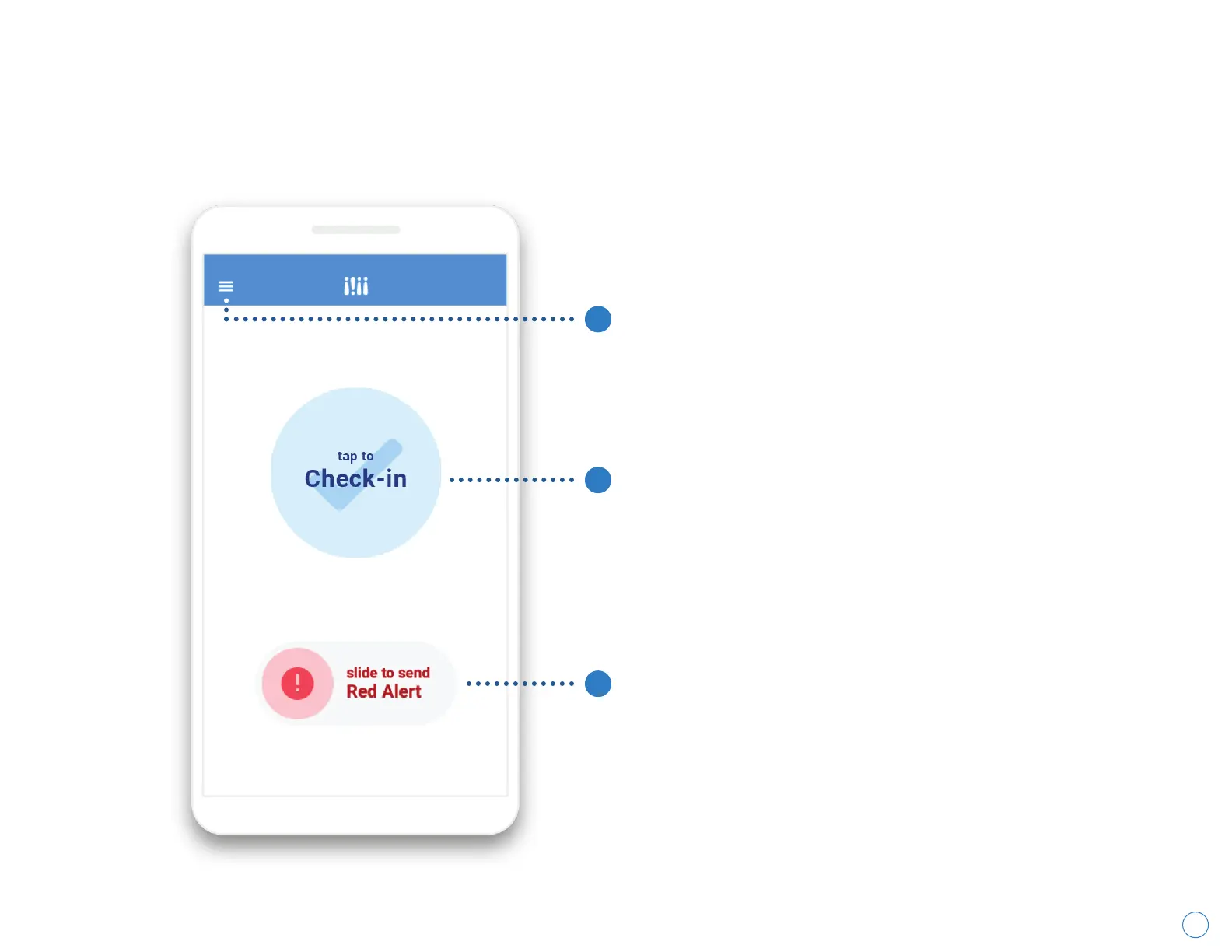
1. Main Menu Button
Displays the main menu to access different
settings.
2. Check-in Button
Tapping this sends your pre-selected
Contacts a one-time notification with your
current location.
3. Red Alert Slider
Sliding right sends your pre-selected Contacts
an ongoing alert with GPS tracking and audio
recordings of your surroundings. Sliding left
closes an ongoing alert.
Getting to Know Your Home Screen
1
2
3



 To Next Page