28
Wearsafe User Manual
Sending Alerts with the Wearsafe Tag
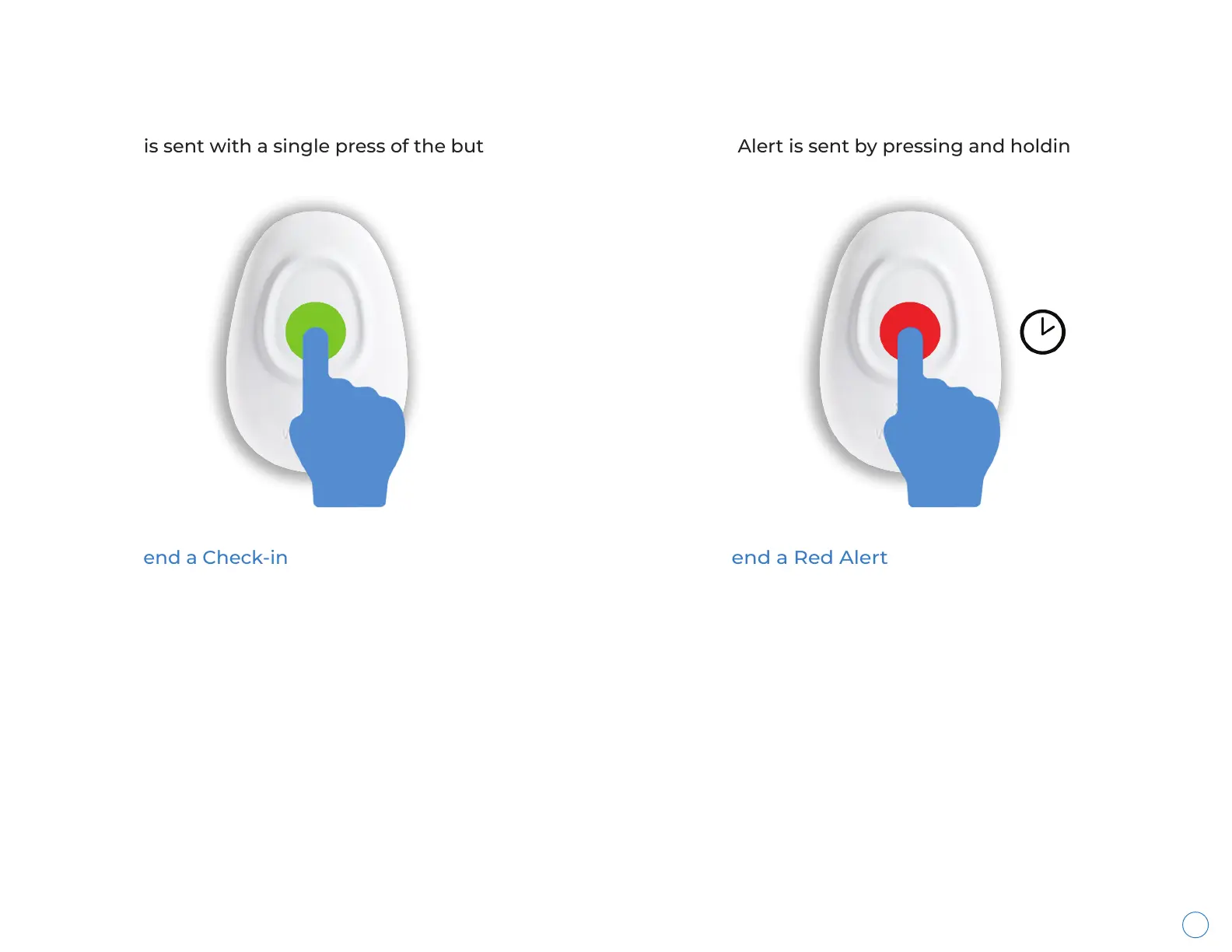
How To Send a Check-in
Press the Wearsafe Tag’s alert button once. When the
Check-in is successfully sent, you will feel a vibration.
How To Send a Red Alert
Press the Wearsafe Tag’s alert button and hold it.
Three vibrations will occur when the alert begins.
Additional vibrations will occur each time a Contact
first views the alert online.
Before sending an alert with your Wearsafe Tag, be sure that Bluetooth is active on the phone paired to your Tag. A
Check-in is sent with a single press of the button on your Tag and a Red Alert is sent by pressing and holding the
button.



 To Next Page