26
Wearsafe User Manual
How Alerts Work
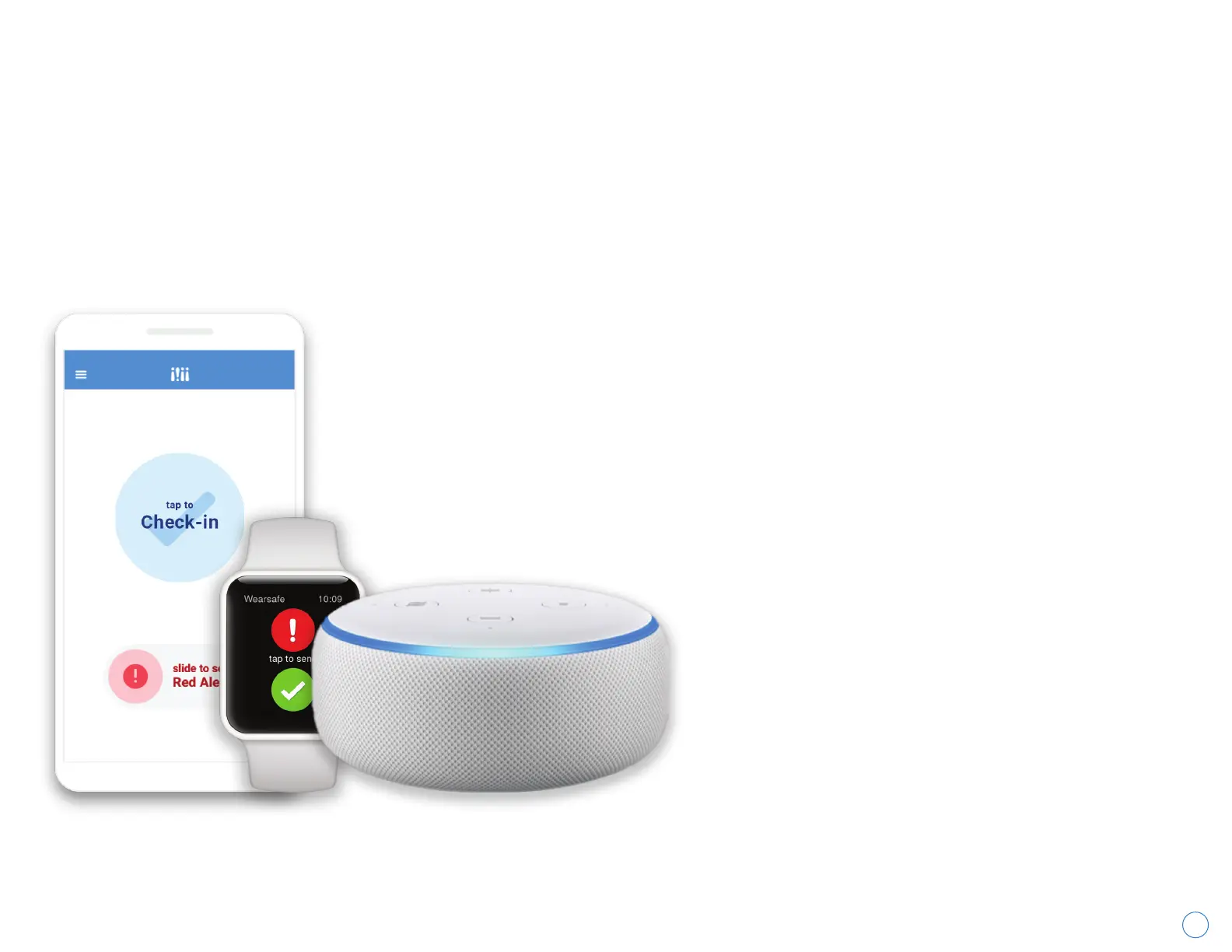
1. Send the Alert
Send a Check-in or a Red Alert using the alert
method you prefer.
2. Your Chosen Contacts Will Be Notified
Your emergency contacts will receive emails and
text messages notifying them that you sent an
alert.
3. Your Device will Notify You
Vibration, visual, or audible cues will notify you
depending on the device used to send an alert.
You will also be notified when Alert Contacts view
a Red Alert.
4. Your Contacts Can Offer Assistance
Your Contacts can coordinate how best to help you
using the chat screen, including the professional
monitoring service if this is included in your
subscription.
5. Close the Alert
When everything has been resolved, close the alert
using the slider on the home screen or the “Close
Alert” button from the alert page and entering your
alert PIN as confirmation.
Wearsafe offers two types of alerts: Check-ins and Red Alerts. Check-ins are a one-time notification sharing your
location at the time the alert is sent. They are often used to let your Contacts know everything is ok or that you got to
your destination safely. Red Alerts are ongoing, and continue to update your location and record audio from your
surroundings until the alert is closed. They are meant to be used during an emergency or to let your Contacts know
you need help.



 To Next Page