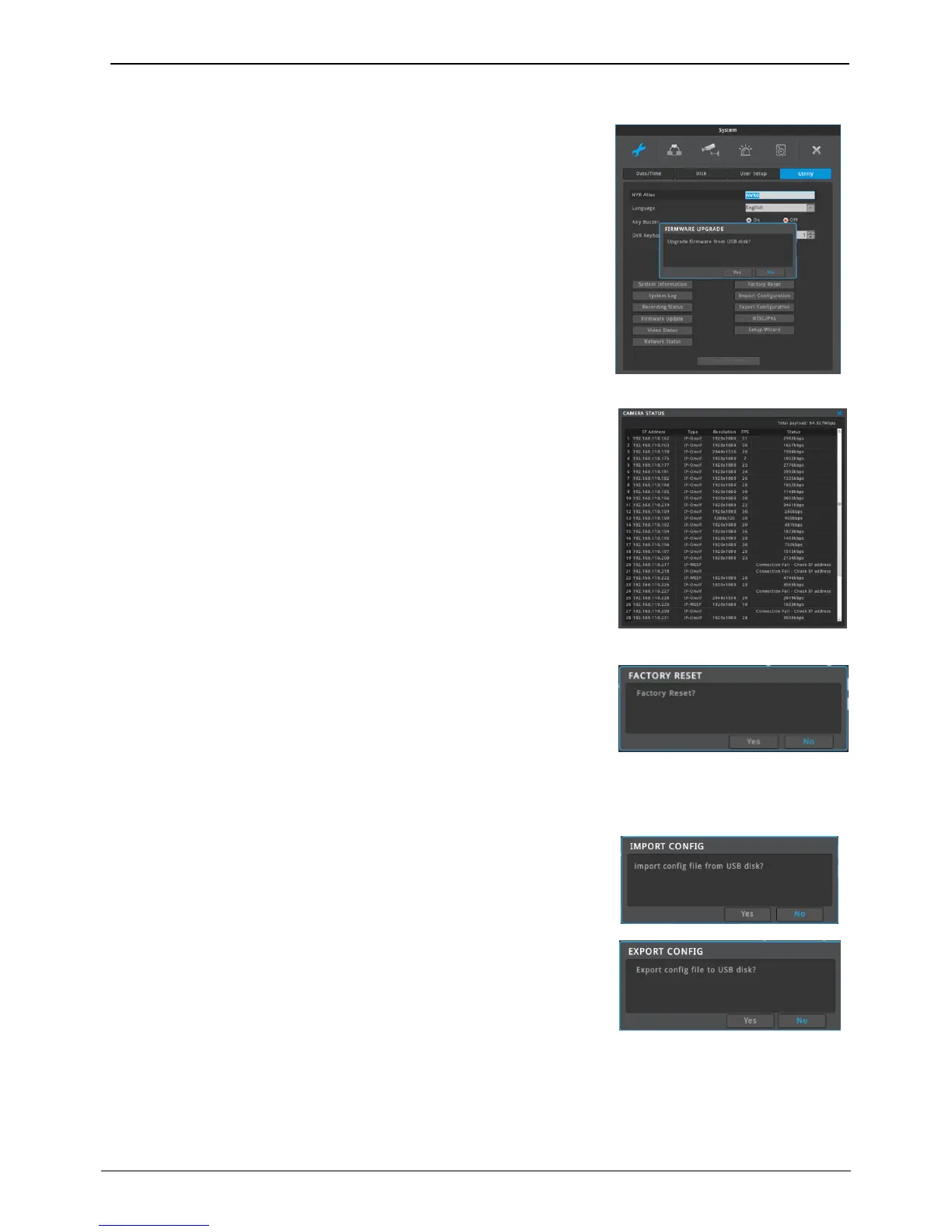
Can update firmware by USB Memory stick
Steps for USB upgrade
1) Put firmware file into USB memory and insert it into NVR
2) Select “Firmware update” button
3) Select “Yes” to the popup “Upgrade firmware from USB disk?”
4) NVR will reboot automatically.
5) Firmware upgrade completed
<Note>
Firmware upgrade window runs automatically if higher version of
firmware than that in use are recognized from USB memory.
Please use USB memory formatted in FAT32.
Change all set up values to default values.
Only a manager can use this function.
<Note>
Only a NVR system manager can use this function.
Refer to the (supplement – factor default value) for the factory reset.
Export – Saves Configuration data in NVR to USB
Import – Apply exported Configuration data to relevant NVR or another
NVR.



 To Next Page