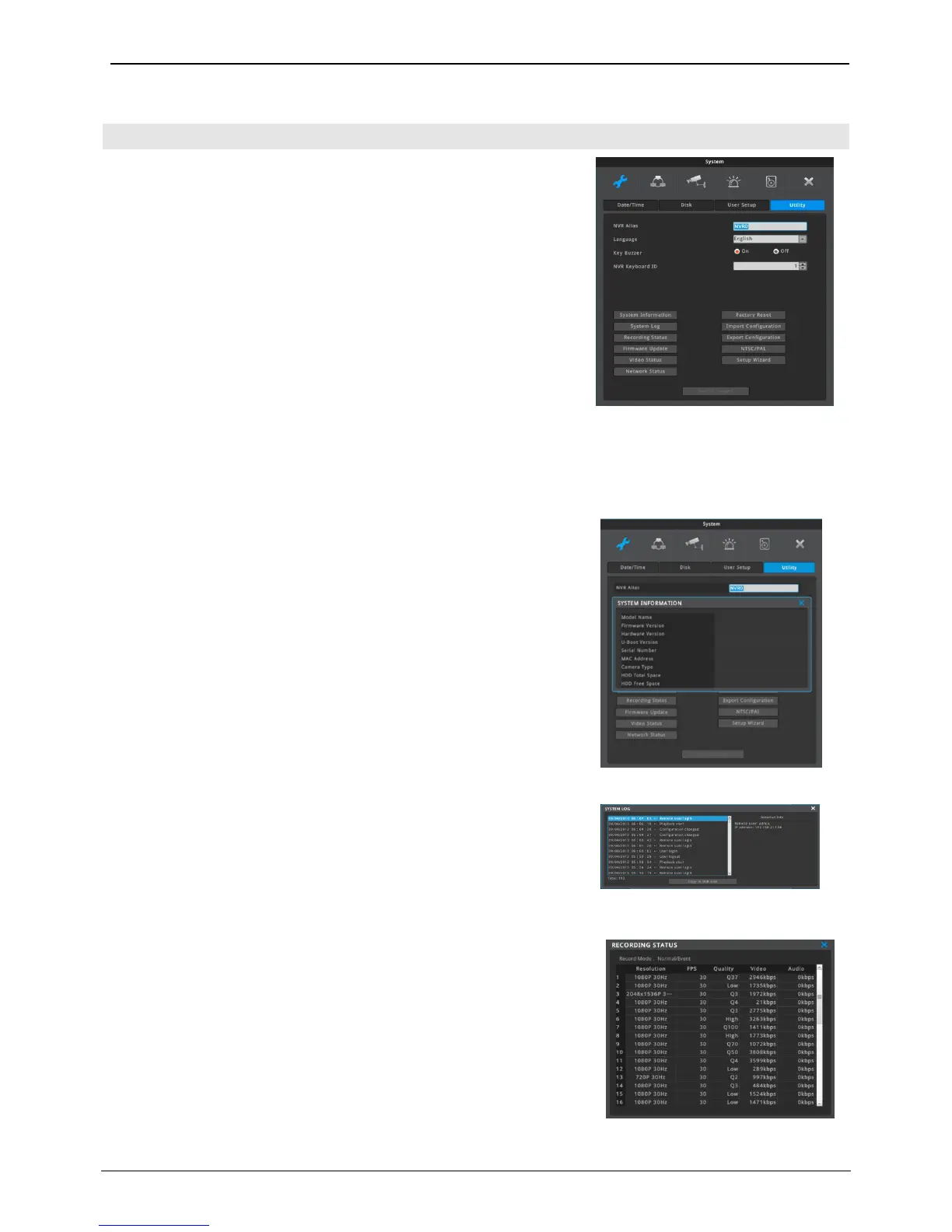
Utility sets up NVR name, language, etc.
NVR alias
Set the NVR alias when connected to network.
Language
Select a language for a system.
Key buzzer
Button sound can be turned on or off for keyboard.
NVR keyboard ID
This menu sets the address of keyboard when using all functions of
NVR by keyboard. Default value is “1”. If user wants to control various
NVR by one keyboard, its address should have different value. If
designated address is configured the same as keyboard, user can
control NVR function.
It shows NVR system’s information.
System information includes model name, firmware version, hardware
version, U-boot version, serial number, MAC address, camera type, HDD
capacity, Remaining HDD capacity.
System log shows the log list of system booting, user login, Setting
changes. User can scroll the list using up and down buttons on the
front panel.
Displays NVR recording status.



 To Next Page