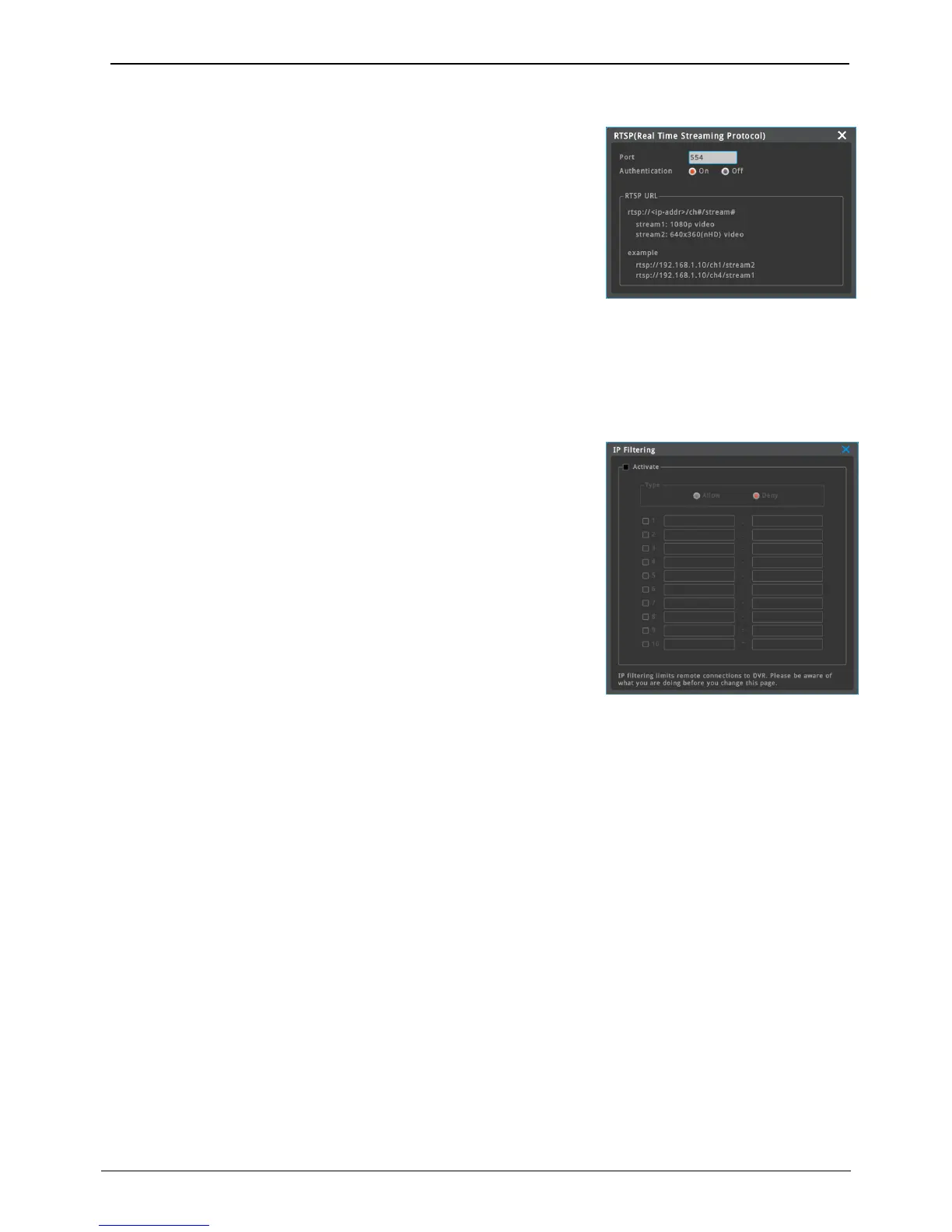
It is short for Real Time streaming Protocol) and streams real time live
image of NVR
Authentification On: Only authorized users can view RTSP video.
Authentification Off: Non-authorized users can view RTSP video.
Stream1 : Main Stream
Stream2 : Sub Stream
In order to view channel 1 of NVR (Ex: 192.168.1.10), input “rtsp://192.168.1.10/ch1/stream1”.
<Notice>
Use VLC player to view RTSP video on PC
Maximum 10 ranges of IP addresses can be set to allow or deny
remote network connection
Allow
Allow 192.168.0.0 ~ 192.168.0.255 > another IP addres that does not in
the range will not be allowed for remote network connection
Deny
Deny 192.168.0.0 ~ 192.168.0.255 > another IP address that does not
in the range will be allowed for remote network connection.
<Notice>
IP filtering limits remote connections to NVR Please be aware of what you are
doing before you change this page



 To Next Page