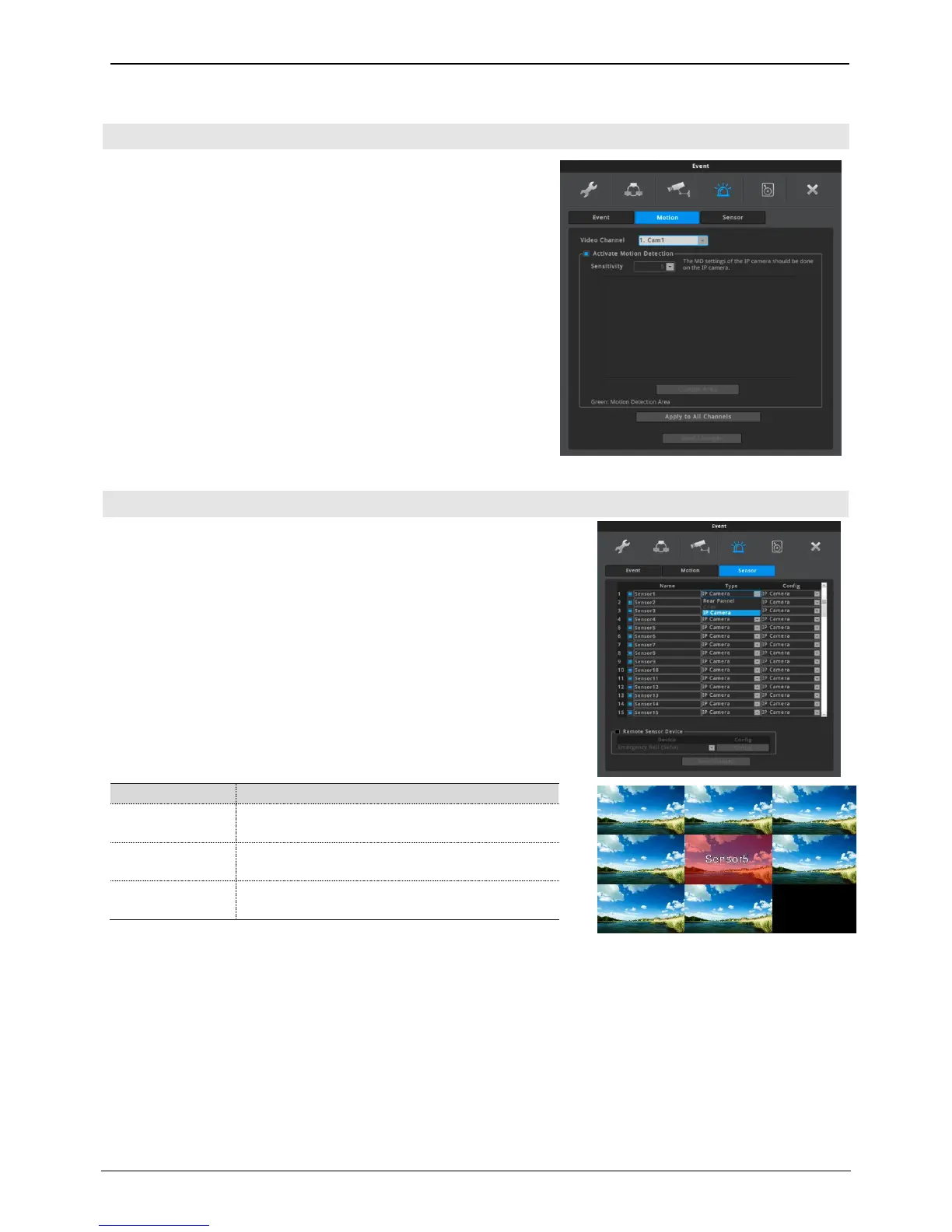
NVR can activate motion detection for each channel. The motion
detection seting of the IP camera such as motion detection area
and sensitivity should be done on the IP camera.
If motion detection is activated, motion detection can be a source
of event.
Video Channel & Activate Motion Detection
Select one of video channel and select activate or deactivate
motion detection. Each channel can have different setting.
Apply to All Channels
Current video channel’s setting will be applied to all channels.
Sensor can be set by each channels and name can be changed.
Name
Name can have max 20 characters including number and symbol.
Type
Real Pannel – Sensor which is connected to ALARM IN port of rear
panel is used. Its Config can be set as Normal Open, Normal
Close and Flame Detector. If Flame Detector is selected,
sensor input will be recognized as a flame.
IP Camera – Sensor of IP camera is used. If IP flame detection camera
(N1080BL-AF-F2) is connected, sensor Config will be
automatically changed to Flame Deteector.
If sensor's electric contacts become connected,
NVR recognizes it as an alarm.
If sensor's electric contacts become disconnected,
NVR recognizes it as an alarm.
It works when flame detection signal is received
from flame detection camera or sensor input.
<Note>
1. If sensor input is occurred, sensor name and alpha-blended red background
color will be overlayed. To change the overlay setting, click [FUNC menu] –
[Information] – [Screen].
2. Alarm push can be done if
1) motion, sensor, flame detection or text event is on
2) video event is on or off (whenever)
<Note>
What is sensor overlay? – Function to inform user by blinking the transparent
red box and sensor name on video.



 To Next Page