CMP100 User Guide
15
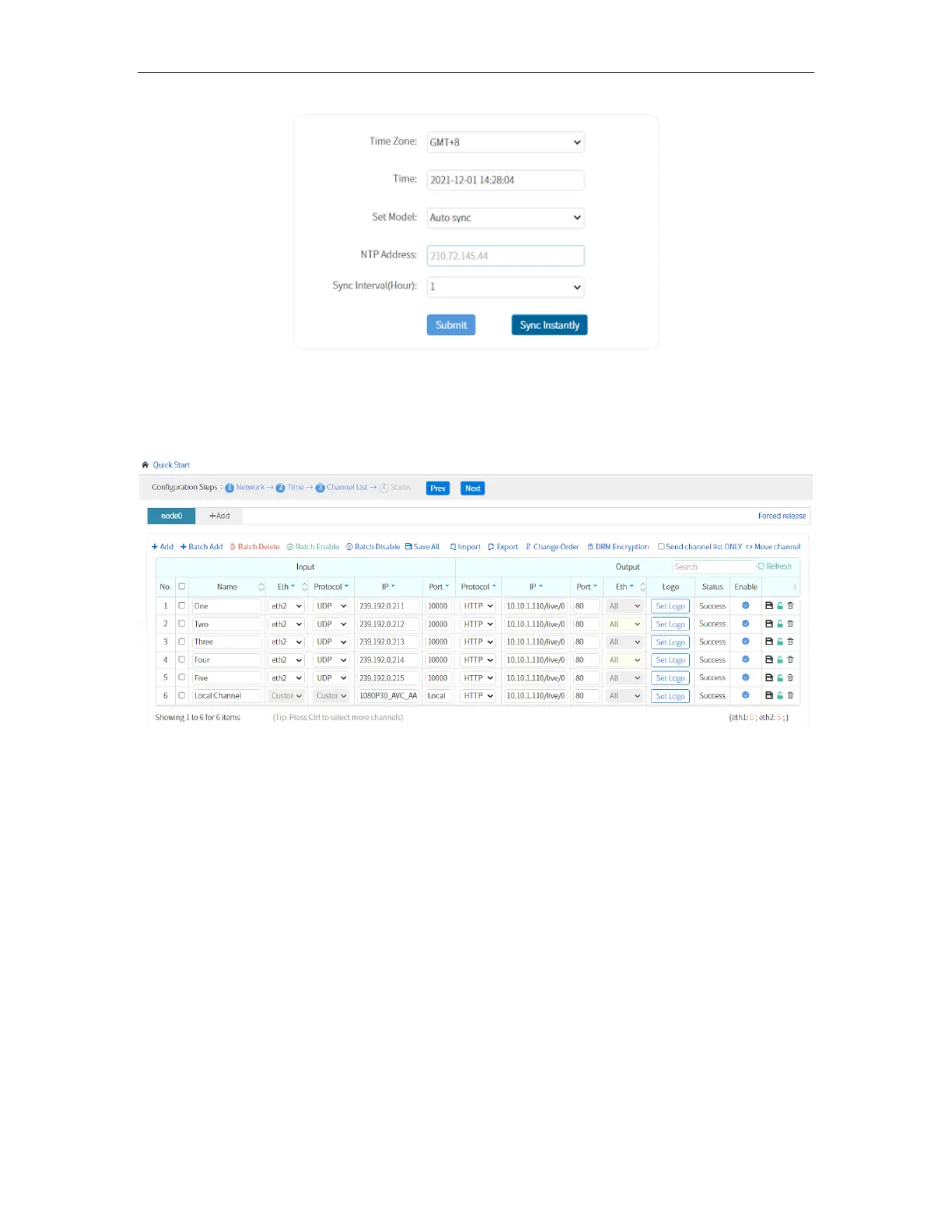
Channel:
This menu allows you to input the source IP address and output the service via UDP,
RTP or HTTP.
See CHANNELS menu for more details on the page.
Status
This is same with the Welcome page when you first log in to the unit. It shows the status
of the System, including CPU, Memory and Hard Disk Status. It also displays the UP and
DOWN data traffic on each port.



 To Next Page