INSTALLATION AND MAINTENANCE MANUAL
E1 FAMILY
LICENSED & SPREAD SPECTRUM RADIOS
JUNE 2001
SECTION 5: APPENDICES PAGE 5-5
Shaded switch positions are factory default
SW1
0 0 Enable (depends on model)
1 1 Disable
3
0 Internal
1 External
4
0 Enable
1 Disable (Flash)
0 Enable
1 Disable
Diagnostics Port
TBOS 0
Craft/SNMP Proxy 1
Aux Data Port
8
Bridged (TBOS) 0
Enabled (Clear) 1
0 Floating Not used
1 Grounded on 2E/4E
1 2 3 4 5 6 7 8
0 0 Code 1
0 1 Code 2
1 0 Code 3
1 1 Code 4
3 4
0 0 Enable (depends on model)
1 1 Disable
Frequency Xmtr Rcvr
A1 2410 2453 0 0
A2 2453 2410 0 1
B1 2430 2473 1 0
B2 2473 2430 1 1
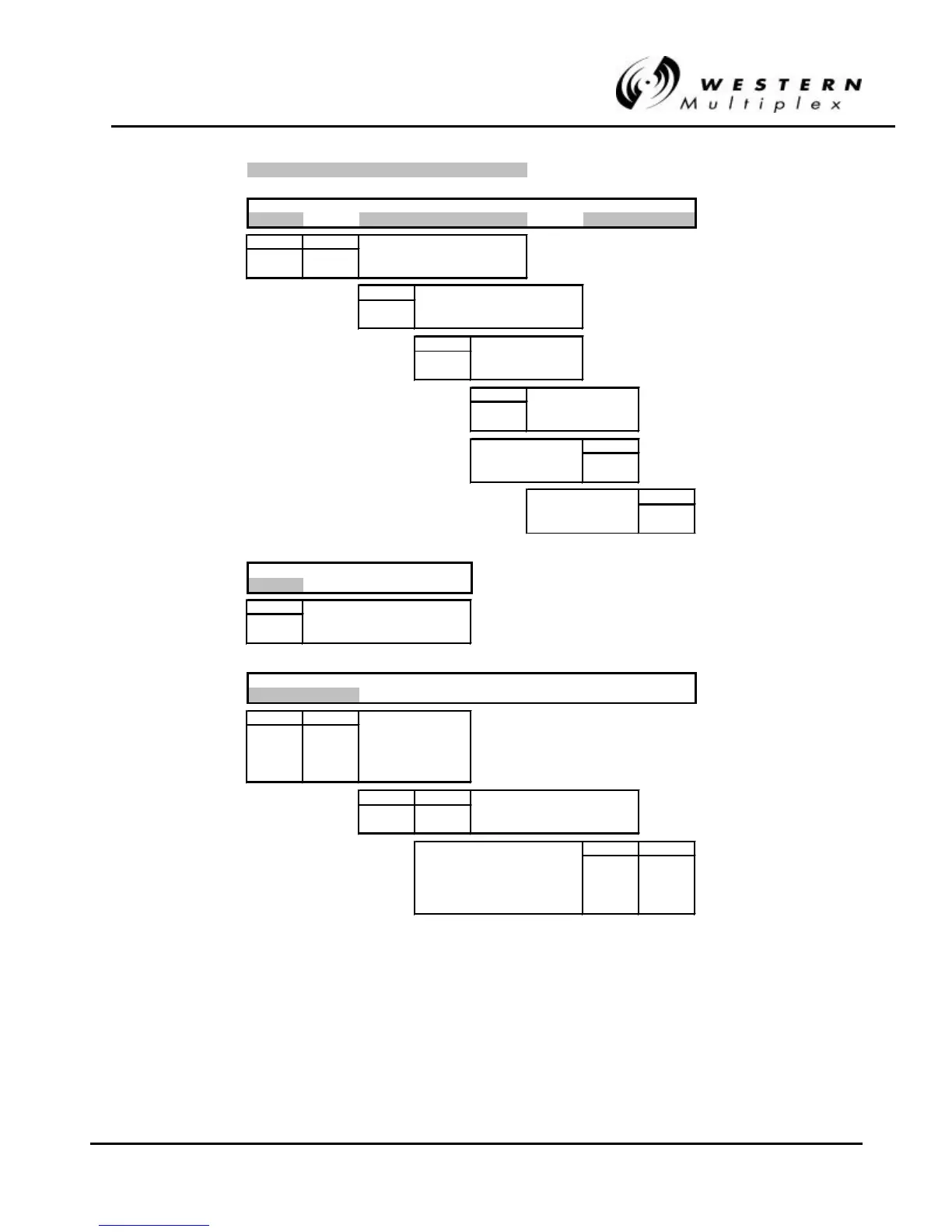
Table BTable B-- 2: Lynx.sc 1xE1, 2.4 GHz Switch Settings 2: Lynx.sc 1xE1, 2.4 GHz Switch Settings



 To Next Page