INSTALLATION AND MAINTENANCE MANUAL
E1 FAMILY
LICENSED & SPREAD SPECTRUM RADIOS
JUNE 2001
SECTION 2: PRODUCT DESCRIPTION PAGE 3-53
3.11 CEPT-1 (E1) Interface Connection
The CEPT-1 interface connection to the Lynx radio is on the rear panel.
Additional external lightning protection devices are recommended
for the CEPT-1 connections if the radio is installed in an area
prone to lightning.
The CEPT-1 connection to the Lynx is at the data interface on the rear of the shelf. Individual BNC or
RJ-45 connectors are used to interface the line transmit and receive functions. On the 1xE1 and
2XE1 and 4xE1 (with BNC option), seventy-five (75) ohm co-axial cables with BNC fittings should be
used to connect Lynx to external equipment.
If a balanced 120 ohm connection (RJ45) is required, when
using Lynx 1xE1 or 2xE1 or Lynx 4xE1 (with BNC ports), then an
optional balun will provide this interface. If you can not locate
these baluns (balanced/unbalanced) devices, please consult
the factory.
The DATA OUT port provides a bipolar signal (positive and negative pulses) referenced to
ground, with the BNC shield connected to ground.
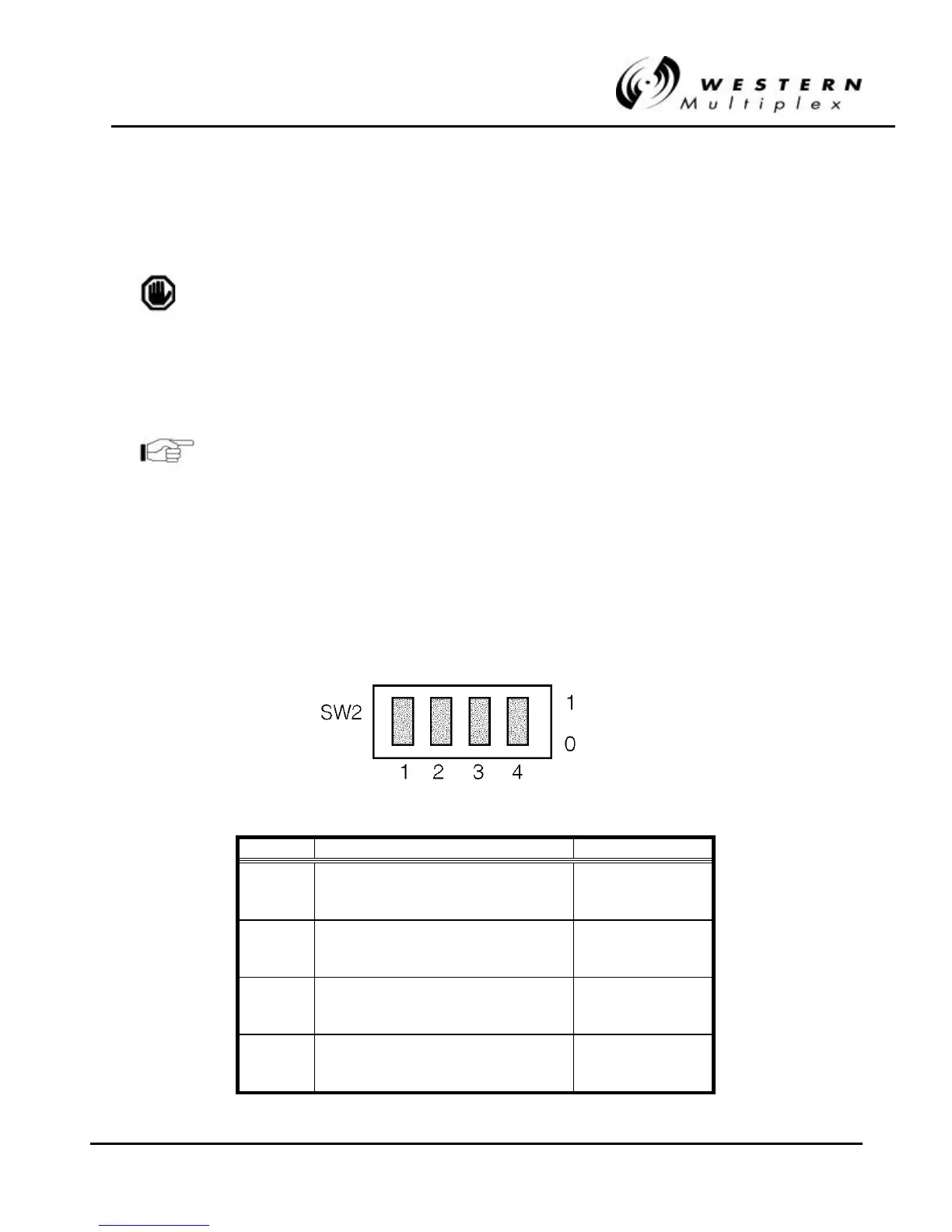
However, the DATA IN port accepts a similar bipolar signal with the BNC shield normally left OPEN
(floating) in order to eliminate any ground loop problems. If desired, the BNC shield on the DATA IN
port may be grounded using the selector switch SW2.
Position Description Setting
1 Grounding Condition Channel 1 0 = Floating
1 = Grounded
2 Grounding Condition Channel 2* 0 = Floating
1 = Grounded
3 Grounding Condition Channel 3* 0 = Floating
1 = Grounded
4 Grounding Condition Channel 4* 0 = Floating
1 = Grounded
* Where applicable



 To Next Page