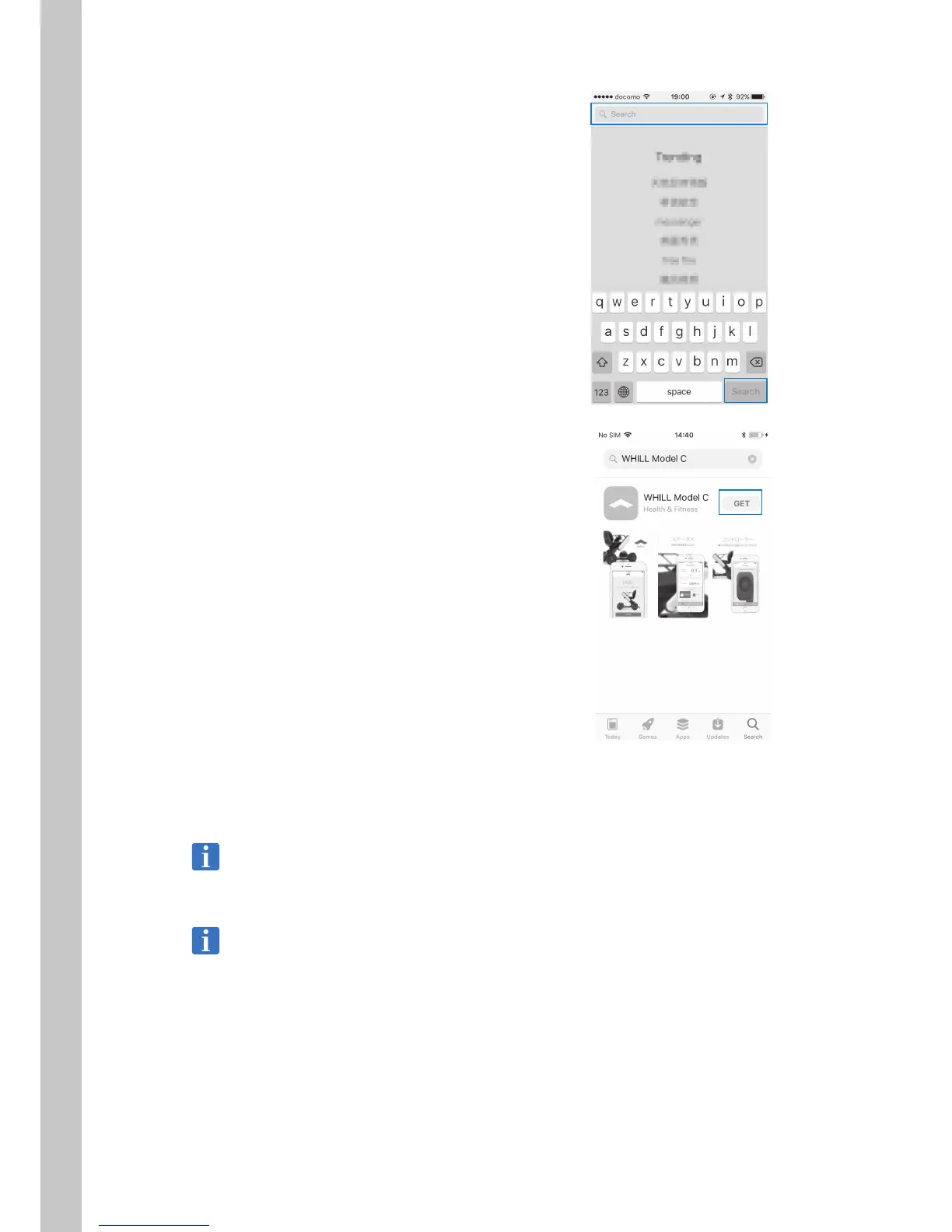
3. Enter “WHILL Model Ci” in the search field
and tap [Search].
4. Tap [GET].
The button changes to [INSTALL].
5. Tap [INSTALL ] and enter your password.
Downloading begins. When the display
changes to [OPEN], the app can be opened
and used.
For the app login ID and password, refer to the
last page of this manual.
Procedure for reissue of app password
Reissue of the app password can be requested through WHILL Customer Support.



 To Next Page