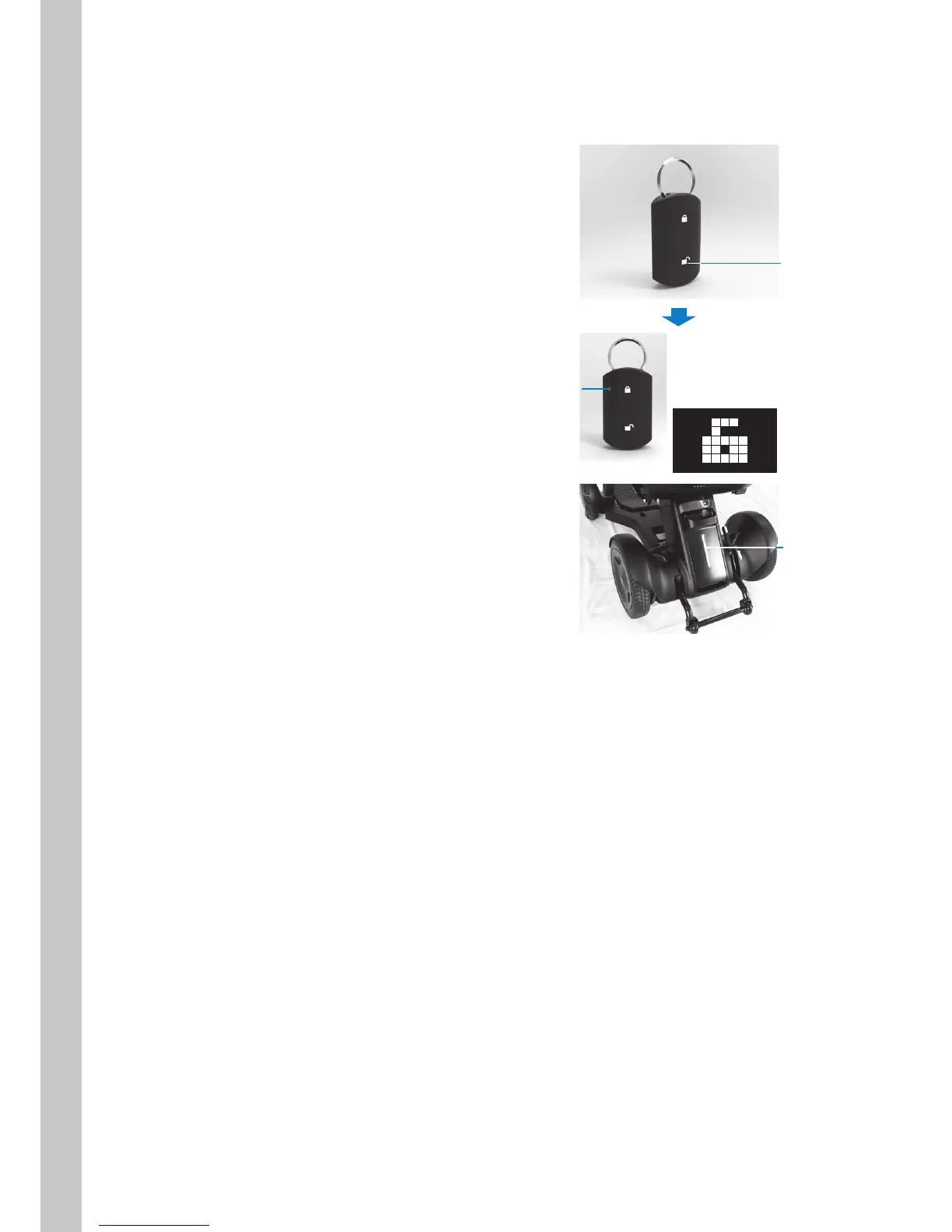
4.8.2. Unlocking
Press the smart key unlock button.
The smart key LED illuminates, and the icon
indicating unlock appears on the display. The
rear tail light flashes twice, and then the power
turns off.
After checking that the device is unlocked, the
power can be turned on, and the device can
be used.
Unlock button
Display
LED illumi-
nation
Rear tail light
flashes once



 To Next Page