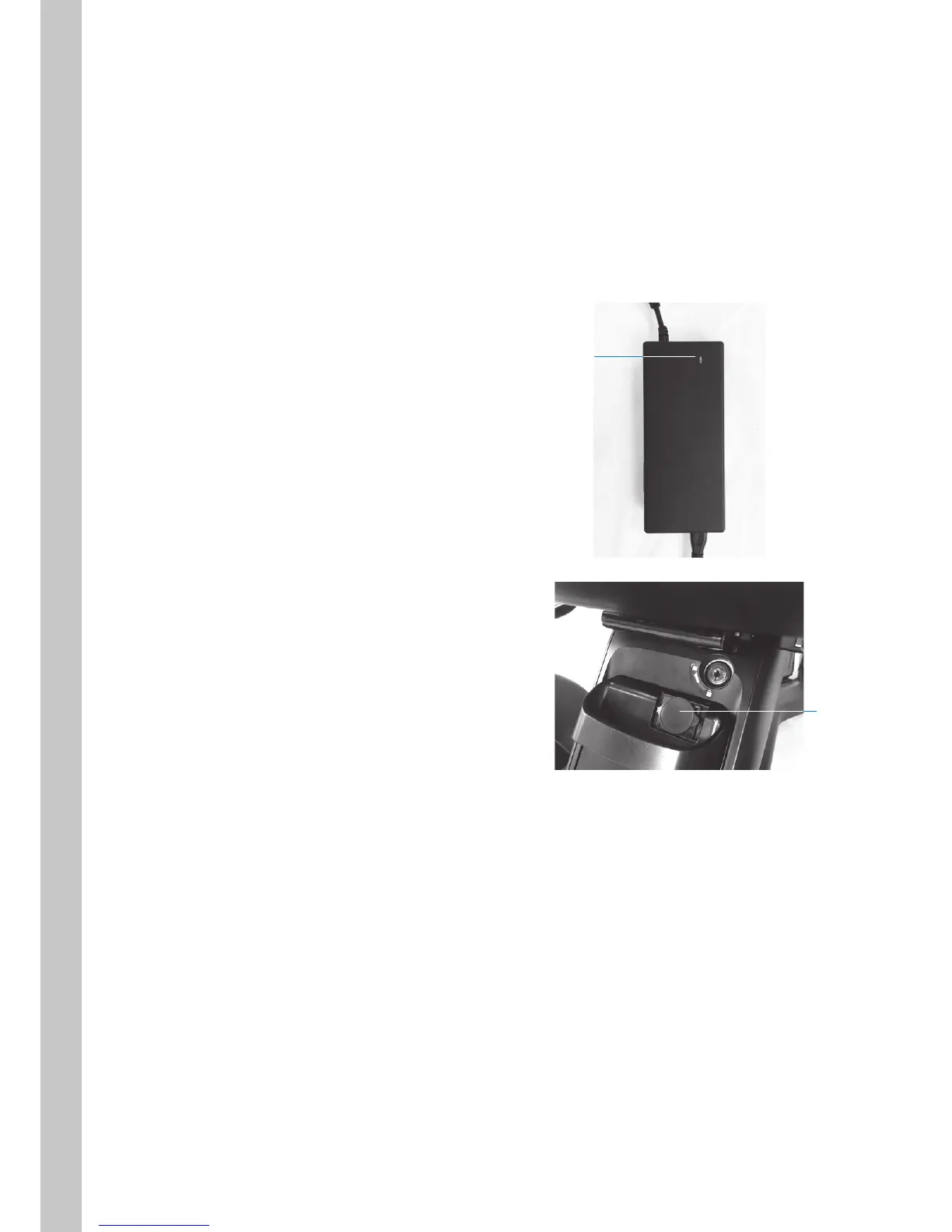
3.2.1. Charging with the battery installed in the base
For safety, it is not possible to turn on the device power while the battery is being charged.
1. Move the device close to the outlet.
2. Turn off the device power.
3. Connect the charger and AC connector cord.
4. Plug the charger into the wall outlet.
The power/charge indicator illuminates red.
5. Remove the battery charging port cap,
check the orientation of the DC connector,
and connect the DC connector cord to the
battery charging port.
The power/charge indicator begins flashing
green, and charging starts.
6. Charging is completed when the power/
charge indicator stops flashing and turns
solid green.
7. Disconnect the plug from the wall outlet and
disconnect the DC connector cord from the
battery.
8. Close the battery charging port cap.
Power/charge
indicator
Cap



 To Next Page