54 M101H Series User Guide
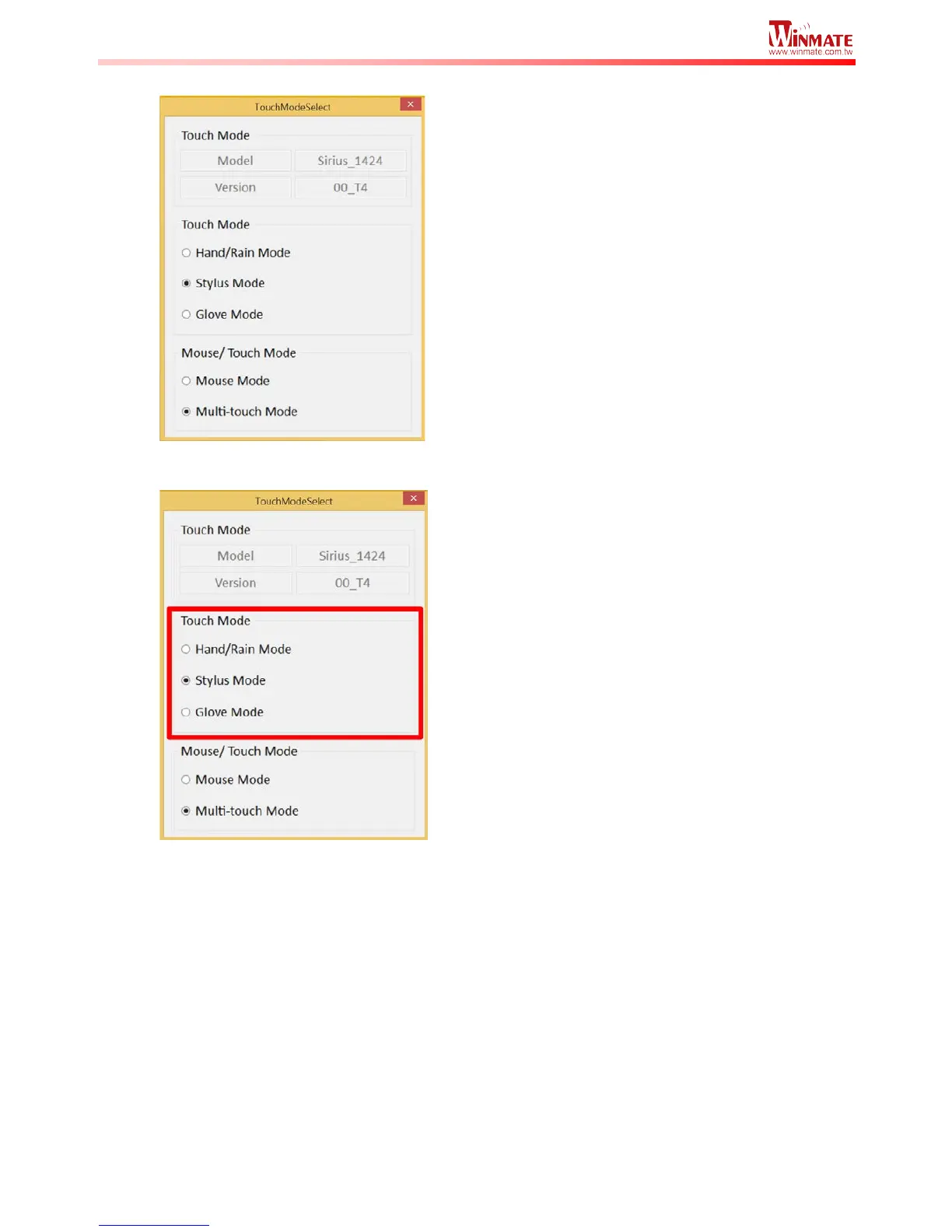
3. The Touch Mode Select utility will be shown as below:
4. Under the “Touch Mode”, select the desired touch modes by tapping on the radio button.
5. Now the touchscreen mode would behave as configured.
Here’s also additional Touch related setting to switch the touchscreen input between
mouse mode with cursor, or with multi-touch mode:



 To Next Page