Operation
8 ES 7100 PLUS 10.2011
456
Pot panel (Multibrew)
How to brew a pot: (fig. 4)
• Enter password
• Press multibrew button as many times as
the number of cups you want in the jug.
A predefined number, eg. ‘4’ is shown in
the display.
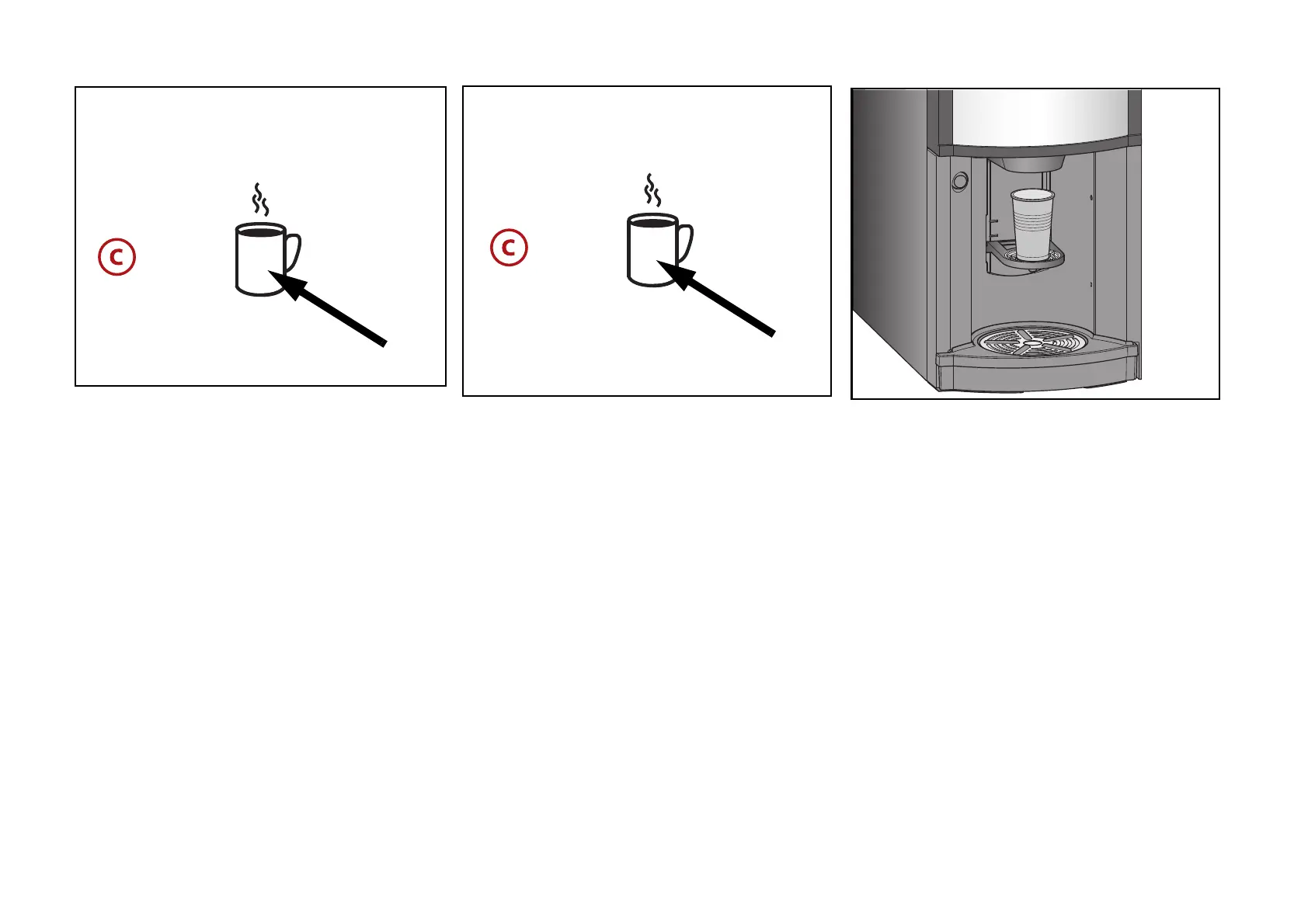
• Place a pot on the pot platform.
• Press the pot button once or more times
for the desired number of portions.
Pressing again will increase the displayed
counter by one, up to the maximum value
(15 or lower, set by the technician).
When the counter reaches the maximum
value and the pot button is pressed once
more, the counter restarts at the
predefined number.
• If the machine is not set to free vend,
insert a card with sufficient credit, or
insert an amount of coins corresponding
to the value of the number of drinks
selected or a value above.
• Press the selection button for the wanted
drink.
The display steps back one number each
time a portion is dispensed, or if
‘optimised multibrew’ is active a
progressive bar is shown.
• Remove the pot when the drinks have
been dispensed.



 To Next Page