Additonal routines
70 ES 7100 PLUS 10.2011
--MENU SELECTION---
*Operator
Technician
^ v Sel ESC
End
Machine settings
Esc
Esc
Set freevend, global
Time discount
v
^
v
^
v
^
v
^
Filling / Clean
Esc
Sel
Esc
Esc
Esc
Esc
Set day(s)
Period 1
v ^
Set time
v ^
Sel
Set Time discount
Sel
Esc
Sel
Esc
Period 1
Sel
Esc
Set Time discount
(0-100) :20
(-) (+) -> OK
Sel
Set start day:
(Mo=0, Su=6, All=7):7
(-) (+) Esc OK
Sel
Set start time:
Time: 22:00
(-) (+) -> OK
Set end time:
Time: 23:59
Set end day:
(Mo=0, Su=6, All=7):7
(-) (+) Esc OK
OK
-----SHORTCUTS-----
*
(1)=Rinse 3=Counter
(2)=Test 4=Menu
Start
(1) (2) (3) (4)
4
(-) (+) Esc OK
OK
OK
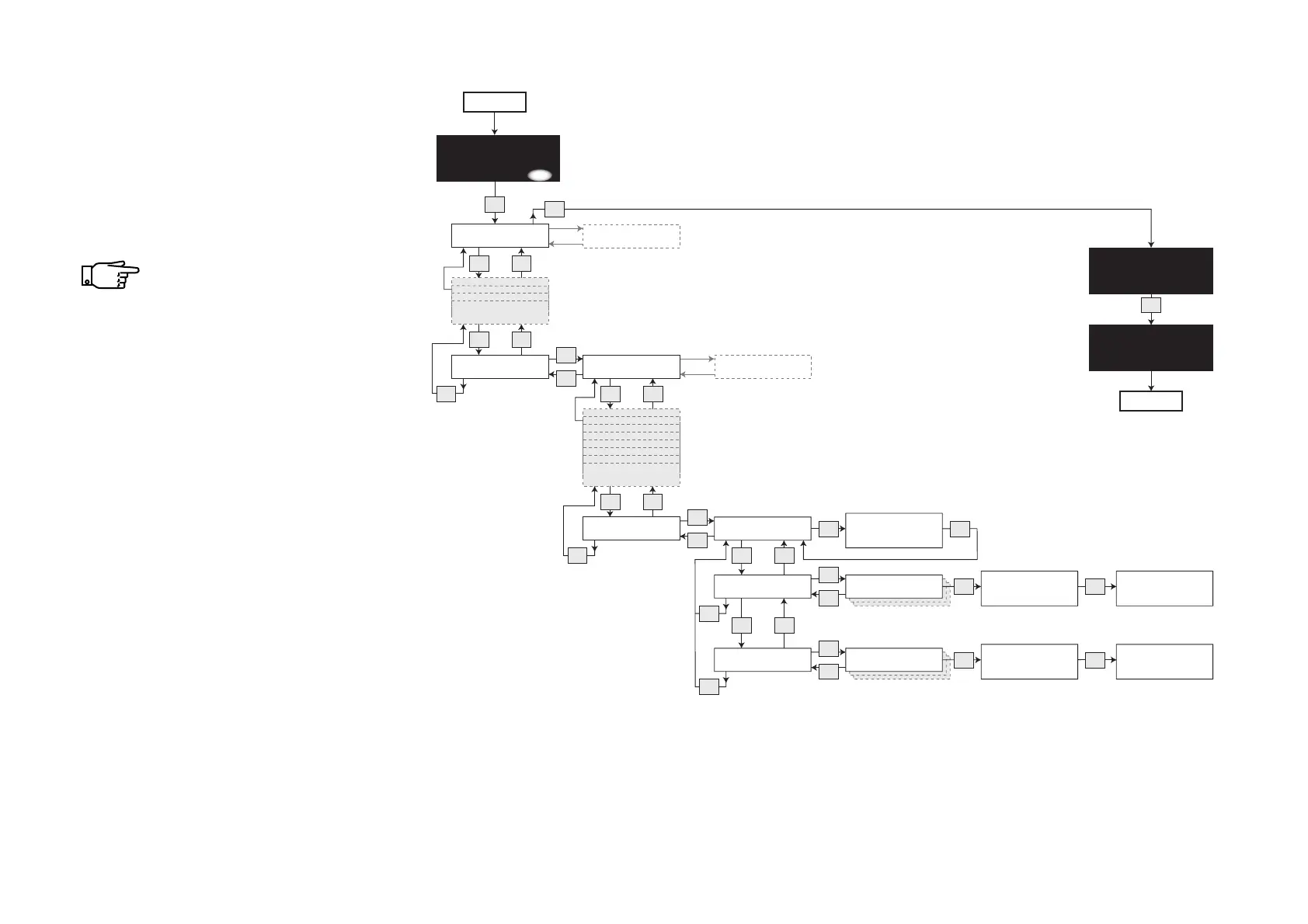
Setting time discount
• Follow this diagram to set the
discount percentage rate and to
define one or more time periods (up
to seven periods) in which it is to
apply.
If the discount key is used
during an active Time
discount period, the higher of
the two discount rates will
apply.



 To Next Page