Occasional routines
52 ES 7100 PLUS 10.2011
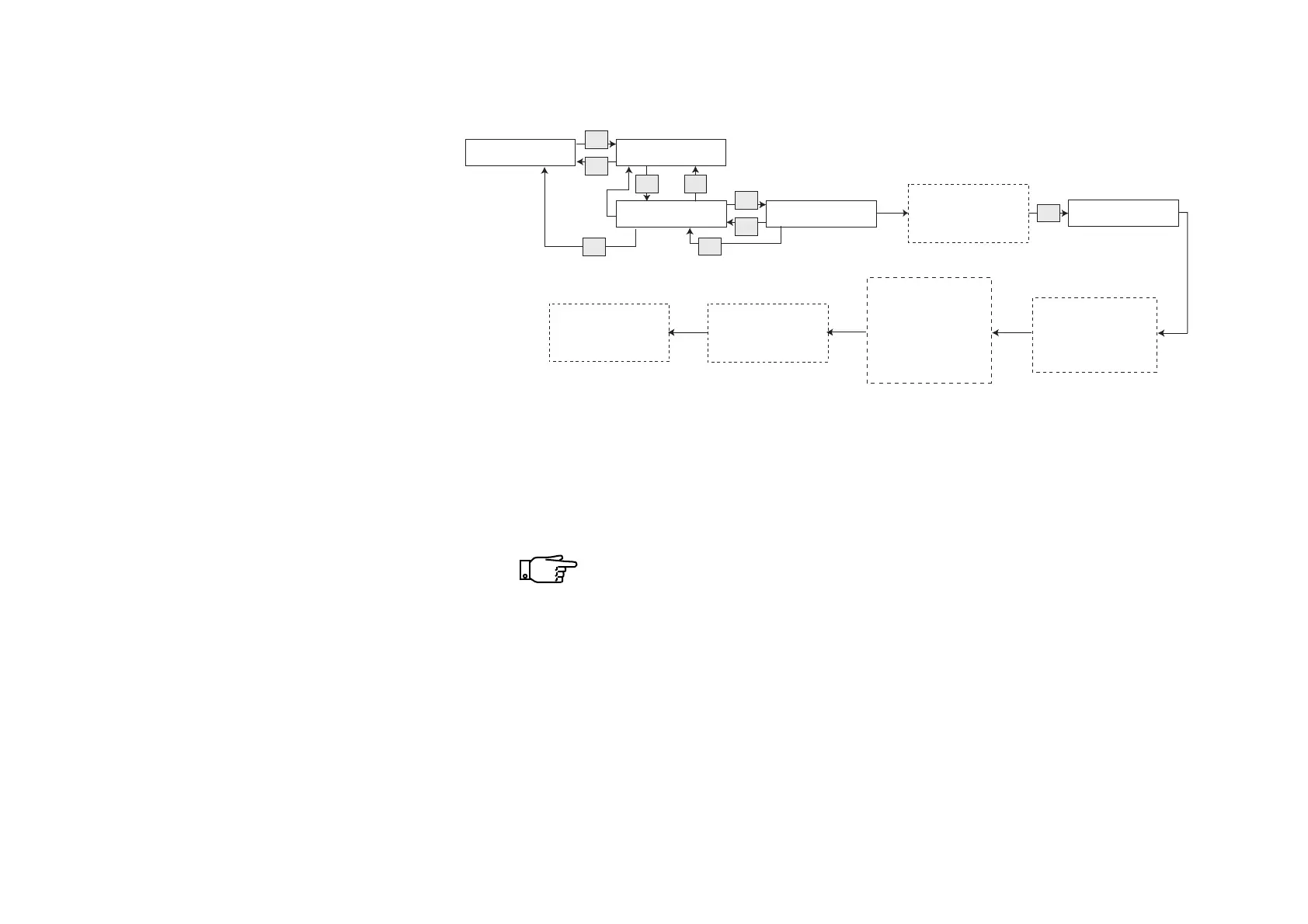
Table of cleaning procedure for brewer with cleaning tablet
Filling / Clean
Esc
Rinse
v
^
Sel
Rinse ES Tablet
Esc
Sel
INSERT TABLET
Quit
* Add cleaning tablet
into the brewing
chamber
OK
Wait until program
has finished.
(3 cycles with 10 sec.
intervals and
12 cycles with
50 sec. intervals)
Close door
* Close door
* Place a container
on pot platform
(min. 2 l).
Esc
* Remove and empty
container from pot
platform.
The machine initializes
and returns to vend
mode
1) Do not insert the tablet through the coffee funnel to avoid
any residue of the cleaning tablet.
A cleaning cycle takes about 15 minutes.
Do not interrupt a cleaning cycle!
If a cleaning cycle is interrupted, manually, due to power fail-
ure, or on powering up the machine again, a rinsing cycle is
required to remove any residue of the cleaning tablet.
No espresso based selections can be made until this rinse
cycle has been performed.
• Select “Menu” (press button 4).
• Enter your password and press
“OK” to proceed (if applied).
• Select “Operator” .
• From “Operator”enter “Filling/Clean”
(press “SEL” button).
• Follow diagram next to this text:
1)



 To Next Page