Additional routines
64 ES 7100 PLUS 10.2011
Filling / Clean
Counters
Cash action
--MENU SELECTION---
*Operator
Technician
^ v Sel ESC
End
Sel
Esc
Cash collected
Sel
Esc
OK
Esc
v
^
Press < OK> if
cash was collected
Cash audit is
now adjusted
Esc
Esc
4
Esc
-----SHORTCUTS-----
*
(1)=Rinse 3=Counter
(2)=Test 4=Menu
Start
(1) (2) (3) (4)
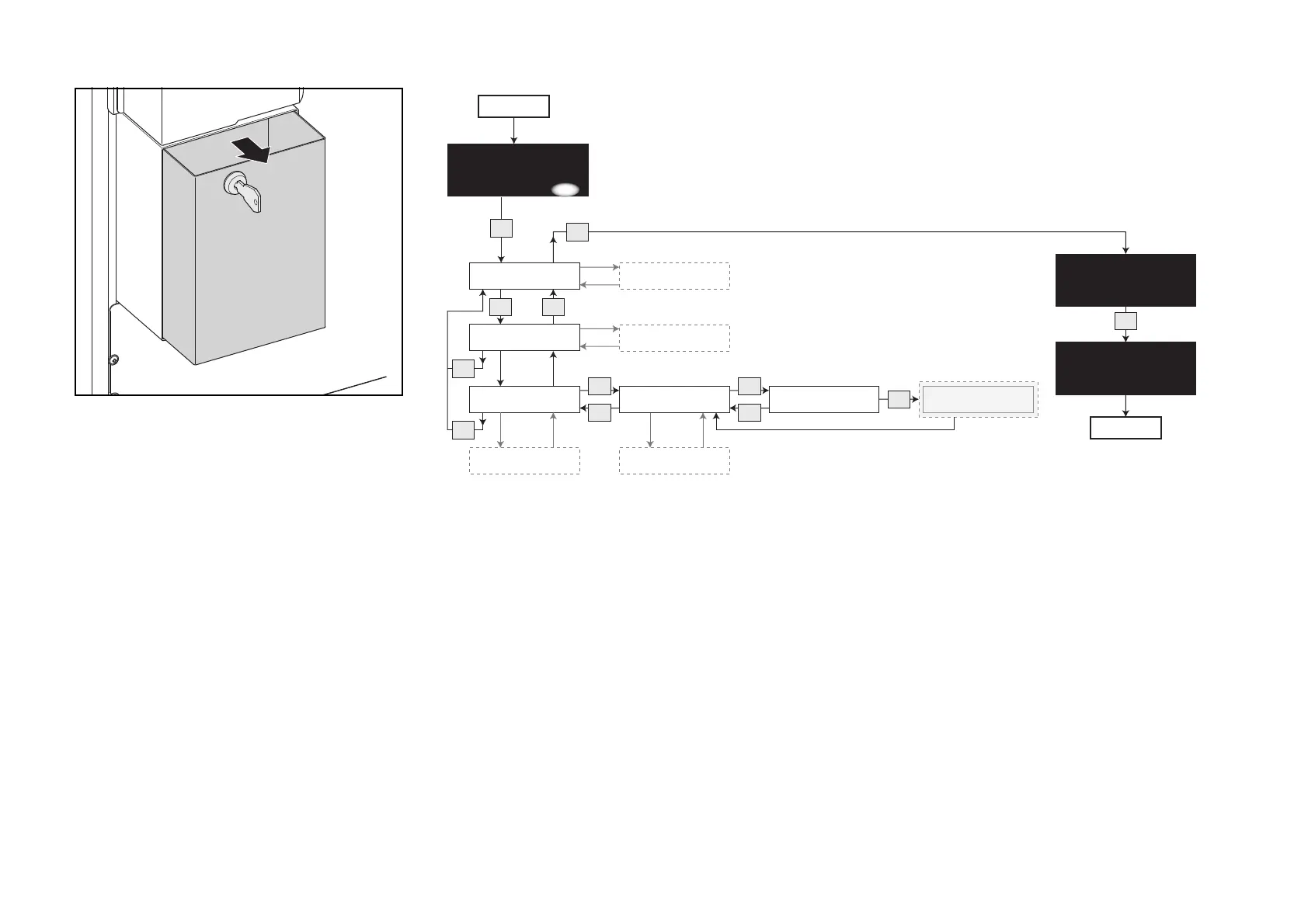
Emptying the cash box
• Open the door of the vending
machine.
• Insert cash box key into keyhole and
turn it clockwise.
• Pull out the cash box and empty it
(fig. 62).
• Turn to the display and follow the
diagram to register the removed
amount electronically.
The amount is registered under
“Collected money” (See “Calling and
resetting counters” on page 53).
62



 To Next Page