Occasional routines
10.2011 ES 7100 PLUS 51
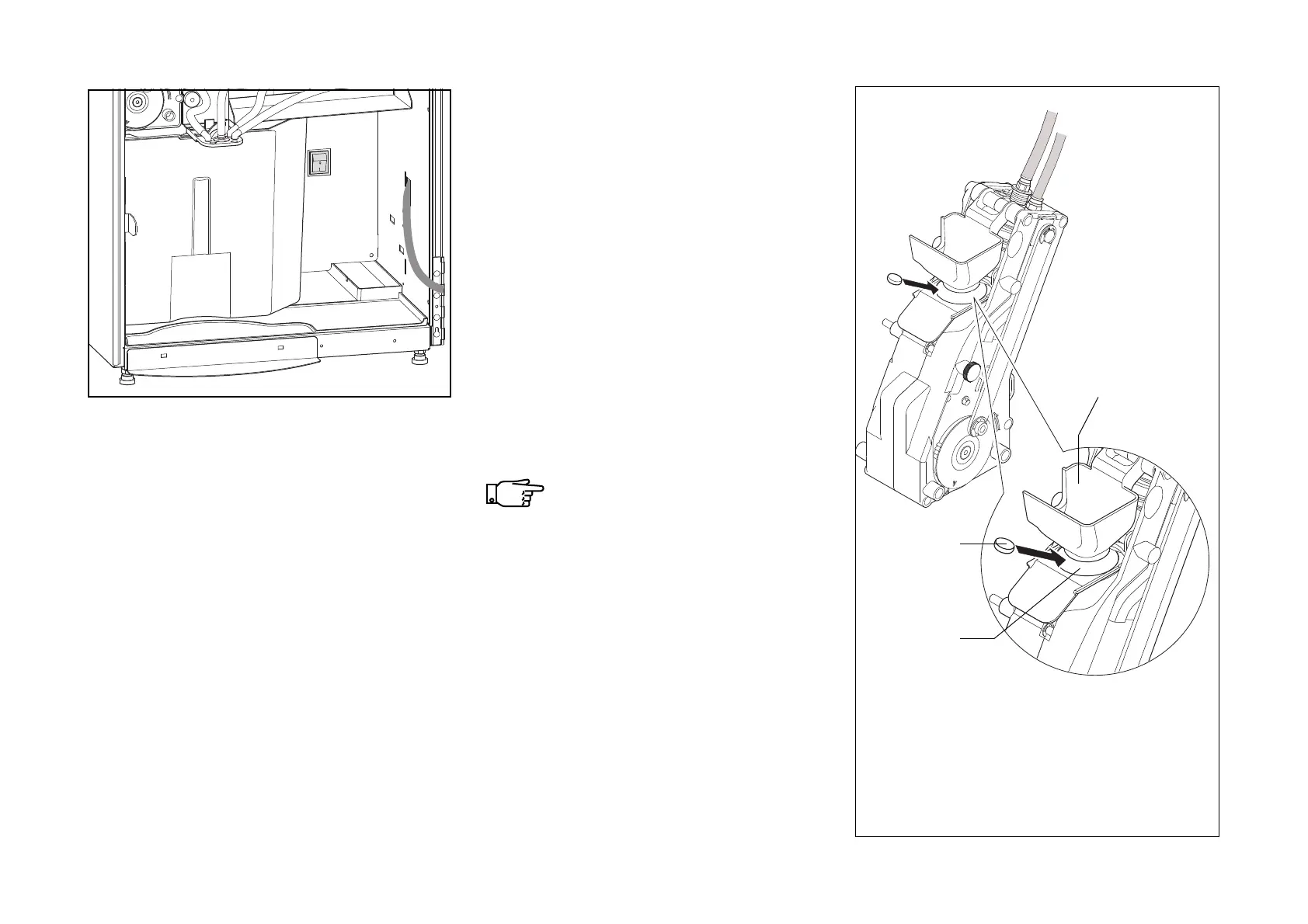
• Turn the machine on with main switch
(fig. 60) .
• Close the door and let the machine
initialize. (The brewer runs a cycle to
reach its proper position).
• Have an empty container (min. 2 l) ready
to place on the pot platform.
• Open the door.
• Have a cleaning tablet ready to fill into the
brewing chamber.
Do not insert the cleaning tablet
through the coffee funnel to avoid
any residue from the cleaning tab-
let (fig. 61).
• Turn to the display and follow the table
overleaf.
60
61
1. Coffee funnel
2. Cleaning tablet
3. Brewing chamber
2
3
1



 To Next Page