Operation
10.2011 ES 7100 PLUS 21
Short cuts
Some functions can be reached through short
cuts.
A short cut is a one-step way to select often
used functions, which would otherwise
require several steps through the Operator
menu.
The following functions can be reached via
short cuts:
• Rinse function, see “Rinsing machine” on
page 36.
• Test function, see “Last check” on
page 37
1)
.
• Counters function, see “Calling and
resetting counters” on page 53.
• Menu, see “Overview of Operator and
Technicians functions” on page 10.
1. This short cut is not present in all machines.
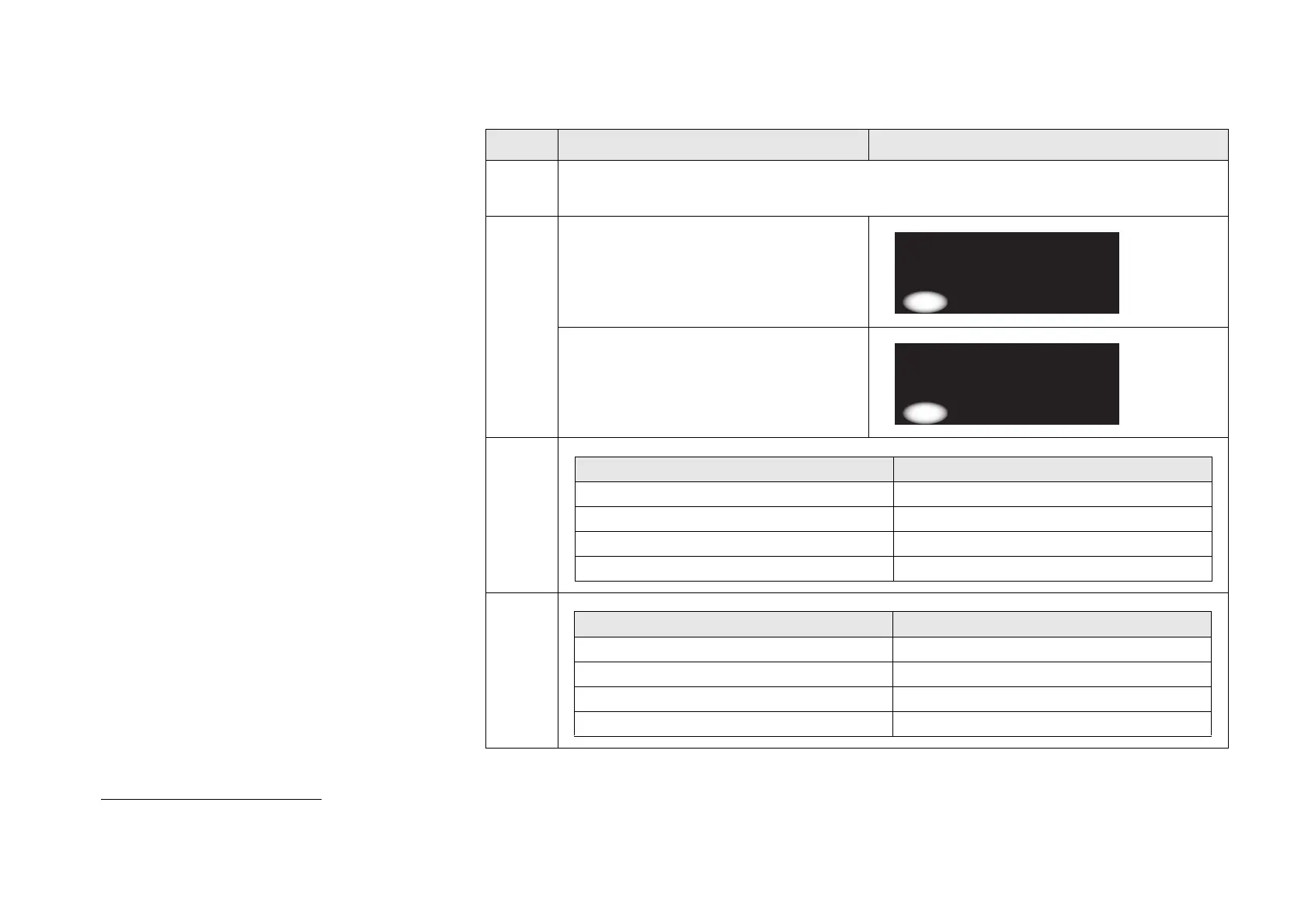
How to use the short cuts:
Step Action Display
1 • Open and close door.
• Wait and turn to the display.
2 • If the display shows the following
short cuts selection window, then go
to step 3.
• If the display shows the following
short cuts selection window, then go
to step 4
3
4
-----SHORTCUTS-----
*(1)=Rinse 3=Counter
(2)=Return 4=Menu
(1) (2) (3) (4)
-----SHORTCUTS-----
*(1)=Rinse 3=Counter
(2)=Test 4=Menu
(1) (2) (3) (4)
If you want to .. then go to ..
Perform a rinse function Step 5
Read the counters Step 8
Proceed to the menu functions Step 9
Return to vend mode Step 6
If you want to .. then go to ..
Perform a rinse function Step 5
Perform a test vend Step 7
Read the counters Step 8
Proceed to the menu functions Step 9



 To Next Page