After the CMC Has Cut the Mat
Note: Note: Once the cutting operation has nished, the head will return to the Home position and the footblock will Once the cutting operation has nished, the head will return to the Home position and the footblock will
rotate to provide access to the cartridge. DO NOT attempt to manually rotate the Footblock.rotate to provide access to the cartridge. DO NOT attempt to manually rotate the Footblock.
Remove the matboard from the CMC. The mat is now complete. If something doesn’t look quite right, Remove the matboard from the CMC. The mat is now complete. If something doesn’t look quite right,
please see please see “Troubleshooting” on page 28“Troubleshooting” on page 28 for more information.for more information.
Create Another Mat
Select a Different Template
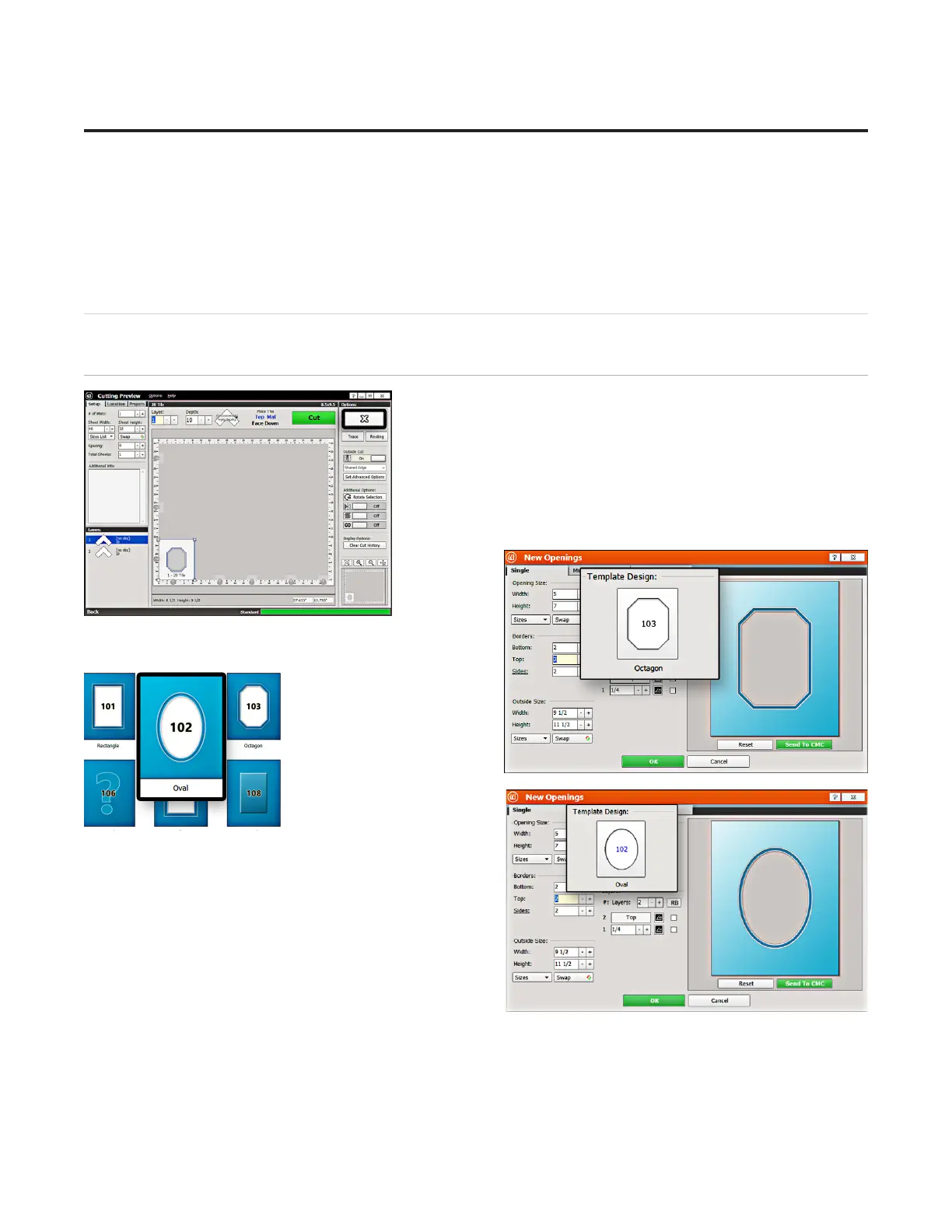
1. Click the “X” on the Cut Preview screen to close this screen and 1. Click the “X” on the Cut Preview screen to close this screen and
return to the New Openings Screen.return to the New Openings Screen.
Note: Note: The current design can be easily altered for another project The current design can be easily altered for another project
by changing the size and/or other parameters.by changing the size and/or other parameters.
2. This next project will use an oval instead of an octagon for the 2. This next project will use an oval instead of an octagon for the
opening shape.opening shape.
3. Click 3. Click
on the on the
template thumbnail under template design. template thumbnail under template design.
4. Template Library opens.4. Template Library opens.
5. Click on new template 5. Click on new template
thumbnail to select it. thumbnail to select it.
6. The new template is displayed.6. The new template is displayed.
20
Wizard™ International, Inc., 4600 116th St. SW, Mukilteo, WA 98275 888/855-3335 Wizard™ International, Inc., 4600 116th St. SW, Mukilteo, WA 98275 888/855-3335 wizardcutters.comwizardcutters.com
20-36070-1 GettingStartedManualZ1-70FrameShop
04/03/24
Wizard™ CMC Model Z1 Hardware and Software Getting Started Guide



 To Next Page