Operation
34
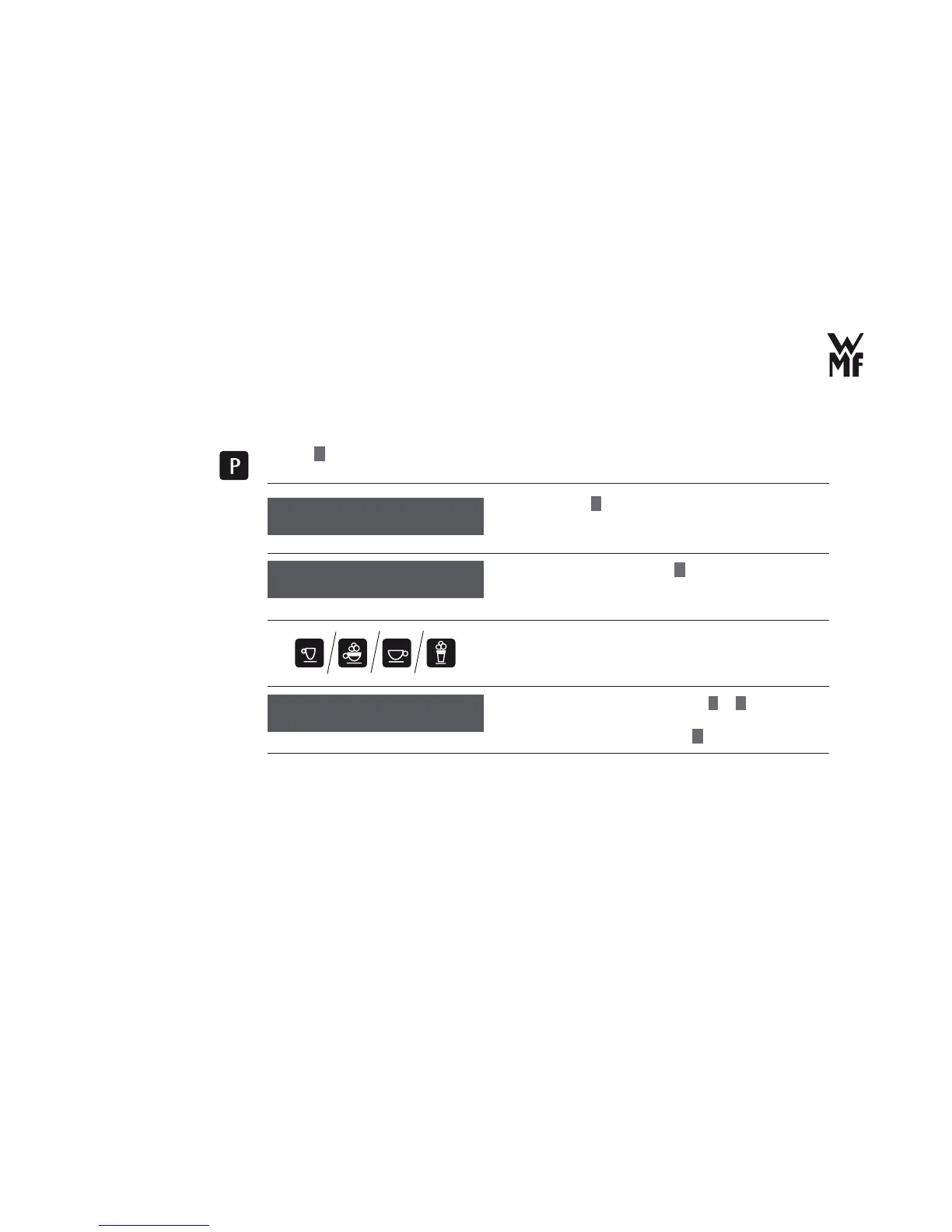
- Pre-brew (for perfect aroma)
> Press
P
button.
> Browse with
+
for beverage setting.
> Confi rm your selection with
P
button.
> Select the beverage for which you want to change the
taste and the composition with the help of beverage
buttons.
> Set the desired water volume with
–
or
+
.
> If necessary, carry out a test preparation (page 31).
> Confi rm the water volume with
P
button.
Select program
browse: +
Select the beverage
setting
Beverage settings
OK: P change: -/+
Water volume: 40 ml
OK: P Test: bev. btn.
Adjust the water
volume



 To Next Page