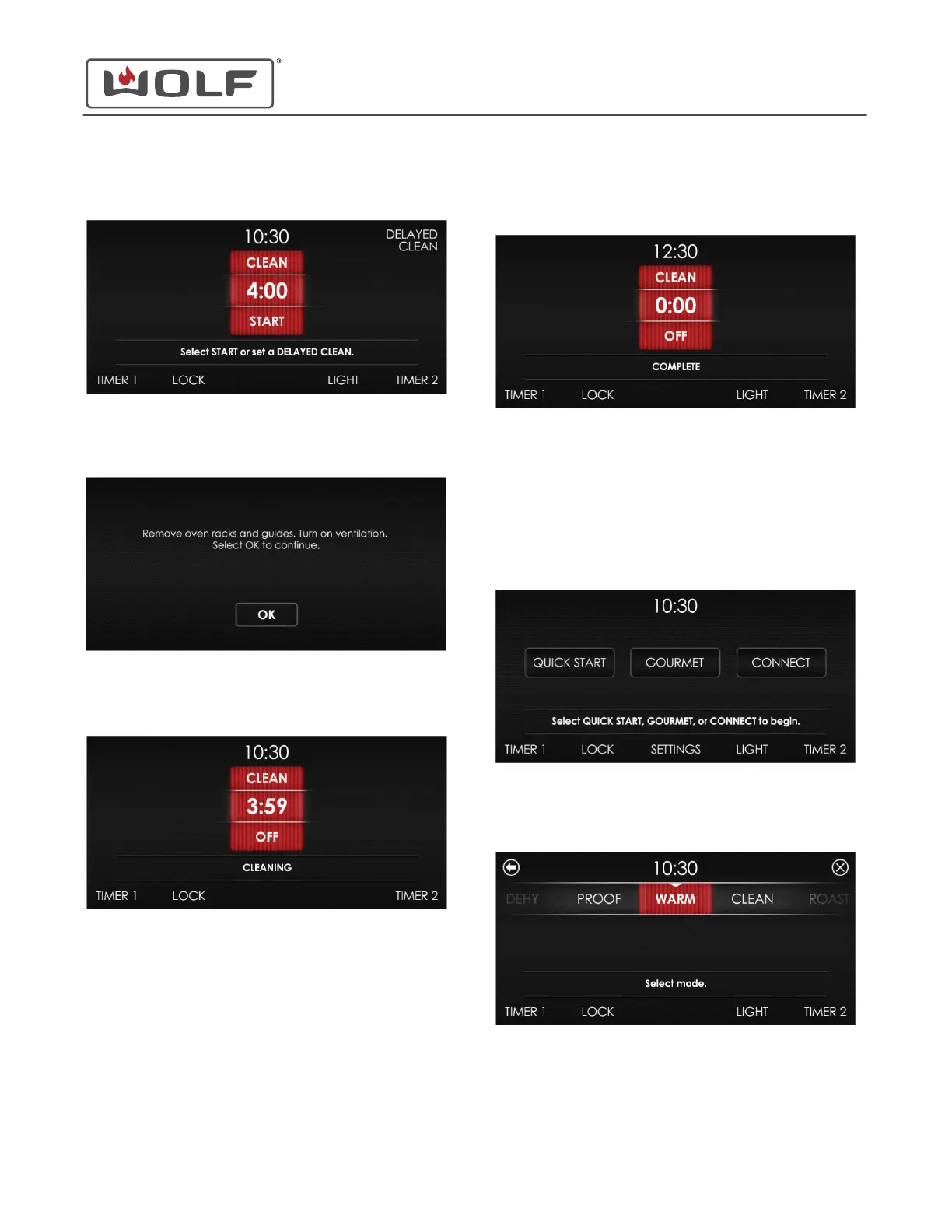
3 Touch Clean. The Start screen appears.
4 Touch Start. After the oven racks and rack guides have
been removed, touch OK.
5 Clean starts. The time remaining in the clean cycle is
shown.
6
When the Clean cycle is complete, the oven chimes four
times.
• The oven door unlocks when the temperature is below
550°F (288°C).
WARM MODE
1 Touch the time on the display. The Home screen appears.
2 Touch Quick Start, and the Select Mode screen appears.
Scroll until Warm is centered.
30" and 36" Induction Range
Cooking Modes
CLEAN MODE (continued)
service.subzero.com
829191 REVA
20



 To Next Page