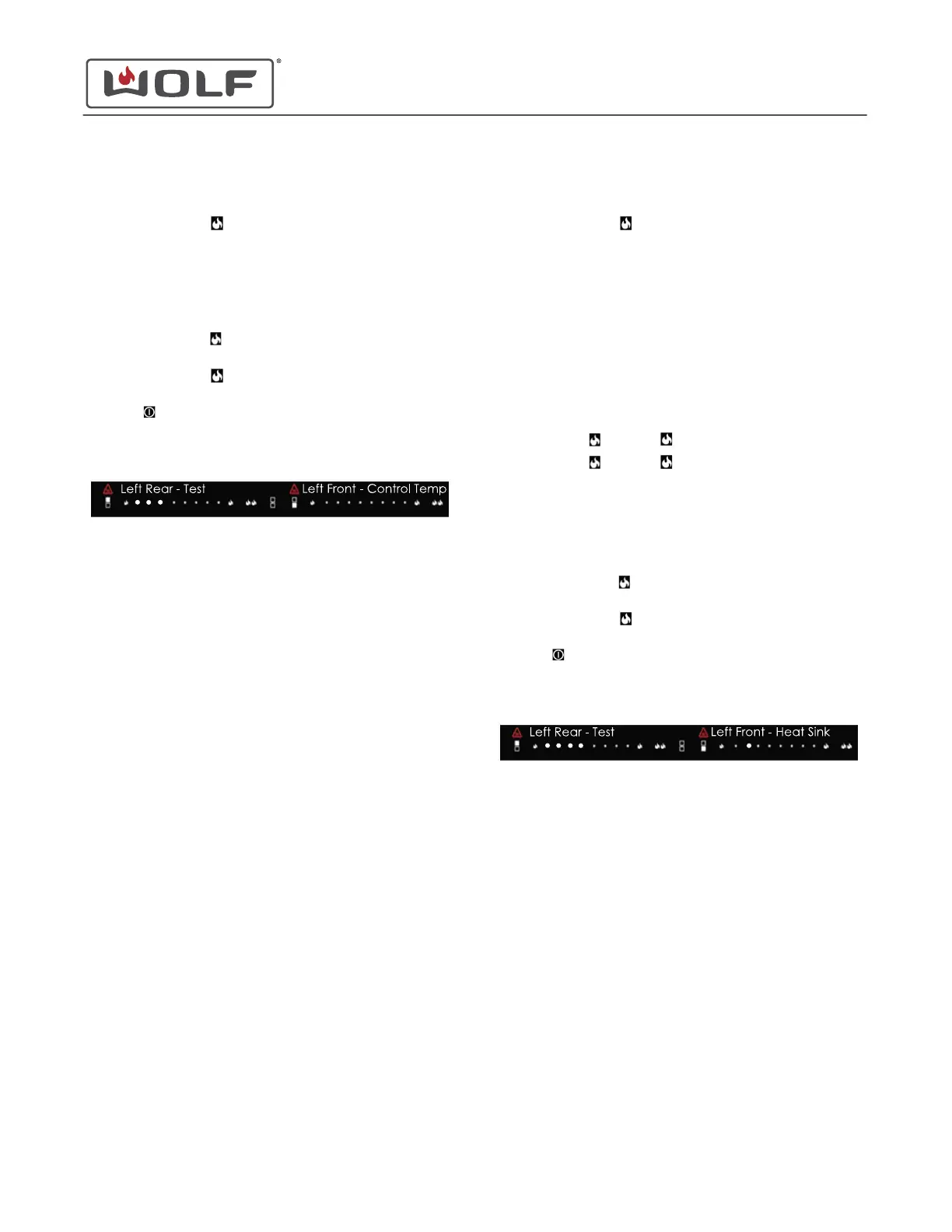
Control Temperature Readout provides the control temperature
in °C.
•
Touch the left rear (high) to move forward to Control
Temperature Readout.
• Three dots appear on the left rear power level selector.
• The display shows the ambient control temperature in °C. If
the temperature is over 99°C, the decimal point of the
display turns on to indicate the temperature is 100°C or
higher.
•
Touch the left rear
(low) to move backward to Generator
Reconfiguration.
•
Touch the left rear
(high) to move forward to Heat Sink
Temperature Readout.
•
Touch
to return to the lock setting.
• Not touching the cooktop for 30 seconds returns the
cooktop to the lock setting.
Heat Sink Temperature Readout
When entering Diagnostics Mode, one dot appears on the left
rear power level selector.
TIP: The fully illuminated dots in the image are shown larger for
clarity.
Heat Sink Temperature Readout provides the heat sink
temperature in °C.
•
Touch the left rear (high) to move forward to Heat Sink
Temperature Readout.
• Four dots appear on the left rear power level selector.
• The display shows the current heat sink state:
• 0: temperature is ≤ 80°C. Everything works as
expected.
• 1: temperature is > 80°C. Boost is disabled for the
affected zones.
• 2: temperature is > 89°C. Affected zone is limited to
60% power. Zones will be limited to 40% power when
the temperature is > 94°C.
• 3: temperature is > 99°C. All affected zones are turned
off.
•
The left front
(low) and (high) are dimmed.
•
The left front (low) and (high) cycle through the heat
sink temperatures.
• A fully illuminated dot on the left front control indicates
which heat sink temperature is shown:
• LED 1 refers to generator board #1.
• LED 2 refers to generator board #2.
• LED 3 refers to generator board #3.
•
Touch the left rear
(low) to move backward to Control
Temperature Readout.
•
Touch the left rear
(high) to move forward to Coil
Temperature Readout.
•
Touch
to return to the lock setting.
• Not touching the cooktop for 30 seconds returns the
cooktop to the lock setting.
Coil Temperature Readout
When entering Diagnostics Mode, one dot appears on the left
rear power level selector.
TIP: The fully illuminated dots in the image are shown larger for
clarity.
30" and 36" Induction Range
Cooktop Controls
CONTROL TEMPERATURE READOUT (continued)
service.subzero.com
829191 REVA
42



 To Next Page