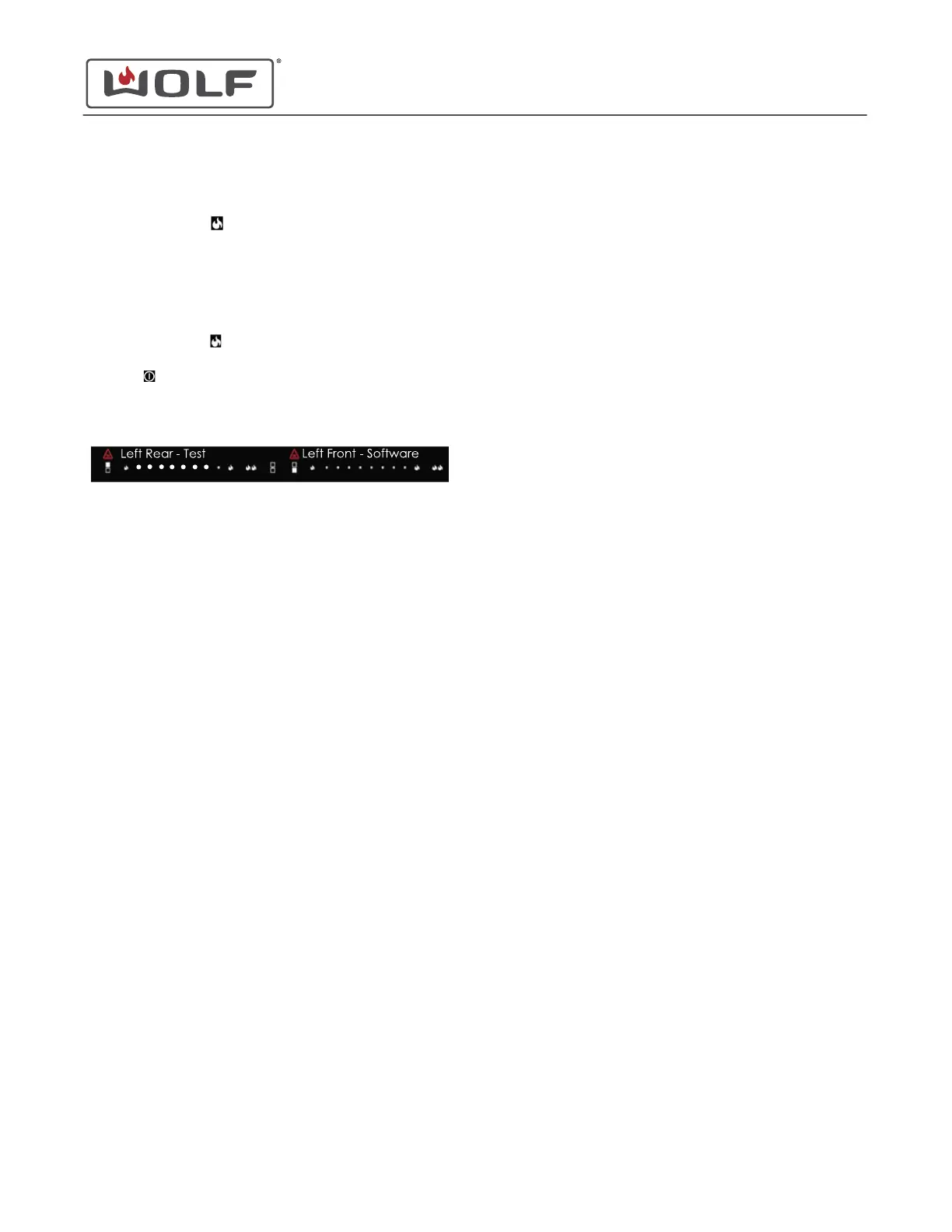
Software Version Indicator shows the software version of the
control.
•
Touch the left rear (high) to move forward to Software
Version Indicator.
• Seven dots appear on the left rear power level selector.
• The display shows the software version of the control.
• If the software version exceeds two digits, then the
display alternates between every two digits of the
version number.
•
Touch the left rear
(low) to move backward to Error Code
Readout.
•
Touch
to return to the lock setting.
• Not touching the cooktop for 30 seconds returns the
cooktop to the lock setting.
30" and 36" Induction Range
Cooktop Controls
SOFTWARE VERSION INDICATOR (continued)
service.subzero.com
829191 REVA
44



 To Next Page