8-14 Diagnostics Rev AB
Wolke m600 touch Operator Manual
Diagnostics
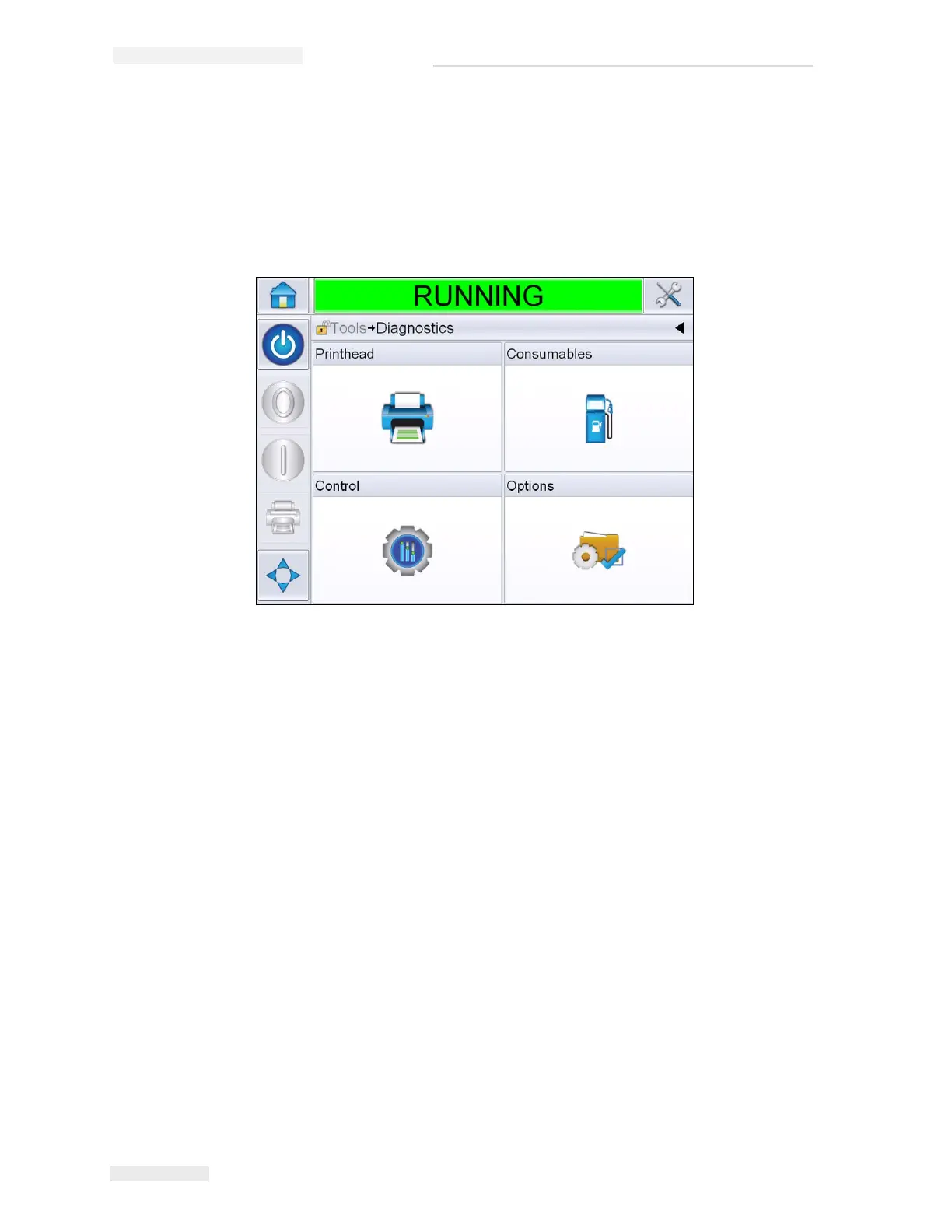
The diagnostic screens show the current value of different parameters
which help you in troubleshooting the printer. To access the diagnostics
screen, Navigate to Tools > Diagnostics (Figure 8-4). For more information,
refer “Working with Diagnostics” on page 4-8.
Figure 8-4: Diagnostics Page



 To Next Page