Rev AB How to Turn ON the Printer 5-3
Wolke m600 touch Operator Manual
Note: Do not touch either the contactor pins on the printhead or the
contactor plate on the cartridge with your fingers (oxidation). This will
ensure long lasting high print quality.
How to Turn ON the Printer
To turn ON the printer, do the following tasks:
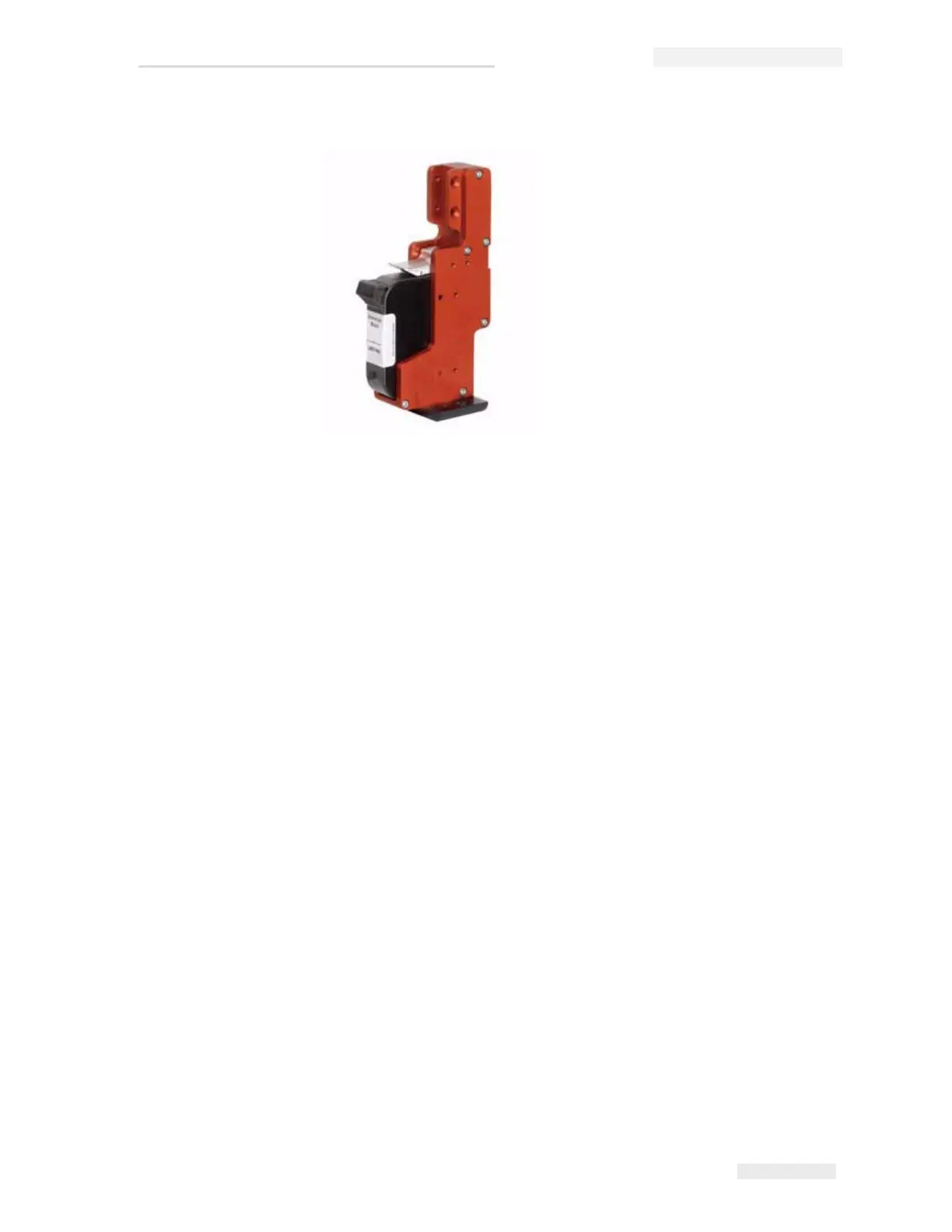
1 Make sure that the ink cartridge is available and inserted correctly.
2 Make sure that all the cables are not damaged and are connected
correctly.
3 Turn ON the mains supply to the printer.
4 Turn the power switch ON the CLARiTY
®
controller to ON position
(Figure 5-4 on page 5-4).
Figure 5-3: Ink Cartridge in Printhead



 To Next Page