5-16 How to Setup the Printhead Settings Rev AB
Wolke m600 touch Operator Manual
How to Adjust Print Registration
If the image does not print in the correct position on the product, then
adjustments can be made.
The Horizontal Registration determines the position of the print along the
length of the product.
To change the Print Registration, proceed as follows:
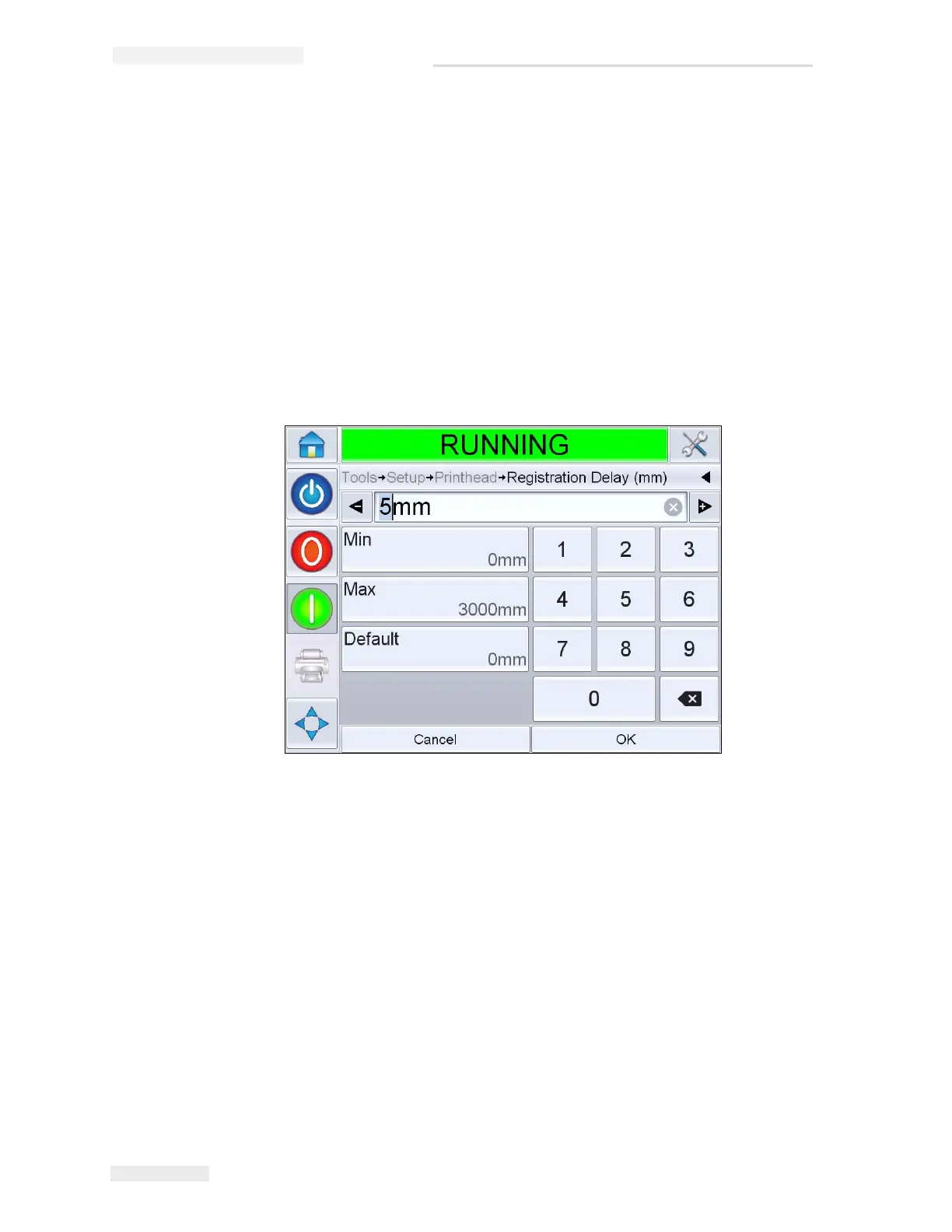
1 Navigate to Tools > Setup > Printhead > Registration Delay. The
registration delay screen appears.
Note: Alternatively, select the print position icon on the home page to access
registration delay screen.
2 Input the required Registration Delay. Alternately, use the + or -
buttons (Figure 5-22) to make small adjustments in the parameter
value.
Note: This parameter is for adjustments of the print along the length of the
product. The start position of the product relative to the product sensor
should be set using the print sensor to print the line gap parameter.
How to Purge Printhead
To purge the printhead, proceed as follows.
3 Touch the Status Bar to put the printhead in OFFLINE mode or press
STOP button.
Figure 5-22: Print Registration



 To Next Page