5-18 How to Configure the Job Settings Rev AB
Wolke m600 touch Operator Manual
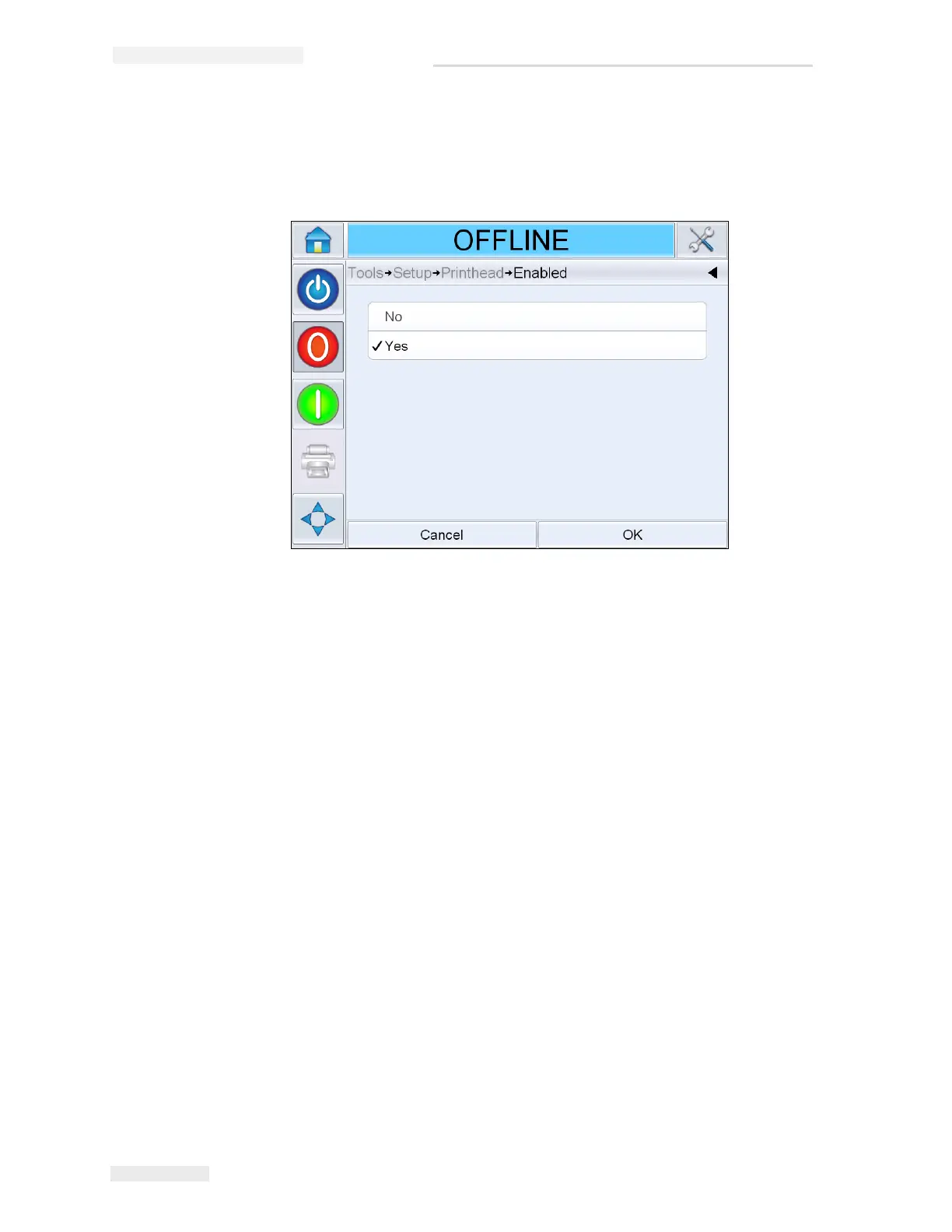
How to Enable/Disable the Printheads
9 Navigate to Tools > Setup> Printhead > Enabled. Select Yes to enable the
printhead for printing and No to disable the printhead.
How to Configure the Job Settings
The print job (.CIFF file), image and job settings will be configured in
CLARiSOFT
®
.
Size & Resolution
Printheads
When a new file is created in CLARiSOFT
®
, the corresponding number of
print fields is defined by the user. One printhead corresponds to one print
field. The job can be user-defined within this print field (no restrictions in
terms of number of lines, etc.). Only the maximum print heights are
predefined.
One printhead = maximum print height 12.7 mm (0.5”)
Two printheads = maximum print height 25.4 mm (1”)
Three printheads = maximum print height 38.1 mm (1.5”)
Four printheads = maximum print height 50.8 mm (2”)
On selecting the number printheads, the grouping will also be
determined.
Figure 5-24: Printhead ON/OFF



 To Next Page