Rev AB How to Configure the Job Settings 5-19
Wolke m600 touch Operator Manual
Examples:
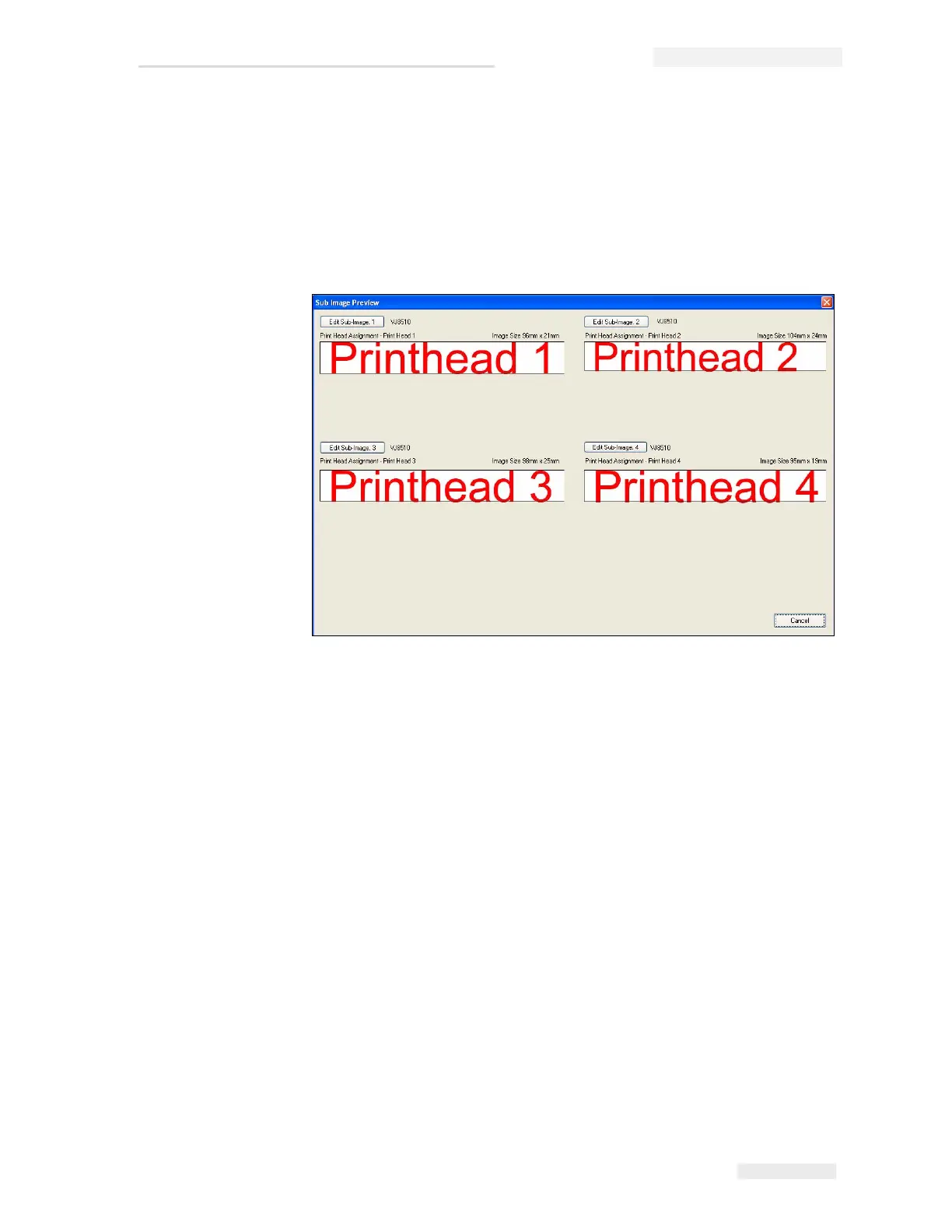
• All individually: Each head prints different data within a job. If this
setting is selected, whenever you create a new job you will be given
exactly the number of print fields that were set in Number of printheads.
Each field is an individual sub-image, and the image can be edited
through the sub-image screen (see Figure 5-25).
• All like head 1: All the printheads print the same data as head 1. In
this setting, only one print field is made available. The text entered
there applies automatically to all the heads which were predefined for
this job under Number of printheads.



 To Next Page