Rev AB How to Set the System Settings 5-21
Wolke m600 touch Operator Manual
How to Set the System Settings
To set up the printer without using the System Configuration Wizard,
proceed as follows.
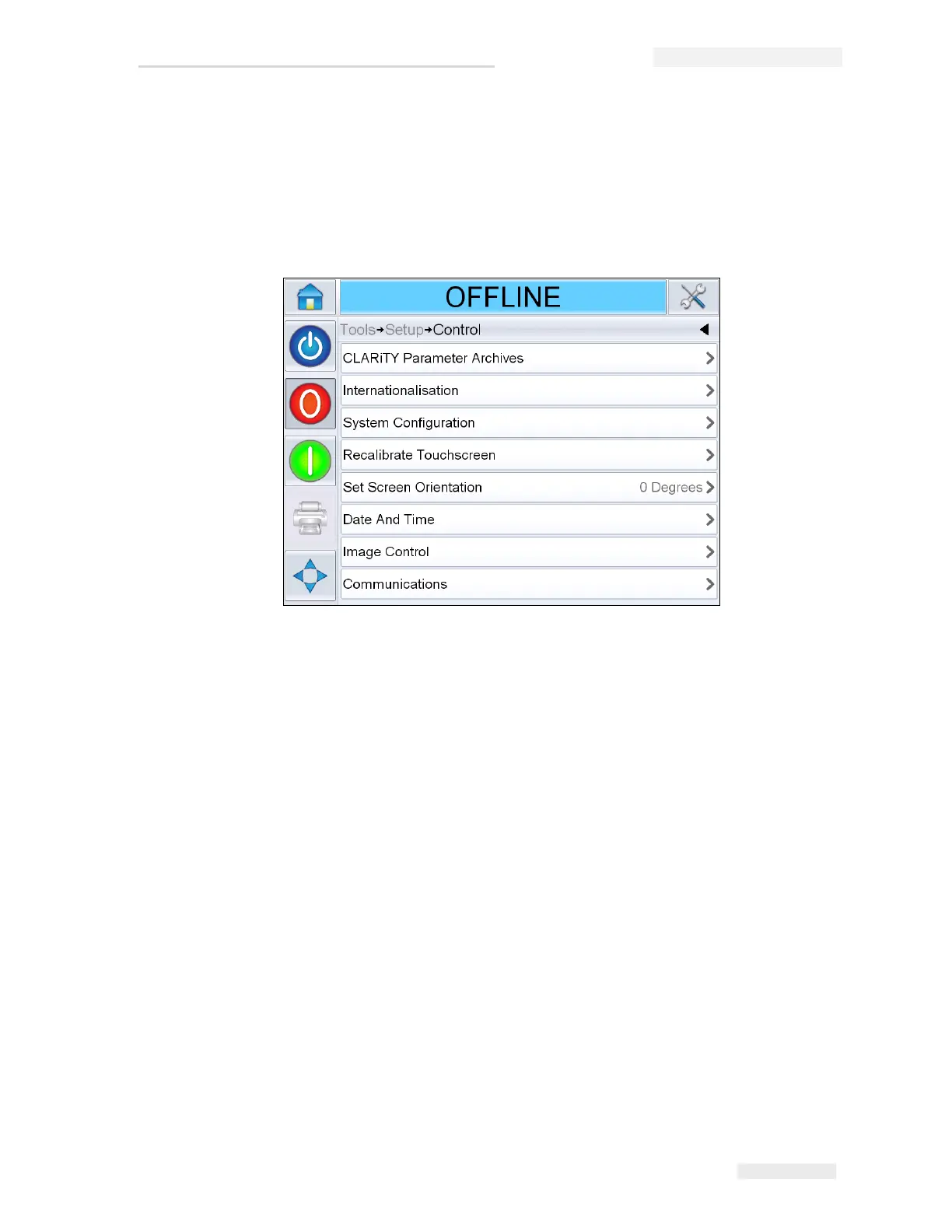
Navigate to Tools > Setup > Control from the Home Page. The Control page
appears (Figure 5-27).
Touch the required parameters in the list (Figure 5-27) to set the system
settings.
Figure 5-27: Control Screen



 To Next Page