Rev AB Installation of Printhead and Ink Cartridge 3-21
Wolke m600 touch Operator Manual
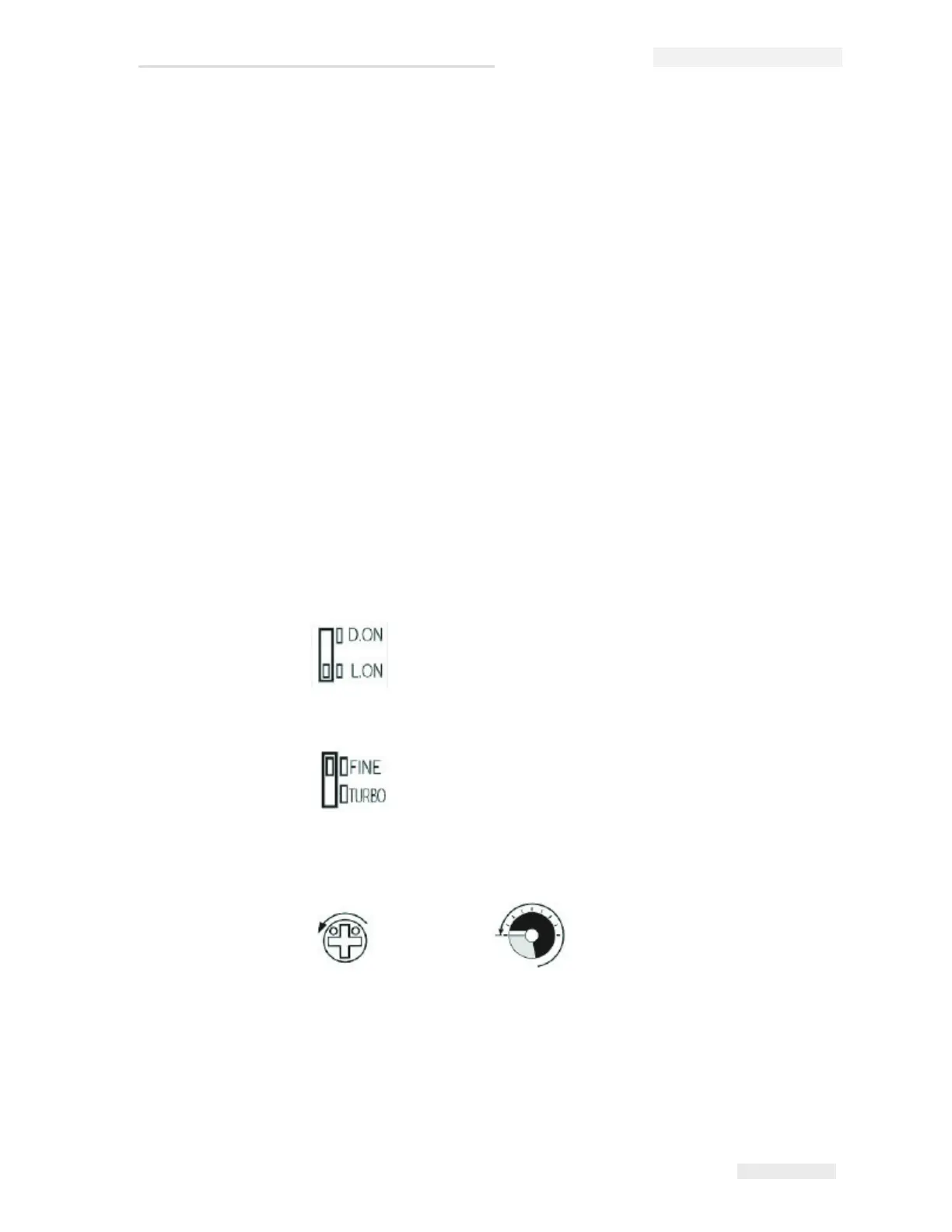
Output timer selector switch
Output Selector Switch
Note: You can verify the photoelectric cell operation information in Diagnostics
menu (see “Diagnostics” on page 8-14).
How to detect a Measuring Object
Do the following tasks to detect a measuring object:
1 Set the D.ON/L.ON selector switch to the L.ON position.
2 Set the FINE/TURBO selector switch to the FINE position.
3 Set the sensitivity to the minimum. Turn the trimmer until the
indicator is within the transparent display area.
OFF.D: OFF delay, 40 ms
ON.D: ON delay, 40 ms
OFF: Delay switched off (standard setting)
D.ON: The setting for special applications. The print resolution at the
transition is from reflective to non-reflective.
L.ON: The print resolution at the transition is from non-reflective to
reflective (standard setting).



 To Next Page