Rev AB Using the Tools Page 4-19
Wolke m600 touch Operator Manual
• Image Update Queue: Allows the queue of print jobs to be updated,
where a number of print jobs have been sent to the printer.
Working with Database
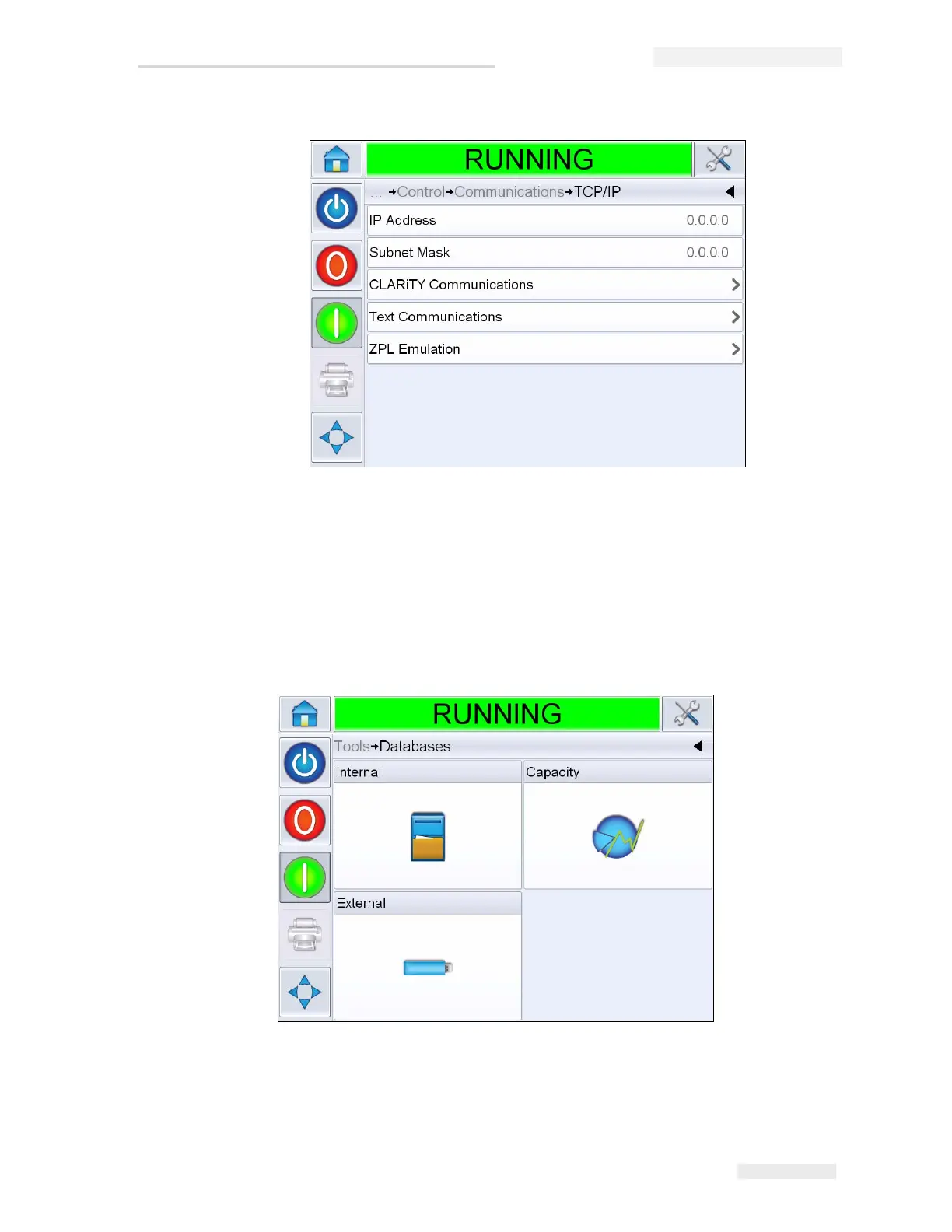
Navigate to Tools > Databases (Figure 4-21).
Figure 4-20: TCP/IP Parameters
Figure 4-21: Database Page



 To Next Page