4-18 Using the Tools Page Rev AB
Wolke m600 touch Operator Manual
Note: If there is any inconsistency among the software components that are
installed in the printer, the Software Part Number displays the message
'Incompatible Software Versions'. If this is seen, a CLARiTY
®
software
update must be performed, otherwise the printer may perform in an
unpredictable manner.
• System Information: Displays the serial number and revision number
of Printed Circuit Board (PCB), CPU speed and equipment reference
information.
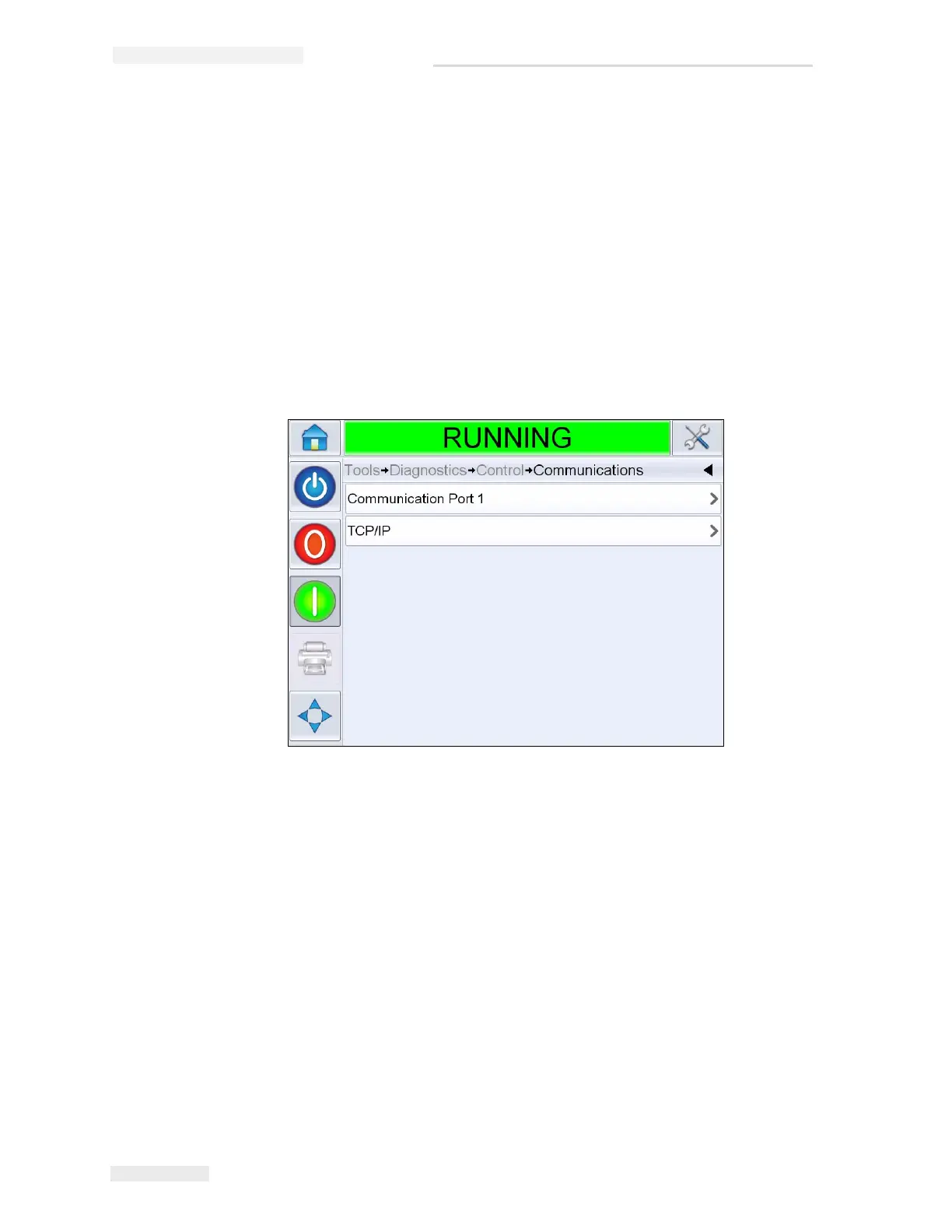
• Communications: Touch Communications on the Control dialog box.
Communications dialog box appears. The following parameters
appears in the dialog box:
- Communication Port 1: Displays the status of serial ports, including
the baud rate
- TCP/IP: Displays the status of the ethernet port.
•IP Address: Displays the IP Address of the controller
•Subnet Mask: Displays the Subnet Mask number
•CLARiTY Communications: Displays the port number and
CLARiTY
®
network status.
•Text Communications: Indicates if the Text Communications has
been enabled for this printer
•ZPL Emulation: Indicates if the ZPL Emulation has been enabled
for this printer.
Figure 4-19: Communications



 To Next Page