5-14 How to Stop the Printer Rev AB
Wolke m600 touch Operator Manual
How to Stop the Printer
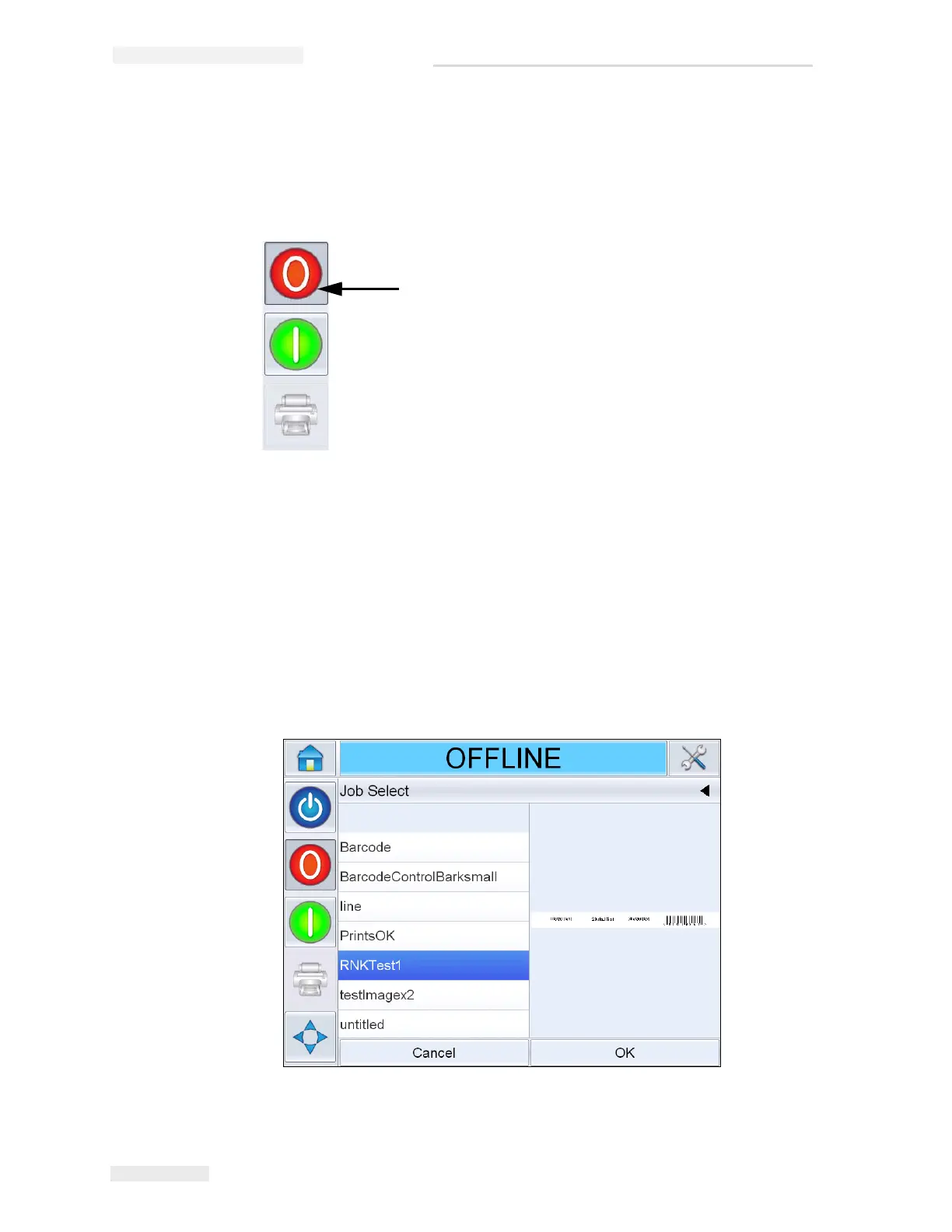
To stop the printer from printing, touch the red Stop button (Figure 5-18)
or touch the status bar. The printer returns to the OFFLINE state.
How to Select and Print the Test Job
A test image can be printed to check if the printed image is of acceptable
quality. To select and print a test job, proceed as follows.
1 Touch the Job Icon in the home page. The list of existing jobs are
displayed.
Stop Button
Figure 5-18: Stop Button



 To Next Page