5-20 How to Configure the Job Settings Rev AB
Wolke m600 touch Operator Manual
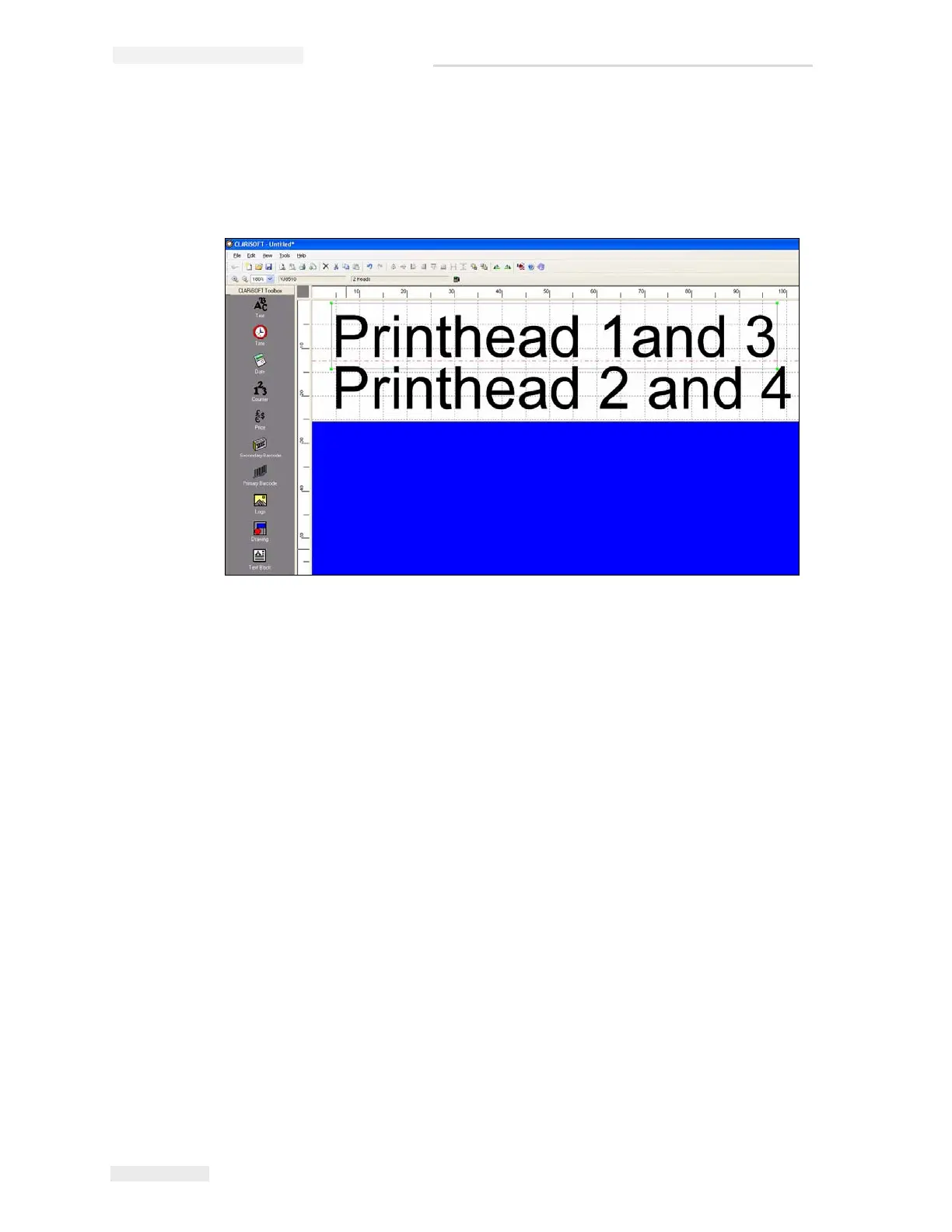
• Heads 3/4 like heads 1/2: Heads 3 and 4 print the same data as heads
1 and 2 (example, two-sided carton printing). In this case only two
fields will be available for entering the print data. The text entered
there applies equally to heads 1/2 and 3/4 (see Figure 5-26).
Note: For more information, refer Wolke m600 touch Service Manual.
Note: The job file set up must correspond to the printer set up.
Figure 5-26: Printhead Settings



 To Next Page