Rev AB Installation of Printhead and Ink Cartridge 3-17
Wolke m600 touch Operator Manual
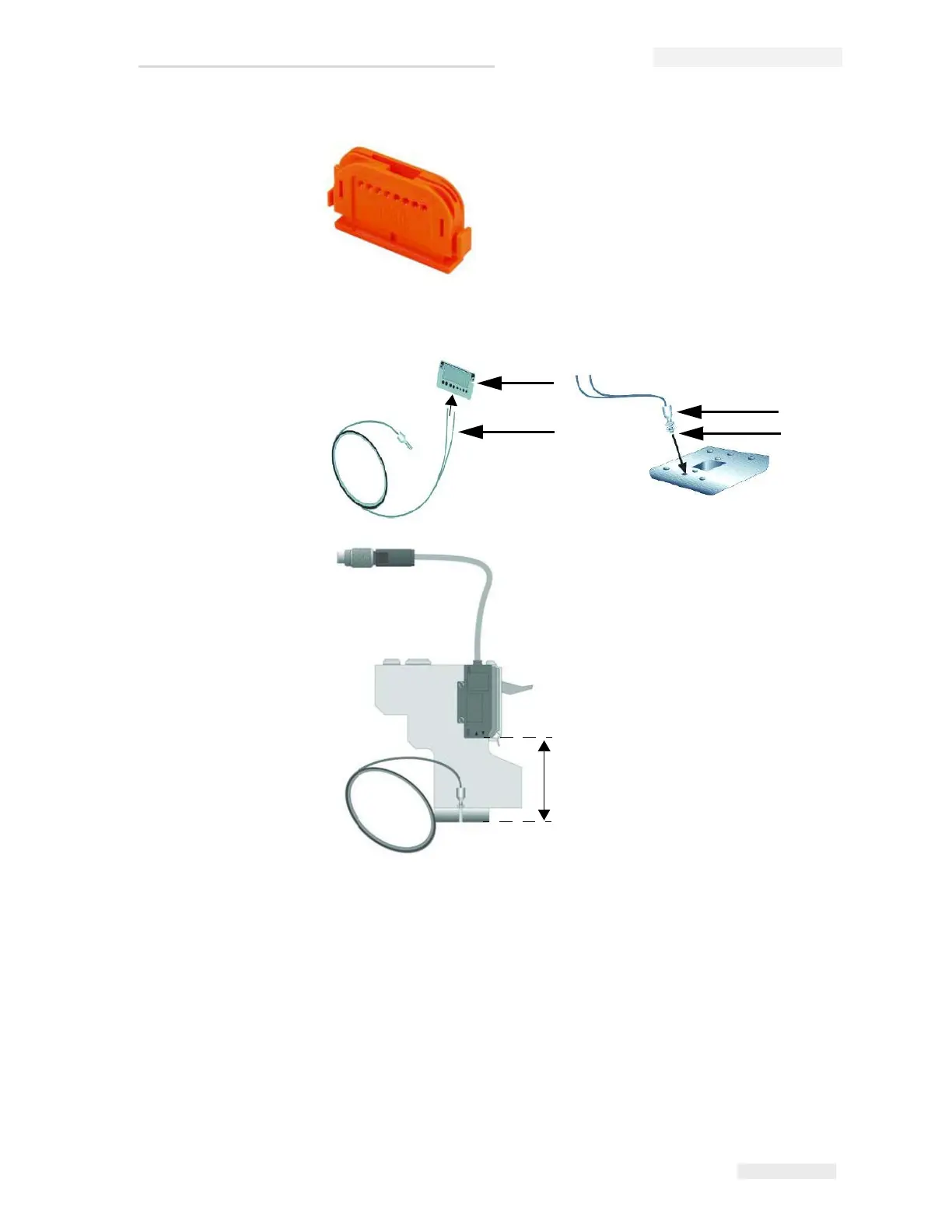
5 Fasten the optical fibre using the screws with nut and serrated lock
washer into the head plate. Make sure that the optical fibre is aligned
flush with the bottom of the head plate. Lock with the nut.
Figure 3-30: Cutter for Optical Fibre
Figure 3-31: Cutting the optical fibre to size
1
2
3
4
5
1. Cutter
2. Optical fibre
3. Serrated lock washer
4. Nut
5. Length of the optical fibre



 To Next Page