4-16 Using the Tools Page Rev AB
Wolke m600 touch Operator Manual
Working with Consumables Diagnostics
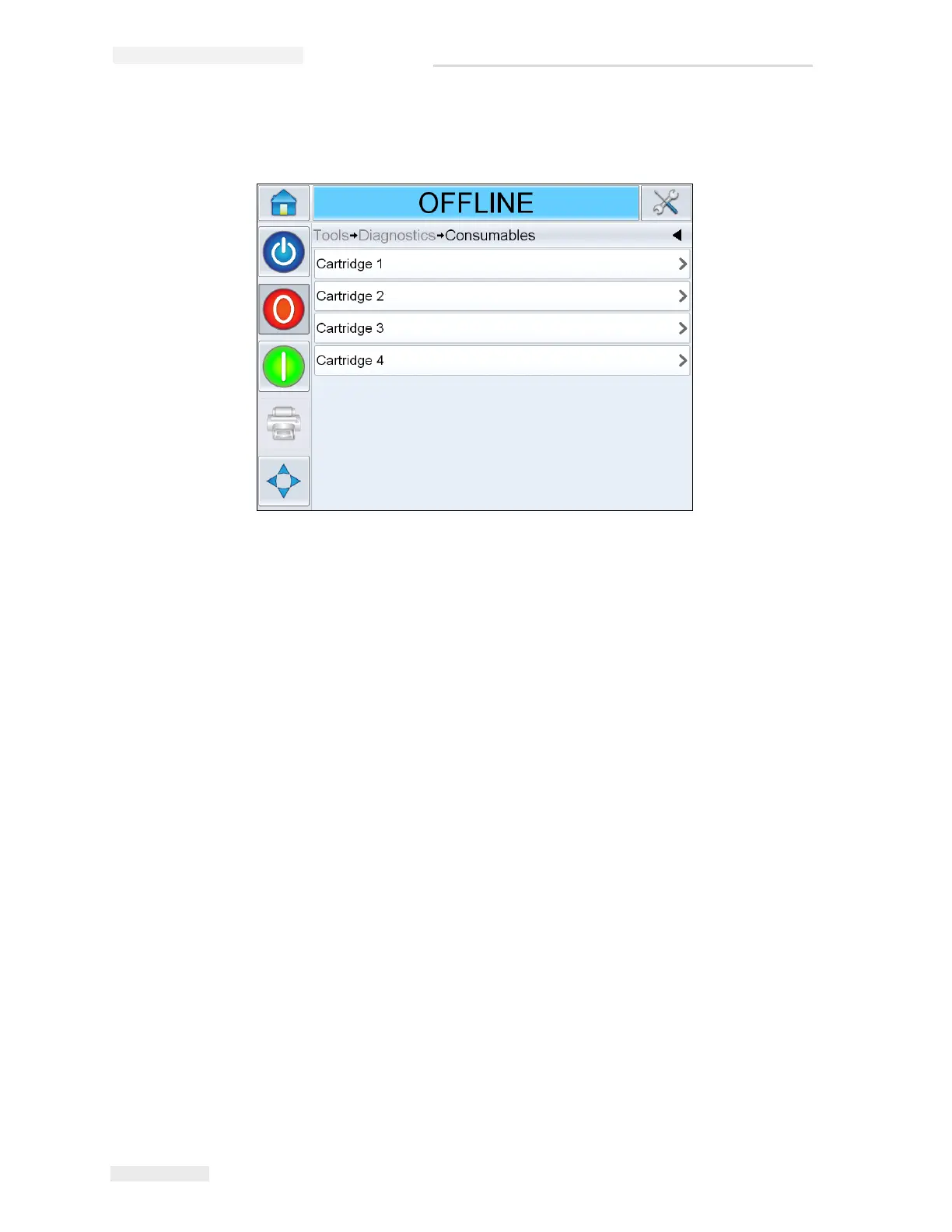
Navigate to Tools > Diagnostics > Consumables. (Figure 4-18).
The Consumables diagnostics page allows the user to access the number
of cartridges used in the printer.
Cartridge 1, 2, 3 and 4
This screen shows the current value of different cartridge parameters to
help you understand the status of the cartridge. Navigate to Tools >
Diagnostics > Consumables > Cartridge 1 (Figure 4-17). The user can view the
different cartridge settings like ink level, ink type, cartridge ID, prints per
cartridge and cartridge inserted.



 To Next Page