Rev AB Setting up the Printer 5-11
Wolke m600 touch Operator Manual
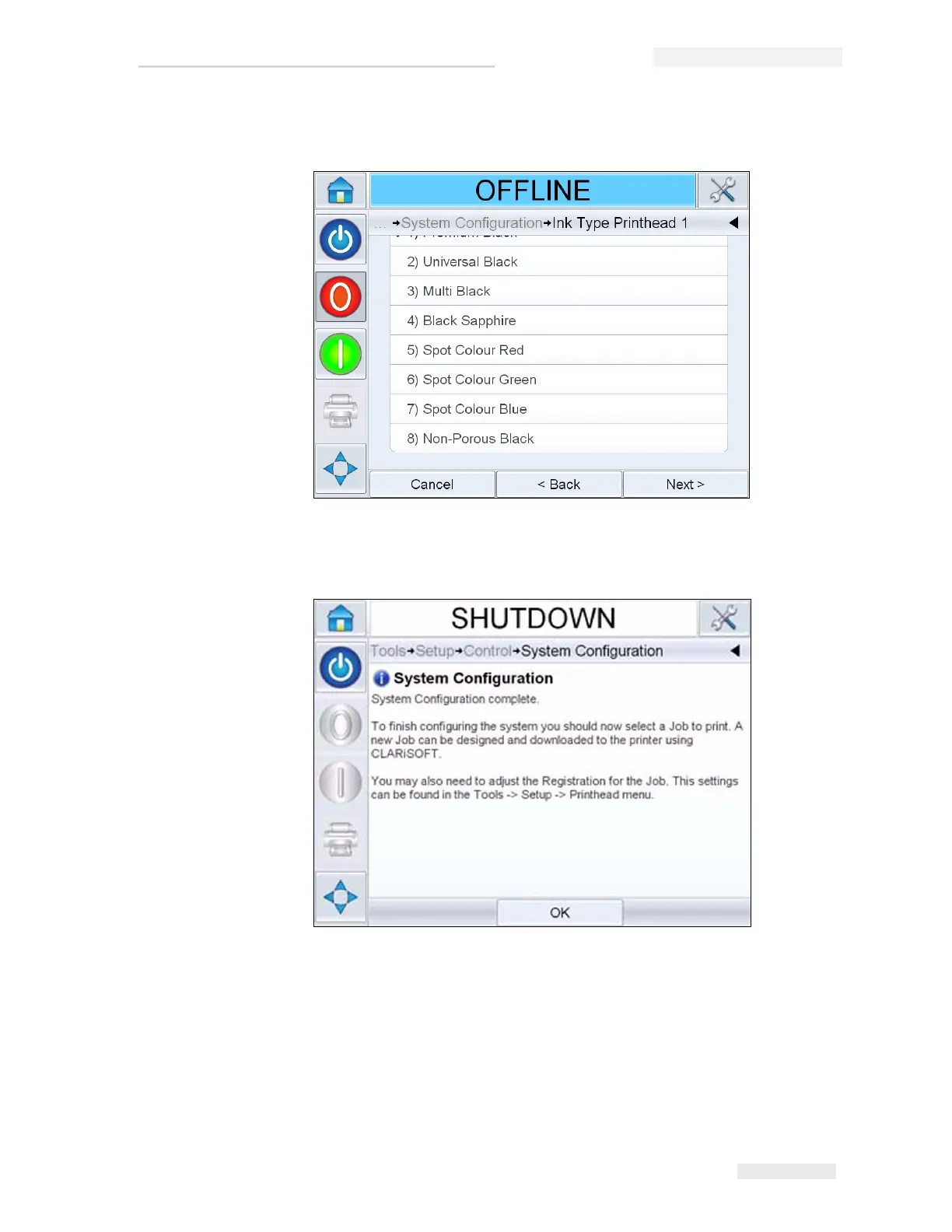
8 Configure the ink type for each printhead.
9 Touch Next, to complete system configuration.
To finish configuring the printer, select a job to print.
Note: To setup the printer without using the Configuration Wizard, see “How to
Set the System Settings” on page 5-21.
Figure 5-16: System Configuration Complete



 To Next Page