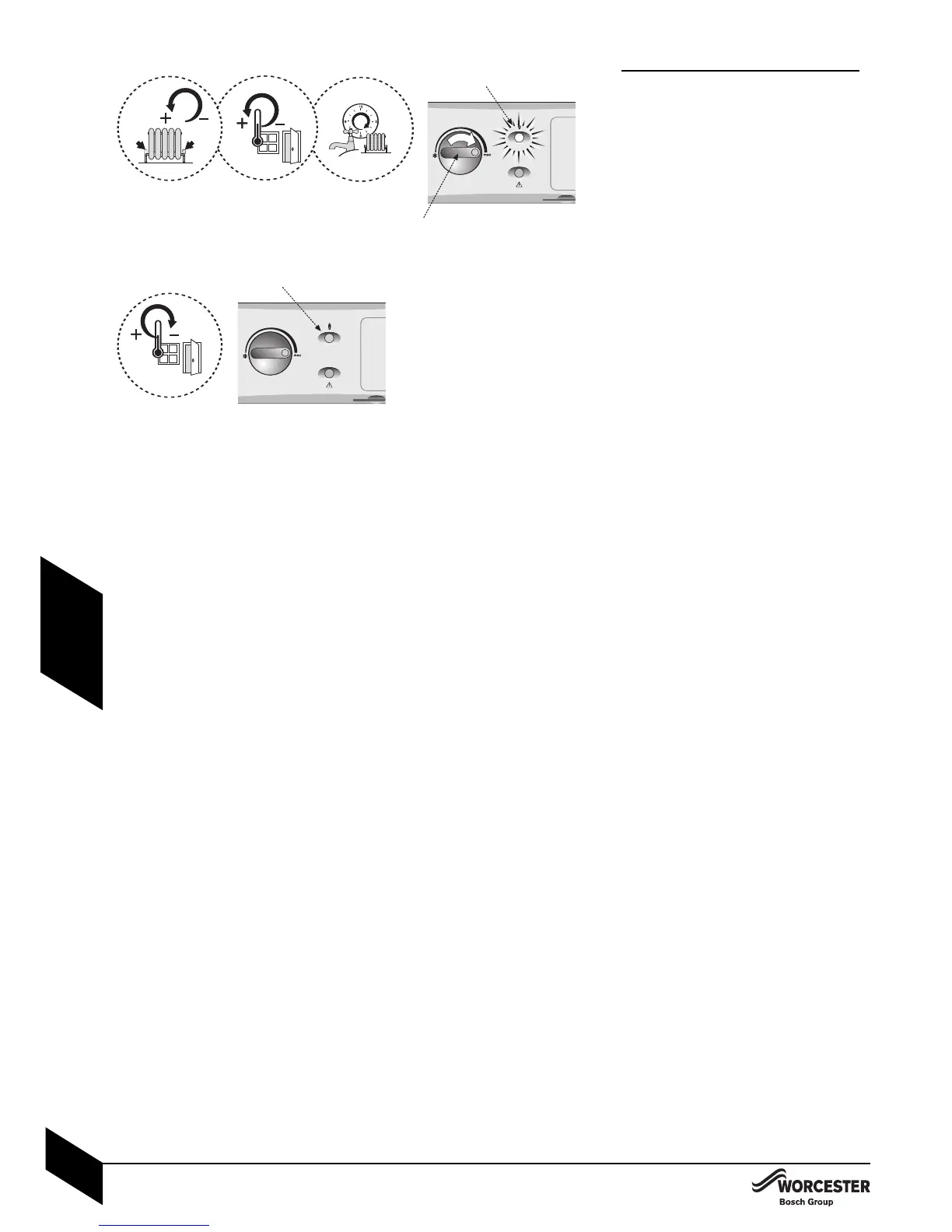
STARTING THE APPLIANCE
Central heating:
14Open all radiator valves.
4Set room thermostat to maximum.
4Set programmer to ON for CH, OFF for
DHW (if applicable).
4Turn the thermostat control (B) to ‘max’.
The ‘demand’ indicator (A) should illuminate and
the burner should be ON with the circulating
pump.
4 Ensure all radiators are heating up evenly
and balance the system to the temperature
difference required for the heating flow and
return according to the heating load.
2
4Set the room thermostat to minimum.
The ‘demand’ indicator light (A), burner and
circulating pump should be off.
34Check that any other controls that are fitted
to the system are operating properly
.



 To Next Page