Audemat Control Silver v.2.1.x User Manual – 06/2015
Page 10
Head Office : Parc d’activites Kennedy - 20, avenue Neil Armstrong – 33700 Bordeaux-Merignac (France)
Tel +33 (0)5 57 928 928 – Fax +33 (0)5 57 928 929 – contact@worldcastsystems.com – www.worldcastsystems.com
URUN LED
Rapid blink: the Audemat Control Silver is working
Slow blink: no script is running
Off: the Audemat Control Silver is off or currently starting
UMAINTENANCE LED
On : the Audemat Control Silver is in maintenance mode, the script does not run
Off : the Audemat Control Silver is in normal working mode
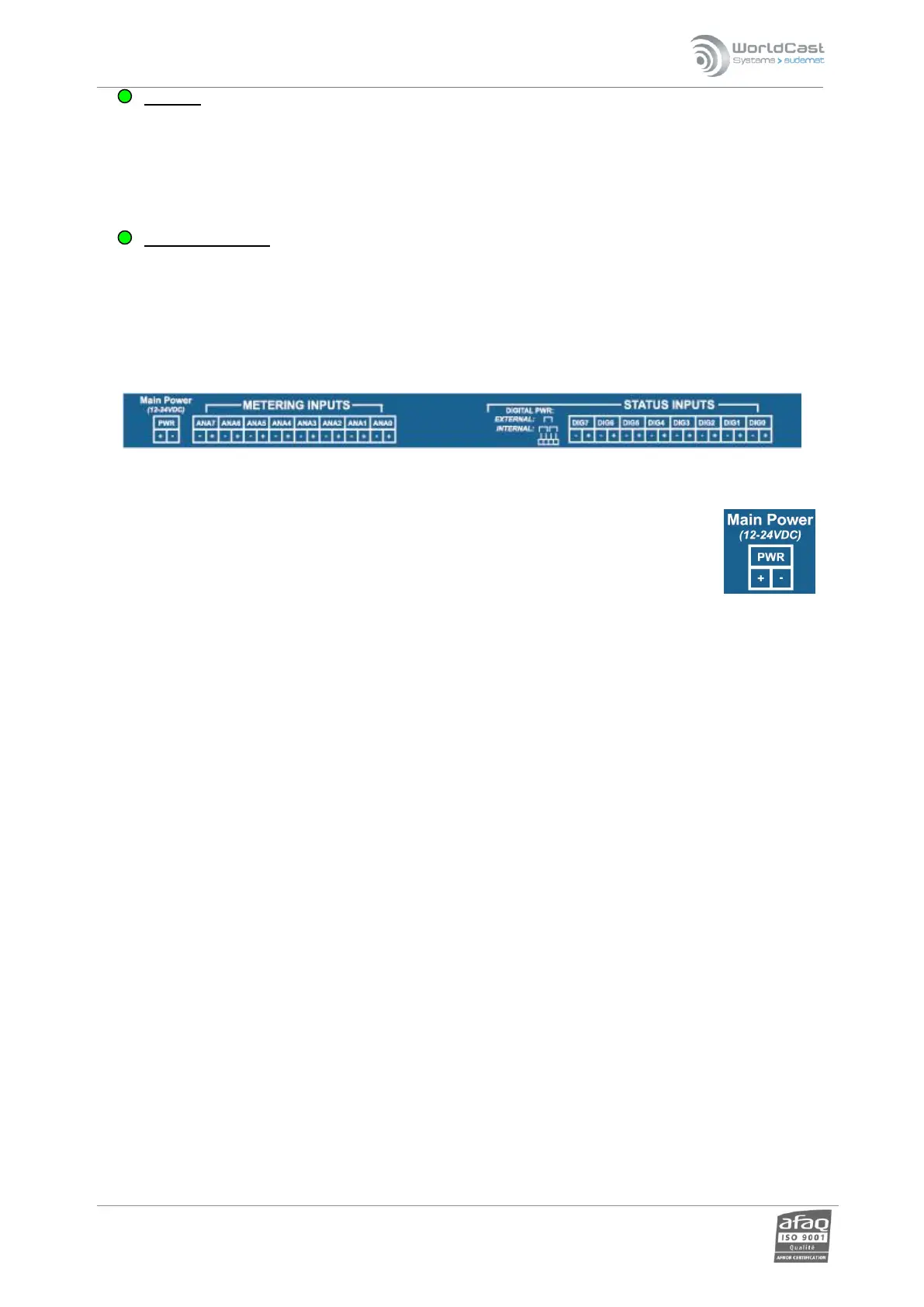
2.5. Top panel
Please refer to the ScriptEasy manual for more information on I/O management.
2.5.1. Power supply
With Audemat’s optional power supply, simply connect the power supply to the “Mains”
connectors.
If using a different power source, use the supplied connector if needed
! Use a 12 to 24 VDC power supply.
! Make sure to comply with the electric circuit polarity.



 To Next Page