Audemat Control Silver v.2.1.x User Manual – 06/2015
Page 13
Head Office : Parc d’activites Kennedy - 20, avenue Neil Armstrong – 33700 Bordeaux-Merignac (France)
Tel +33 (0)5 57 928 928 – Fax +33 (0)5 57 928 929 – contact@worldcastsystems.com – www.worldcastsystems.com
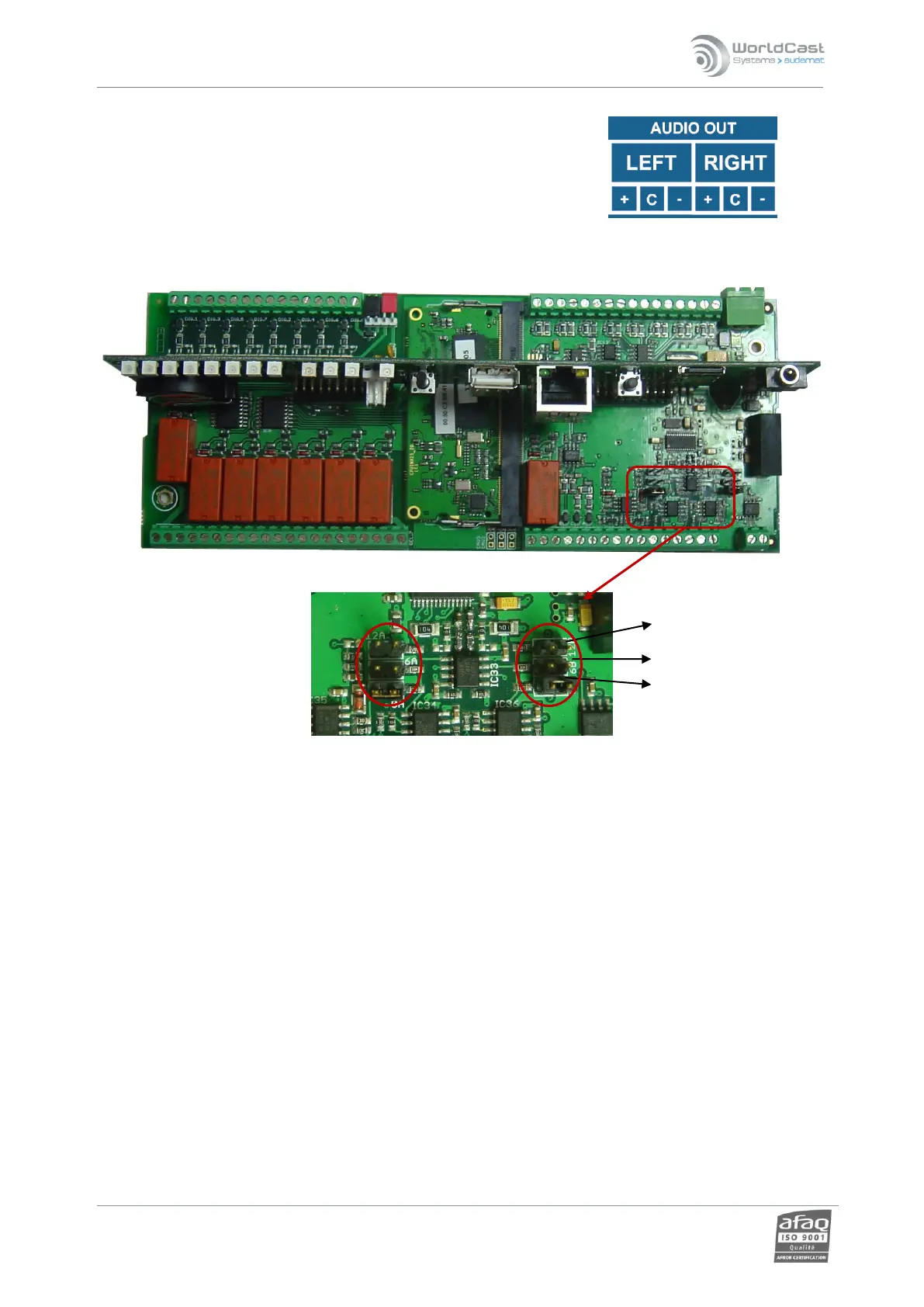
2.6.4. Audio output
The “C“ (common) is connected to the ground of the board
The “+“ is connected to the hot signal.
The “–“ is connected to the cold signal.
The output is balanced.
Audio input levels can be set using jumpers in 0, 6 or 12 dBu depending on the received signal. Default setting is 12
dBu.
The various jumper positions are indicated on the printed circuit of the main board.



 To Next Page