Audemat Control Silver v.2.1.x User Manual – 06/2015
Page 30
Head Office : Parc d’activites Kennedy - 20, avenue Neil Armstrong – 33700 Bordeaux-Merignac (France)
Tel +33 (0)5 57 928 928 – Fax +33 (0)5 57 928 929 – contact@worldcastsystems.com – www.worldcastsystems.com
For a GSM modem, the initialization string is ATQ0V1H0.
The “callers filtering” function enables incoming calls to be filtered using Caller ID (the incoming telephone line
must have this service activated).
Callers Filtering: To add a new account, enter the relevant information and click on “New
Account”. This enables authorized and non authorized incoming calls to be managed.
“Callback”: select ‘Customer’ in the menu to automatically call back the PPP account. When an
incoming call displays a ‘Callback Customer’ number, the modem does not answer; instead, it
waits for the ringing to end and generates an outgoing call to that number. This allows
outgoing PPP connection from the unit without charging the user call.
4.8. SMS Alerts
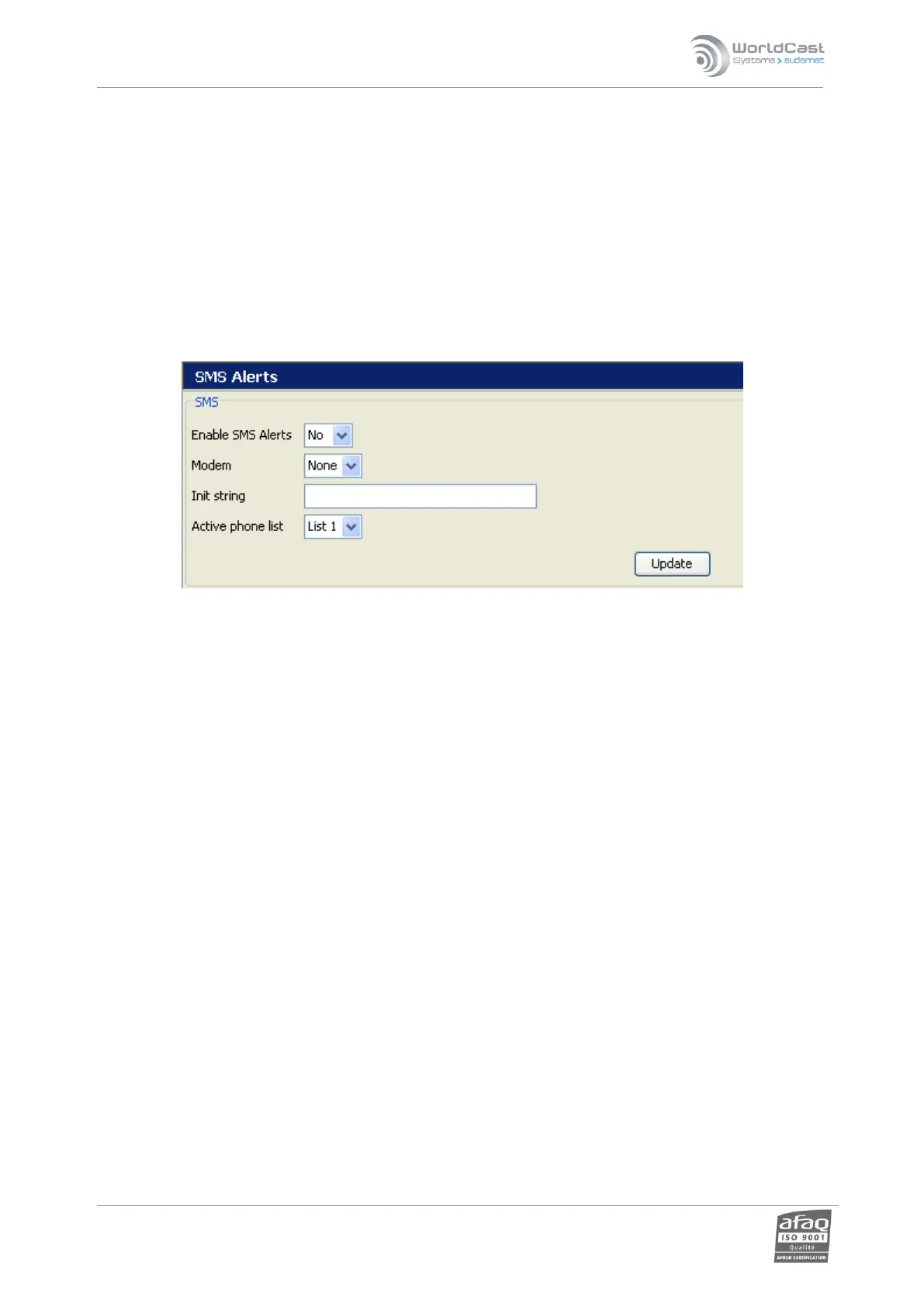
Enable text message alerts on this page.
All modems are not compatible with the SMS function. Use the DB-9 modem approved by WorldCast Systems (see
your dealer for details).
Before configuring SMS alerts, display the I/O Layout page, USB-Serial Ports section to indicate the port (usually
COM1) the modem is connected to and select ‘GSM modem’ in the pull-down menu (see section 7.16).
Once SMS alerts have been enabled, COM1 will appear in the list of available modems; select it.
The initialization string can be left blank.
SMS recipient accounts are configured on the Users page (see section 7.4). All users who should receive SMS are
associated with a list which will be selected here.



 To Next Page