Audemat Control Silver v.2.1.x User Manual – 06/2015
Page 34
Head Office : Parc d’activites Kennedy - 20, avenue Neil Armstrong – 33700 Bordeaux-Merignac (France)
Tel +33 (0)5 57 928 928 – Fax +33 (0)5 57 928 929 – contact@worldcastsystems.com – www.worldcastsystems.com
4.11. Support
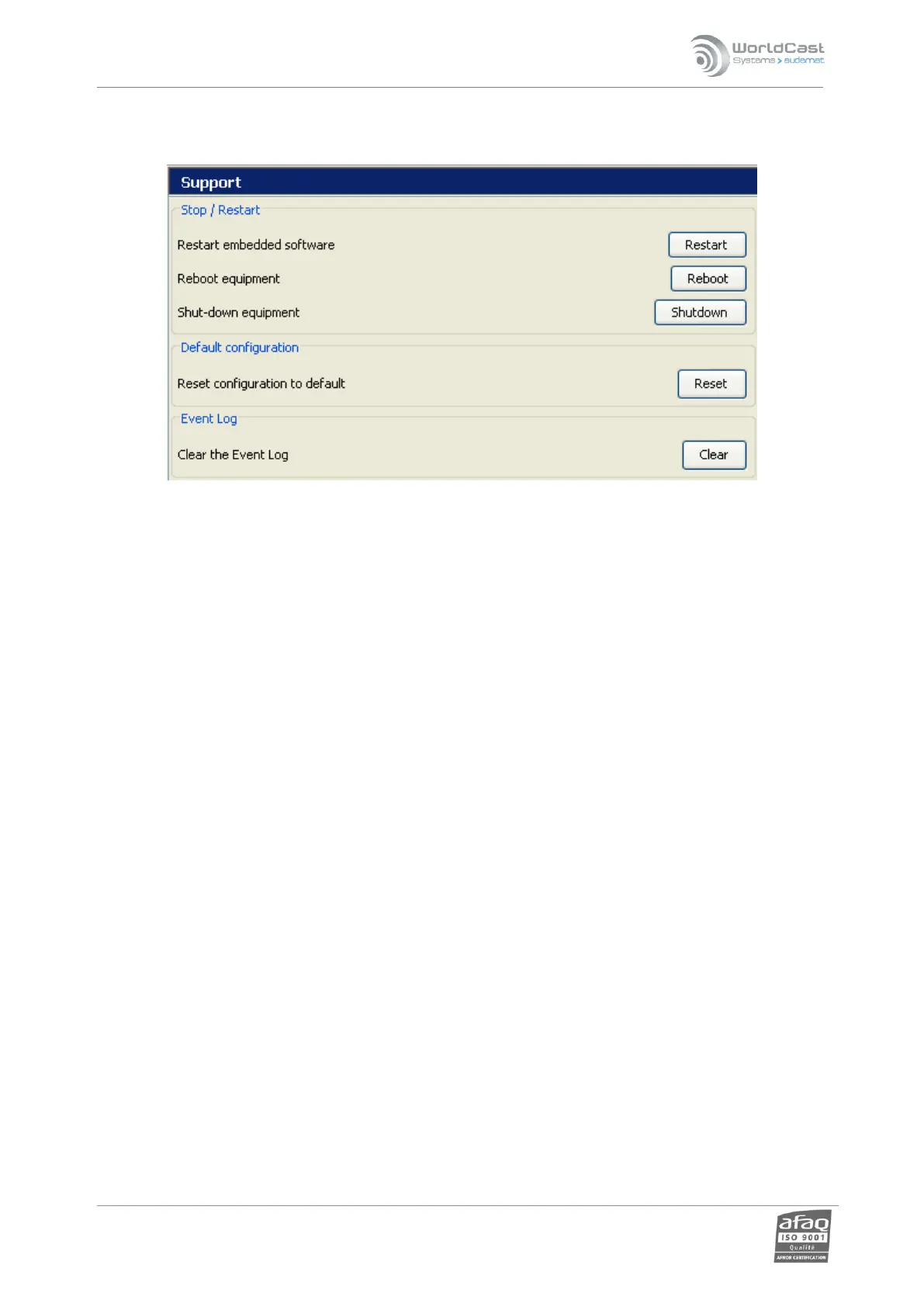
Stop / Restart:
‘Restart’ enables the user to restart the application to reinitialize the
parameters.
“Reboot equipment”: this function restarts the entire unit.
“Shutdown”: enables the unit to be switched off remotely.
! Save your script before rebooting the unit, you will not be prompted to do it.
! Be aware that rebooting can take a long time!
The unit cannot be turned on remotely.
Default configuration:
This function will allow the user to delete the present configuration and to reset the factory
configuration.
! All parameters as well as scripts and log files will then be deleted. However, network parameters will
remain.
Event Log:
Clear the event logs.
30 000 are kept at the most. When that number is reached, the older events are erased as new events are
added.



 To Next Page