Audemat Control Silver v.2.1.x User Manual – 06/2015
Page 29
Head Office : Parc d’activites Kennedy - 20, avenue Neil Armstrong – 33700 Bordeaux-Merignac (France)
Tel +33 (0)5 57 928 928 – Fax +33 (0)5 57 928 929 – contact@worldcastsystems.com – www.worldcastsystems.com
4.7. PPP Dial-in
! Enabling PPP connections will suspend Phone Alert and Voice/DTMF functions!
When configuring from ScriptEasy, enabling one function will disable the other function’s tab. After disabling a
function, you’ll need to close the system configuration pages and open them again to enable the tab you need.
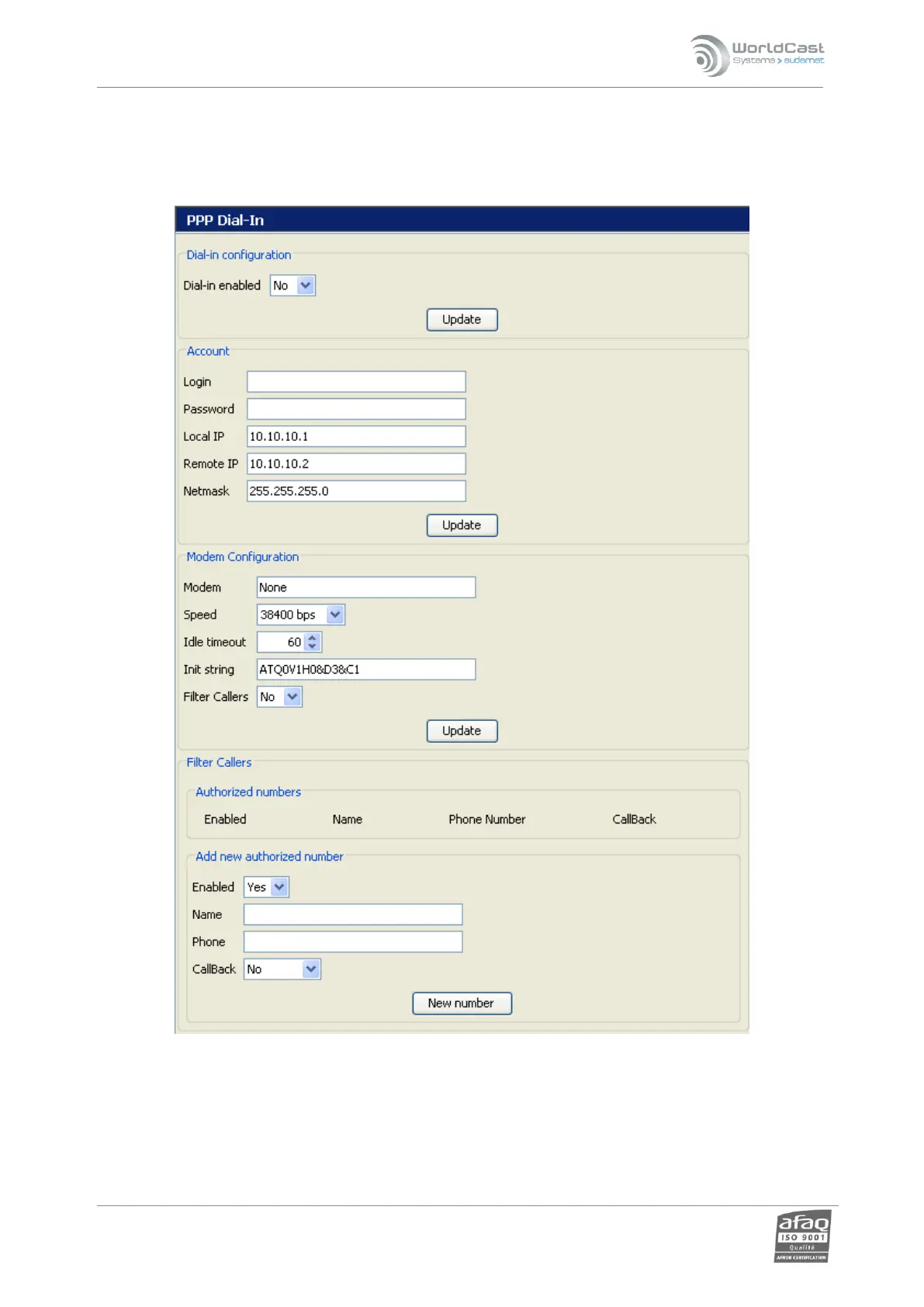
To configure incoming calls from a PPP server:
Dial-in configuration: activation of “incoming calls" function.
Account: account and access settings.
Modem configuration: the user selects the modem (if necessary) and its features.



 To Next Page