99
XAG AUSTRALIA
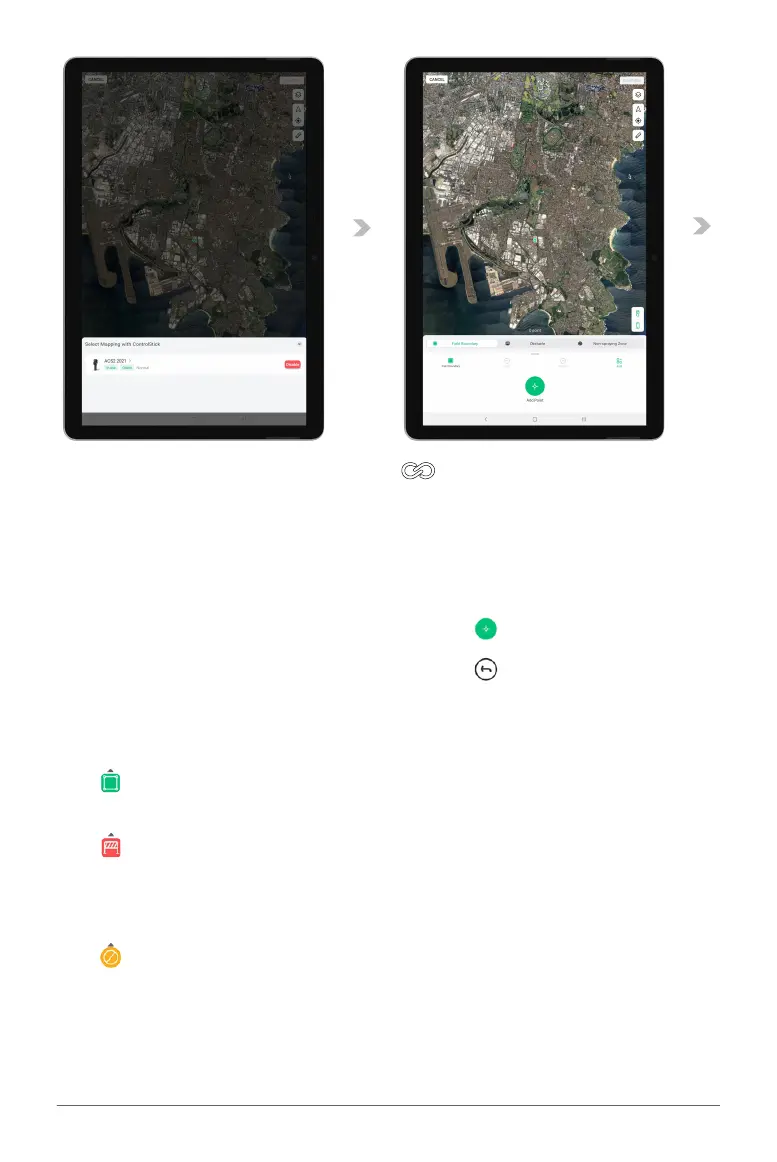
04. With ACS2 RTK Module attached, long press “ ” on the remote controller to enable
Mapping Mode.
05. User will walk and position themselves with the Remote Controller (with RTK Module attached) at
the desired location and add Points of the Field Boundary, Obstacles and Non-Spraying Zone.
Points can be added via APP or Remote Controller.
Adding Point via APP: Press “ ” on APP
Removing Point via APP: Press “ ” on APP
Adding Point via Remote Controller: Press Button A on Remote Controller
Removing Point via Remote Controller: Press Button B on Remote Controller
Field Boundary
Field Boundary are individual points that
form an application zone.
Obstacle
Obstacles are individual points that form an
area where the RPA will not fly/enter as it
has been designated as a potential hazard
to the RPA.
Non-Spraying Zone
Non-Spray Zone are individual points that
form an area that the RPA may fly over but
will be restricted from application.
06. Review the Map and the points that had been added, then Tap “Confirm”.



 To Next Page