XAG AUSTRALIA
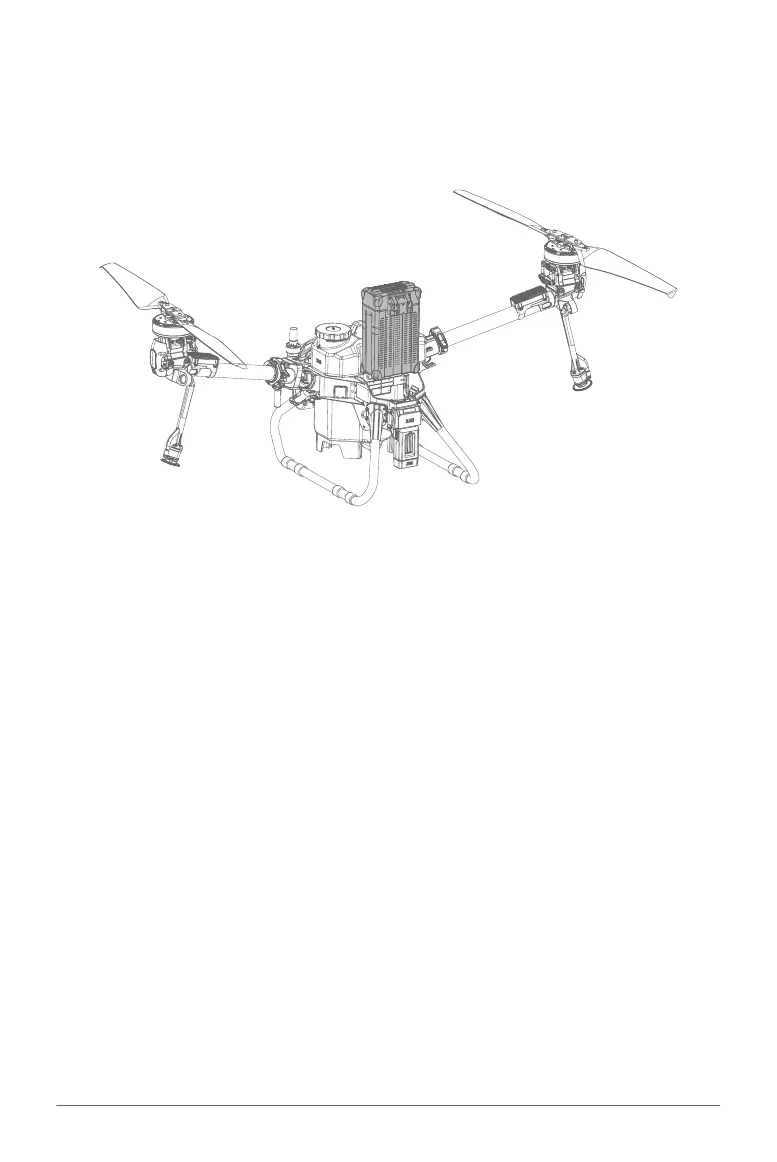
Insert the Battery into the Aircraft battery compartment, gently push downward until hearing a
clicking sound indicating the battery terminal is now connected to the Aircraft.
TURN ON
01. Insert the Battery into the Aircraft battery compartment, gently push downward until hearing a
clicking sound indicating the battery terminal is now connected to the Aircraft.
02. Press and hold the power button on the battery for approximately 1 second until all the indicator
lights flashes, then press and hold the power button again for approximately 1 second until you
hear a beep from the battery.
03. Unfold both the Aircraft Arms and place the aircraft in open area.
04. Please be patient and wait until the Aircraft Flight Status (Tail) Indicator Flashes Green three
times, indicating the Aircraft is now ready.
Turning the Aircraft ON/OFF
Installing the Battery
TURN OFF
01. Press and hold the power button once on the battery for approximately 1 second until all the
indicator lights flash. Then press and hold the power button again for approximately 1 second
until you hear a beep from the battery.
02. Both the Battery indicator and Aircraft Flight Status (Tail) Indicator will be OFF, indicating the
battery can now be removed/swapped.



 To Next Page